SMARTRG INC. PROPRIETARY AND CONFIDENTIAL. ALL RIGHTS RESERVED. COPYRIGHT © 2018 29
There are several parts to configuring a PPP over Ethernet (PPPoE) WAN service. You will progress through several pages to com-
plete the configuration.
Note: You can configure 7 services. If 7 services are configured, you must remove 1 of the services before configuring a new one.
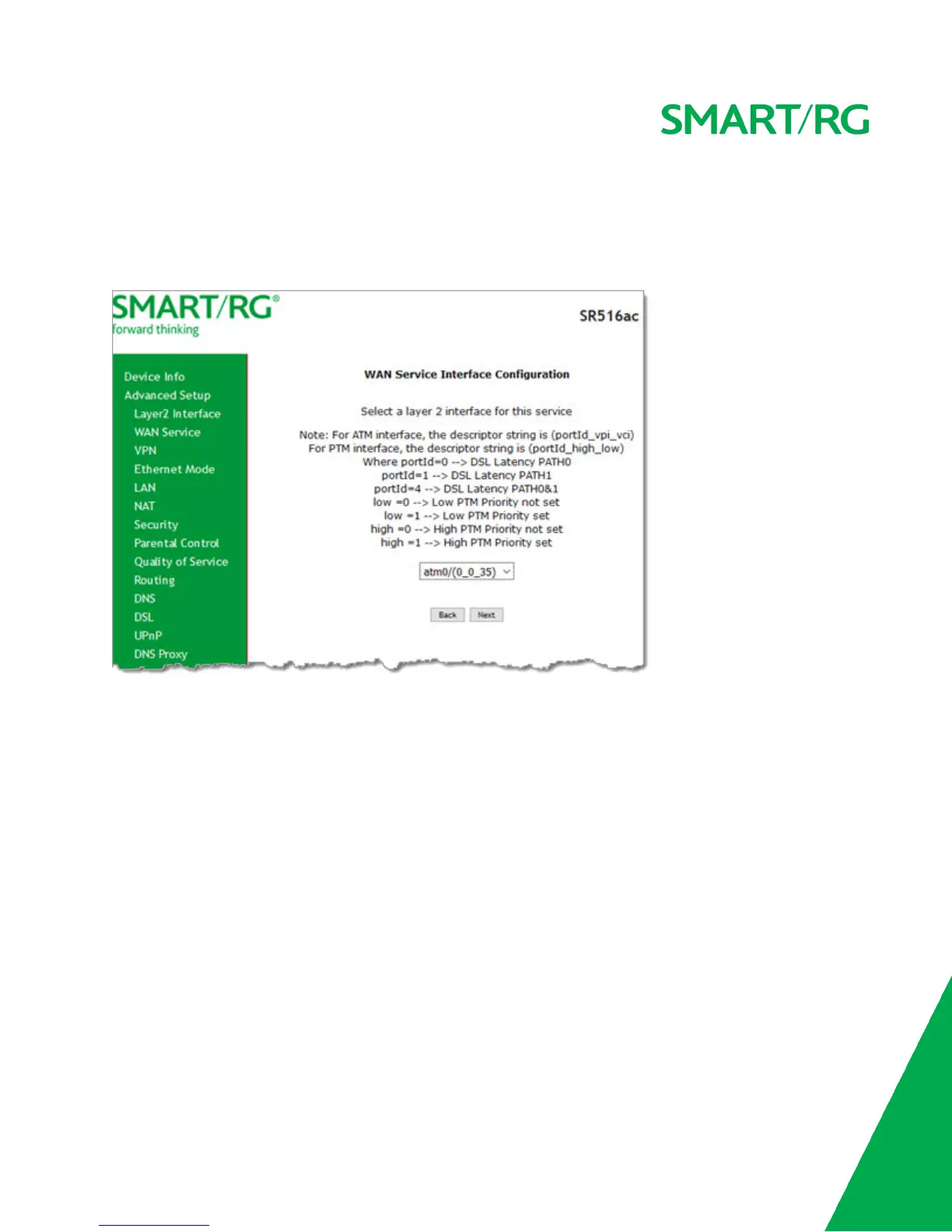
1. In the left navigation bar, click Advanced Setup > WAN Service and then click Add. The following page appears.
2. Select the Layer 2 interface to use for the WAN service.



 To Next Page