281
SIEL
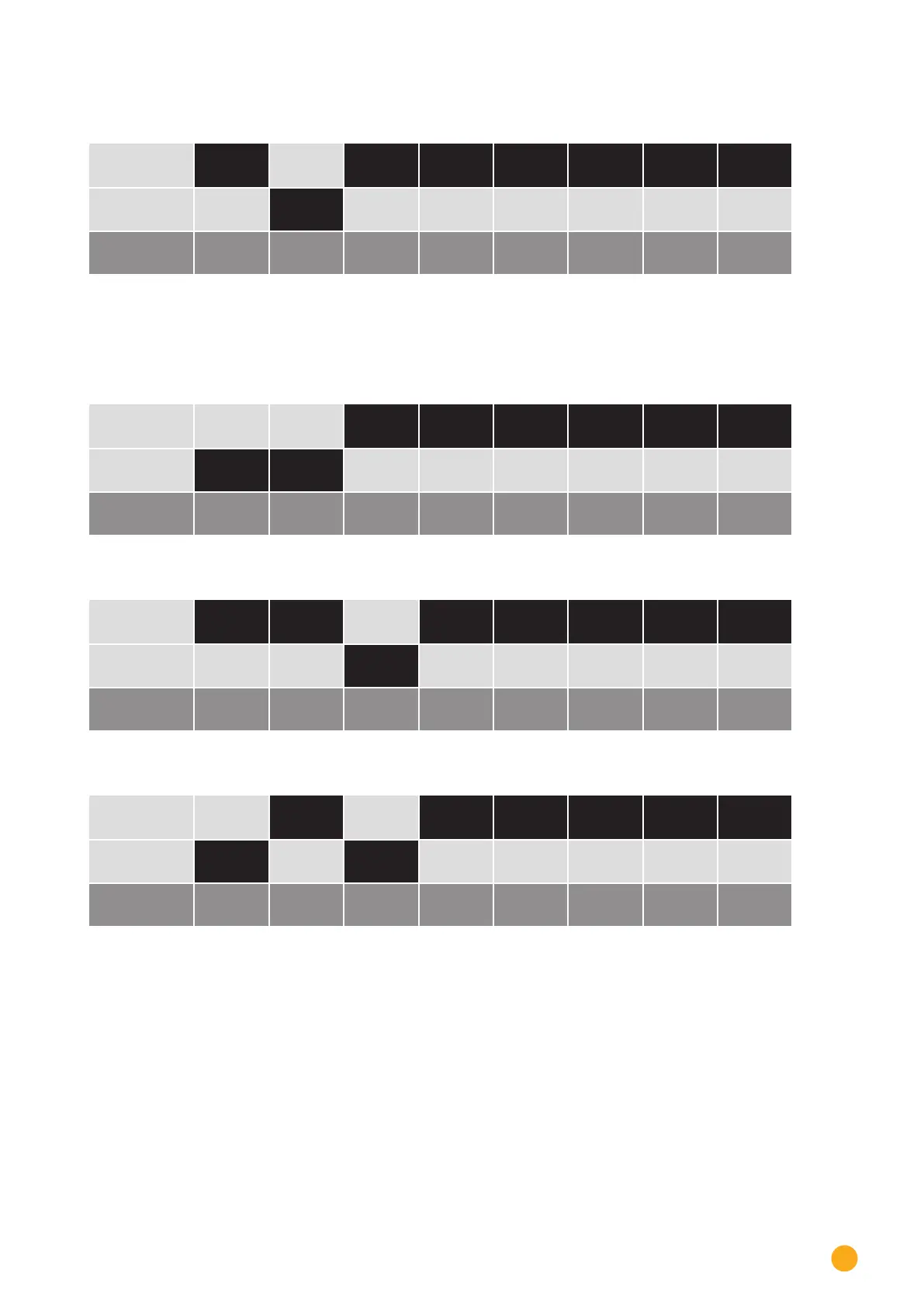
Example - Communication address 2:
On
O
DIP switch
Example - Communication address 3:
On
O
DIP switch
Example - Communication address 4:
On
O
DIP switch
Example - Communication address 5:
On
O
DIP switch
You will find more information at:
http://en.wikipedia.org/wiki/Binary_number.
Installing the RS485 interface
Procedure
► Install the RS485 interface in the inverter in accordance with the interface card installation instructions.
Connect inverters to the Solar-Log™
The wiring is done using a
•
self-made, shielded 2 wire data cable and terminal block connector.



 To Next Page