385
WINAICO
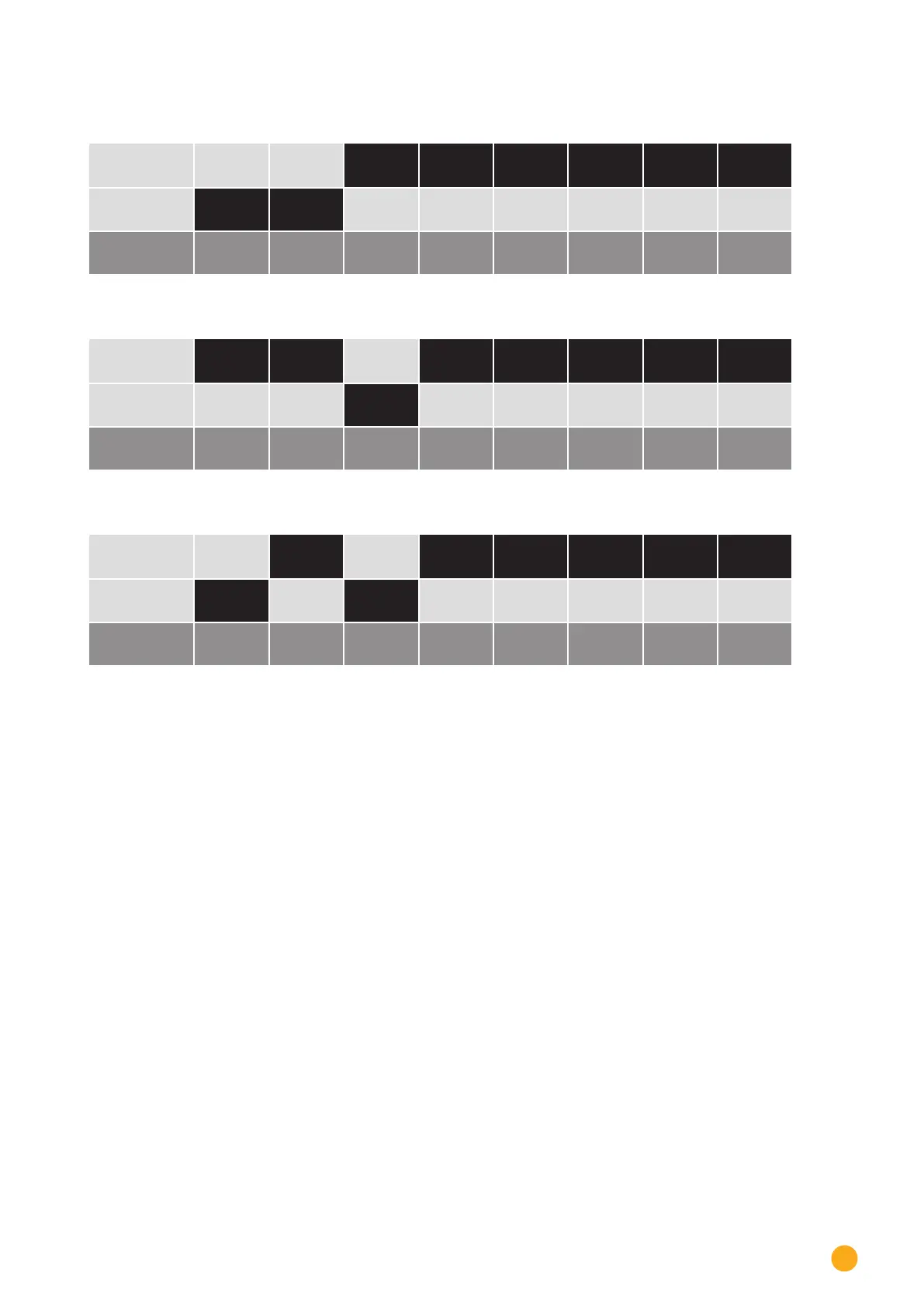
Example - Communication address 3:
On
O
DIP switch
Example - Communication address 4:
On
O
DIP switch
Example - Communication address 5:
On
O
DIP switch
You will find more information at:
http://en.wikipedia.org/wiki/Binary_number.
Installing the RS485 interface
Procedure
► Install the RS485 interface in the inverter in accordance with the interface card installation instructions.
Connect inverters to the Solar-Log™
The wiring is done using a
•
ready-made BKL2 data cable (optional extra; not supplied)
or
•
self-made, shielded 4 wire data cable and terminal block connector.
Procedure
1. Open the inverter as shown in the inverter's instructions.
2. Pull the free wires through the wire opening in the inverter.
3. If you are making the cable yourself, connect the wires as shown in the following diagram:



 To Next Page