OnAir 2000M2 Digital Mixing Console
4-2 Alignment SW V4.0 Date printed: 12.11.03
4.2 Level Meters
• Feed a test signal with your particular nominal level (e.g. +6 dBu) to an
analog or digital line input.
• Set the fader of the corresponding channel to the 0 dB position.
• Route the signal to the corresponding output.
• Connect an AF voltmeter to the selected output (typically: PROGRAM
output).
• Turn the BAL knob fully to the side of the channel where the AF voltmeter
is connected.
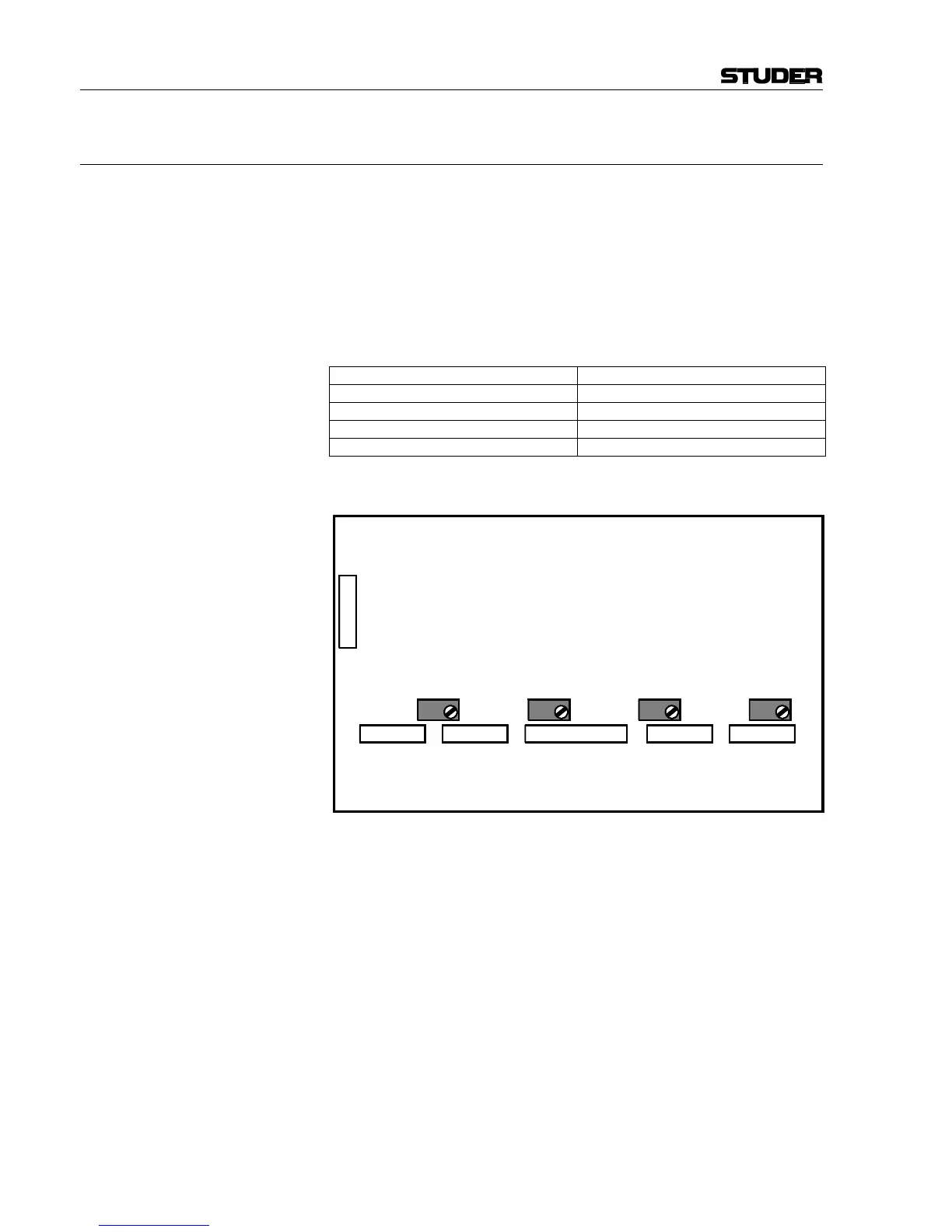
• Adjust for 0 dB indication on the meters according to the table below:
Meter no.: Adjust with:
Meter 1 left RA1
Meter 1 right RA2
Meter 2 left RA3
Meter 2 right RA4
Note: The correlator units do not require any adjustments.
P1
Level meter interface
1.942.113.20
ME1L
P3
ME1R
P4
ME2R
P7
ME2L
P6
CORR
P5
RA1 RA2 RA3 RA4



 To Next Page