DESTINATION SEARCH
216
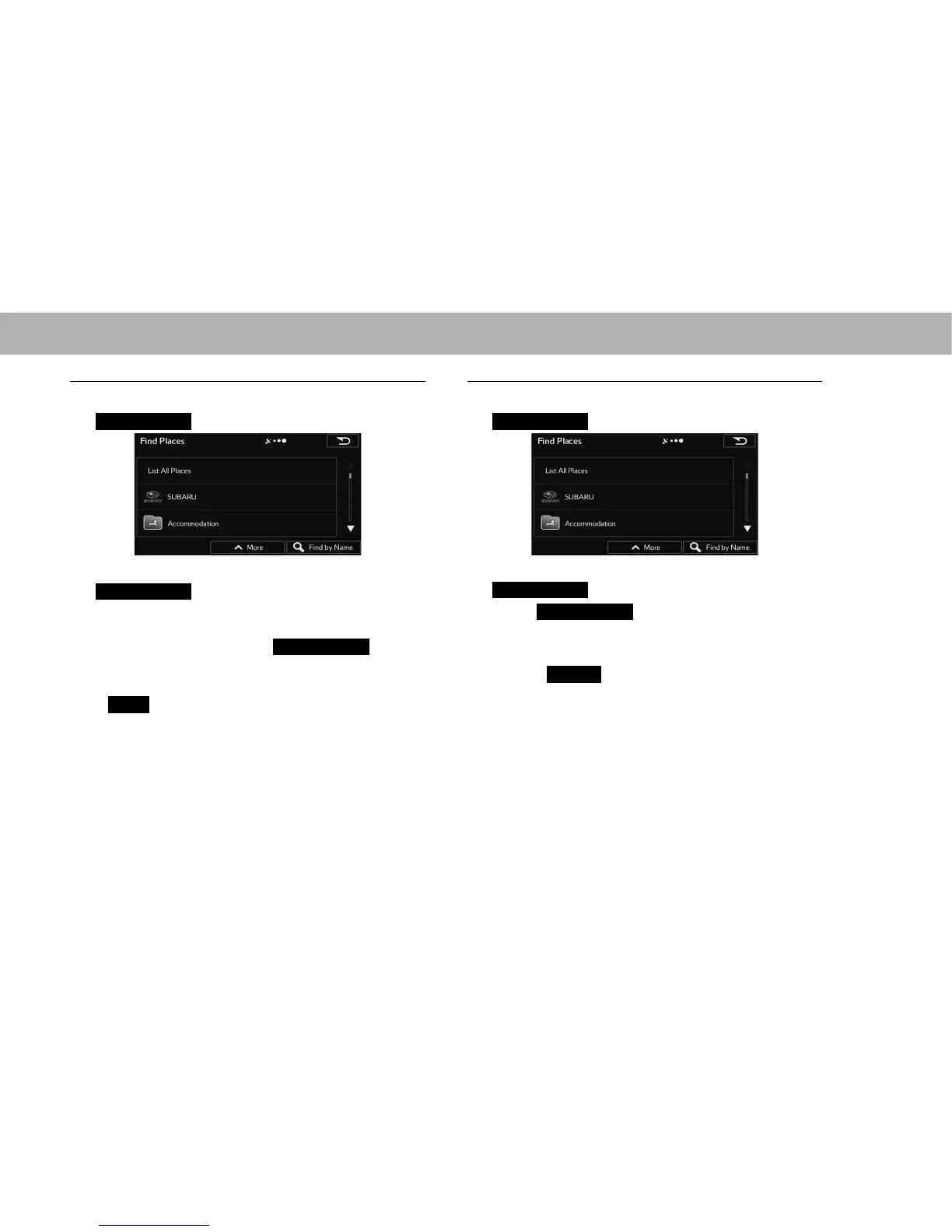
Q SELECTING FROM THE CATEGORIES
1. Select a main category (such as accommodation) or
List All Places
(List All Places).
2. Select a sub-category (such as hotel or motel) or
List All Places
(List All Places).
Ɣ Brand names of services may also be displayed
depending on the sub-category of the selected spot.
Select a brand name or
List All Places
(List All
Places).
3. Select the desired spot.
Ɣ
More
(More): Select to change the sort order of the
list or to display all listed spots on the map.
Q SEARCHTING BY NAME
1. Select a main category (such as accommodations) or
Find by Name
(Find by Name).
2. Select a sub-category (such as hotels or motels) or
Find by Name
(Find by Name).
3. Select
Find by Name
(Find by Name) to search a
sub-category of the select spot.
4. Enter a spot name.
Ɣ Select
Results
5HVXOWV DIWHU HQWHULQJ WKH ¿UVW IHZ
characters to open a list of spot names that include
the characters you entered.
5. Select the desired spot.















 To Next Page