automatic mode is activated with '2' the request for measuring system
flushing is given only after the MultiFlow has detected a product change.
Setting '0' means that the monitor is deactivated. In this case measuring
system flushing can be activated only with menu item 7.
In OBC mode the OBC is not notified about the flushing process.
9.8 Residue removal via EPE2
The following description is relevant only for program versions from 5.00
(approval according to MID).
Control of a residue discharge pump connected to the
EPE2. For this purpose the "EPE2-AIII" or "EPE2-AI"
mode must be activated (parameter 3.1.8.5.1).
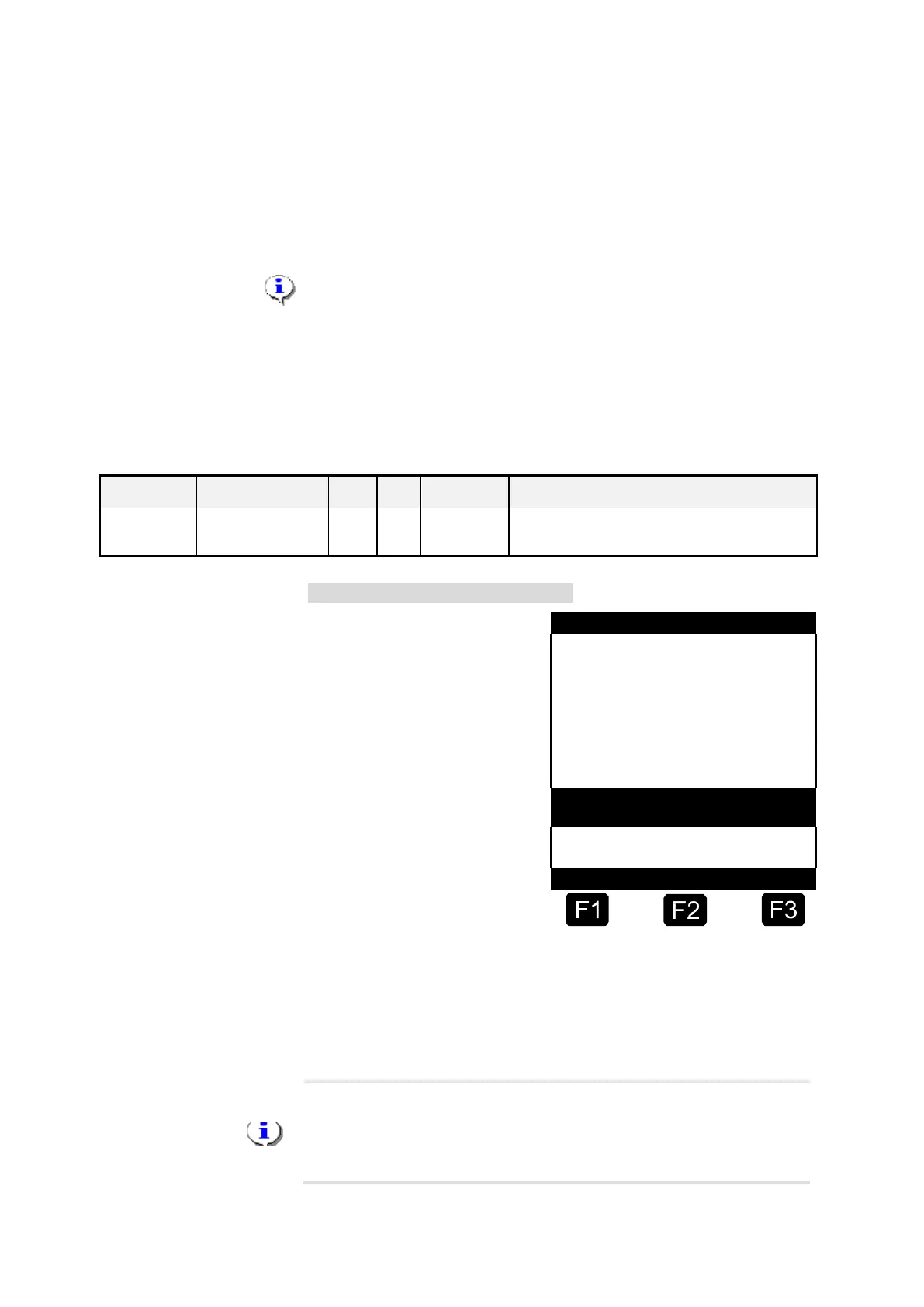
“Residue removal EPE2” display
The “Residue removal EPE2”
menu item (menu 8) can be
used to carry out the residue
removal of the measuring
system via a residue discharge
pump connected to the EPE2.
For this purpose an EPE2 must
be connected to the MultiFlow
and configured via the CAN
bus. The "EPE2-AIII" (menu
3.1.8.5.1.4) or „EPE2-AI“
(menu 3.1.8.5.1.5) must also
be active.
Residue removal is started by
activating the <START> key.
Activate the <STOP> key once to pause residue removal and once more
to cancel.
If residue removal is not cancelled manually using <STOP> it is cancelled
automatically after a maximum residue removal period defined in the
"Residue removal timeout" menu item (menu 3.1.8.5.2).
During the residue removal through "Residue removal EPE2" (menu
8), the residue removal via "EPE2-AI" (menu 3.1.8.5.1.5) also monitors
the state of the EPE2 sensor. If a complete residue removal cycle is
detected, the EPE2 output will be disabled and residue removal will be
paused.












 To Next Page