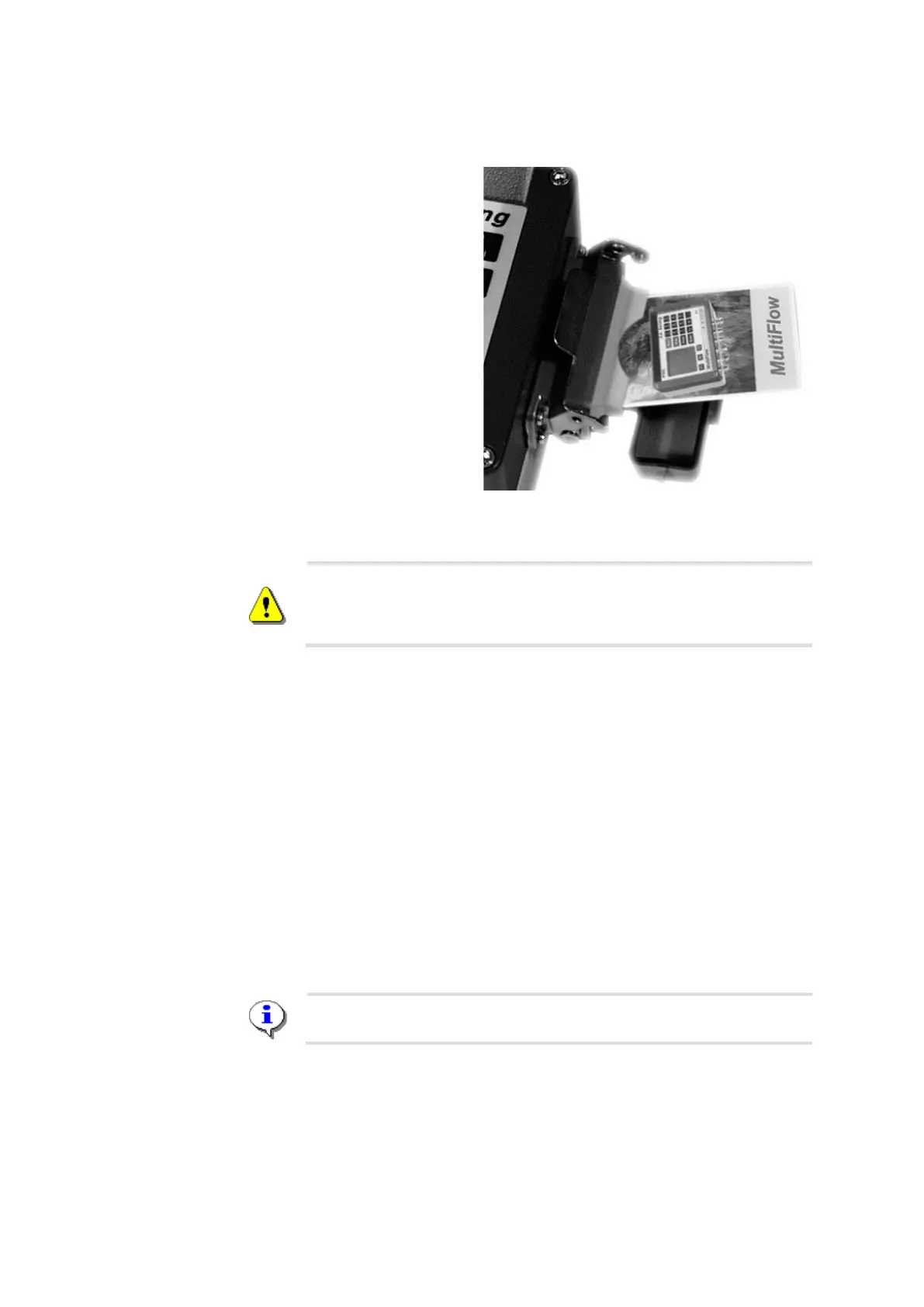
To open, pull the
latching lever
forward and fold
back the plastic flap.
☺ Now the slot for the
chip card is visible.
Insert the chip card
with the contact pads
face down (not
visible on insertion).
•
Close and latch
the flap.
Only when the chip
card is secured in this way no dampness can enter the device.
The plastic flap which protects the chip card reader must always be
kept closed and latched. You should never drive the truck with an open
or unlatched flap. The vehicle should never be left outdoors overnight
with the flap unlatched.
In conjunction with a chip card the chip card reader is used to save the
parameter list, and for data interchange with the data processing system
(PC or similar) in the office. The backup copy of the parameter list can be
used, for example, to reload the parameter list and the delivery receipt
definitions into the MultiFlow after a program update.
The chip card can also be used to simplify the office work and to
automate the processing of the customer data. The customer receives
deliveries in the usual manner.
After the end of the shift the delivery data is no longer output as a daily
report on the printer, but is instead written to the chip card. The chip card
is read out in the office and the data can be processed with suitable
software. A printout of the daily report on the vehicle is therefore no
longer required.
Further information in chapter 9.12.1 "Saving the Parameters" / page
173.
5.5 Overview
With the Chip-Plus Package for the Sening
®
MultiFlow tank truck
computer, it is possible to directly acquire and process computer data in












 To Next Page