EasyManua.ls Logo

TechnipFMC Sening MultiFlow - Product Definition; Printer Settings

TechnipFMC Sening MultiFlow
356 pages
Print Icon
To Next Page IconTo Next Page
To Previous Page IconTo Previous Page
Loading...
MN F09 002 US  DOK-383E  Issue/Rev. 3.65 (02/24)
MultiFlow  Address and contact details
316
Sening® is a registered trademark of FMC Technologies
Product Definition
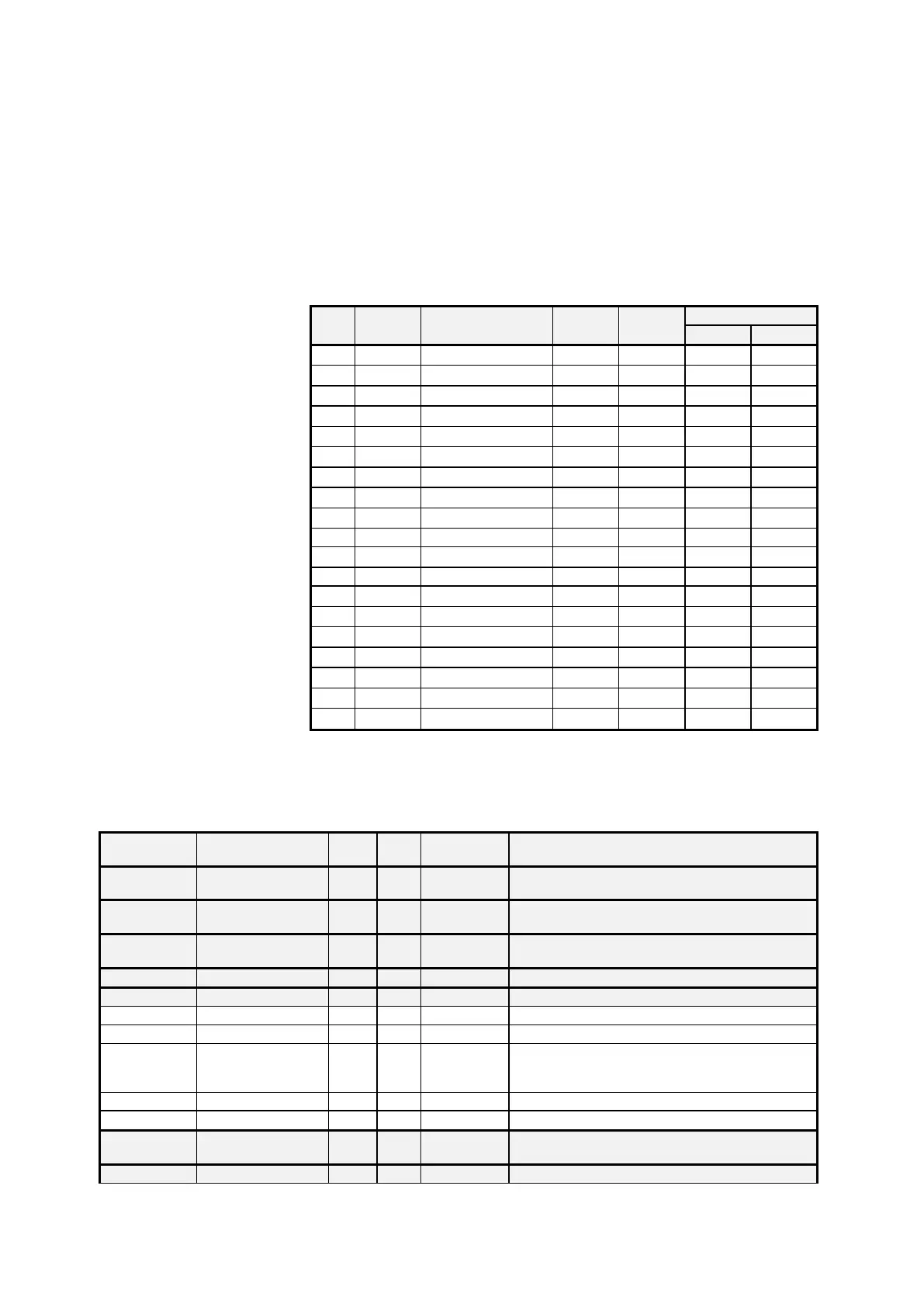
The factory settings already include a number of predefined products.
They are located in the product register under the position stated in the
following table as (No.).
No.
PTB-
Code
Name
Unit
Density
Price
Factor
11
1
Heating Oil

846
0,00
100
12
2
Diesel

836
0,00
100
13
3
Super E5

749
0,00
100
14
5
Super E10

749
0,00
100
15
6
4-Star

753
0,00
100
16
7
Kerosene

807
0,00
100
17
8
Jet Fuel

801
0,00
100
18
9
Bio Fuel Oil

831
0,00
100
19
12
Heating Oil +

846
0,00
100
21
-
Additive (1L)
pcs.
-
0,00
1
22
20
Additive (Pump)
m
-
0,00
1000
31
-
Transport Duty
-
-
0,00
0
32
97
Propane

509
0,00
100
33
98
Butane

577
0,00
100
34
99
LPG

537
0,00
100
35
0
E05

739
0,00
100
36
0
E10

741
0,00
100
38
0
E80

781
0,00
100
39
0
E85

785
0,00
100
Note: Programmed calculation for final cost: [
]
Printer Settings
No.
Name
Seal
K
Factory
setting
Meaning
1
Short report
D
Short report over the selected reporting period.
Selection possible according to time or receipt no.
2
Detailed report
D
Detailed overview over the selected reporting period.
Selection possible according to time or receipt no.
3
Copy receipt
D
Reproduction of receipts according to selected receipt
numbers
4
ZERO receipt
D
Receipt as proof that counter is at ZERO
5
Parameter list
D
5.1
W & M settings
D
Only prints settings relevant to W&M requirements
5.2
All settings
D
Prints all settings.
5.3
Driver list
M
Output list of all registered drivers
NOTE: The passwords for the master access are
printed as well.
5.4
Form elements
D
Listing of defined form elements
5.5
Receipt layout
D
Test printout of defined receipt layout
6
Event report
M
Print extract from the log book according to
selected time period
7
Office link
F
Save a trip report on the chip card

Table of Contents

Related product manuals