Sening
®
is a registered trademark of FMC Technologies
MN F09 002 US DOK-383E Issue/Rev. 3.65 (02/24)
MultiFlow General User Instructions
4
General User Instructions
4.1 Menu Structure
Apart from starting the discharge, two menu trees are accessible from
Start screen:
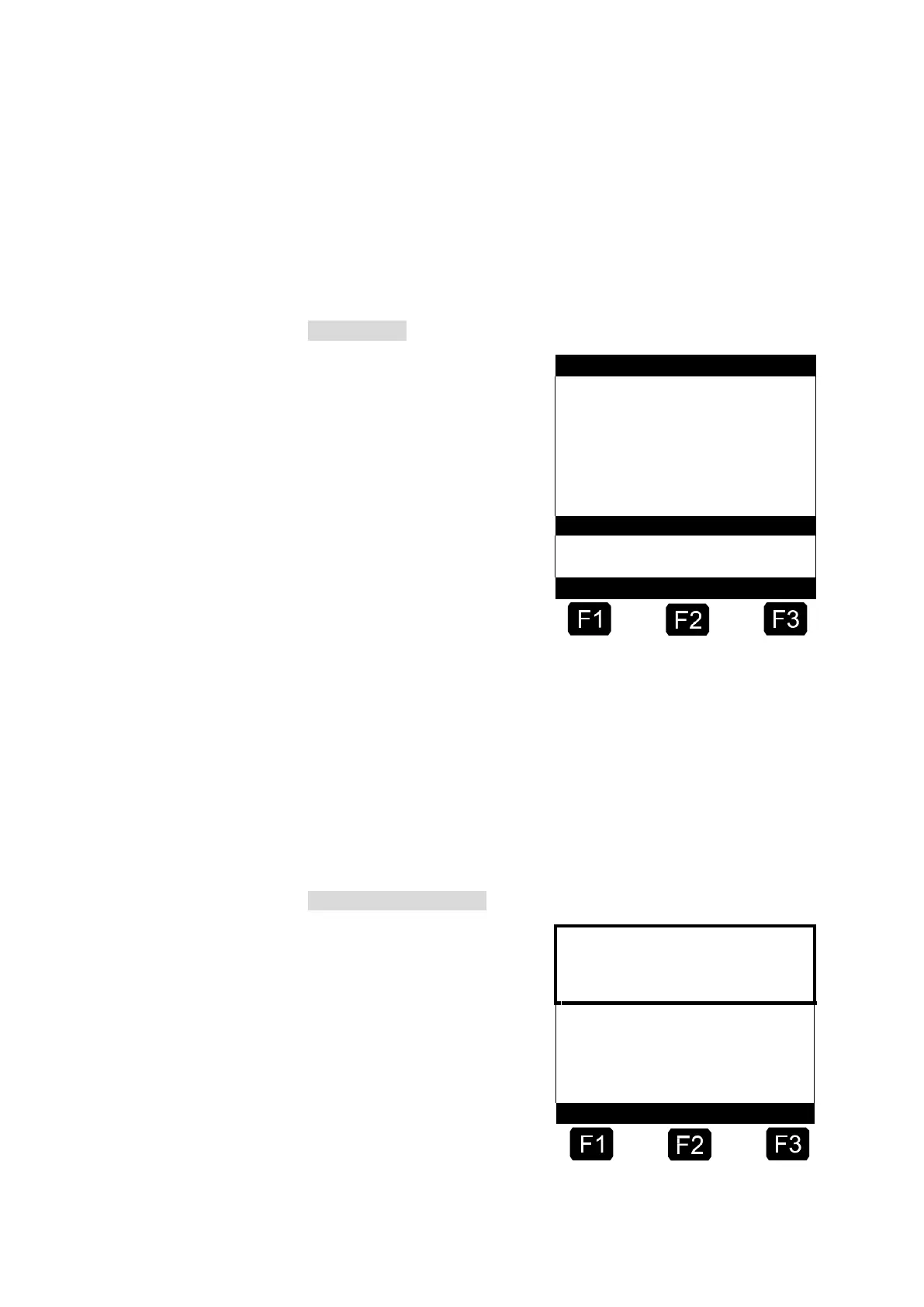
Start screen
FA Se ni ng M ul ti Flo w
S el ec t Pr od uc t a nd
Vo lu me w it h S TAR T>
C re at e Re po rt s
wi th <P RIN T>
C ha ng e Se tt in gs
wi th <F 3>
Se lf te st OK
S ea l OK
Ve rs io n3 .0 4[ 3. 10] UK
4.1.1 Setup Menu (after switching on)
The setup menu appears after the unit is switched on and remains visible
for about 6 seconds. During this period the setup menu for the display
can be called up with the function key <F1> or the test reader for the chip
card with <F2>.
The setup menu appears immediately after the switching on for about 6
seconds.
SETUP / TEST – Menu
G E NE RI C TE RM IN AL
F M C F. A. SE NI NG
T10 0 V2 .3 1
F 1 = SE TU P DI SP L AY
F 2 = TE ST R EA DE R












 To Next Page