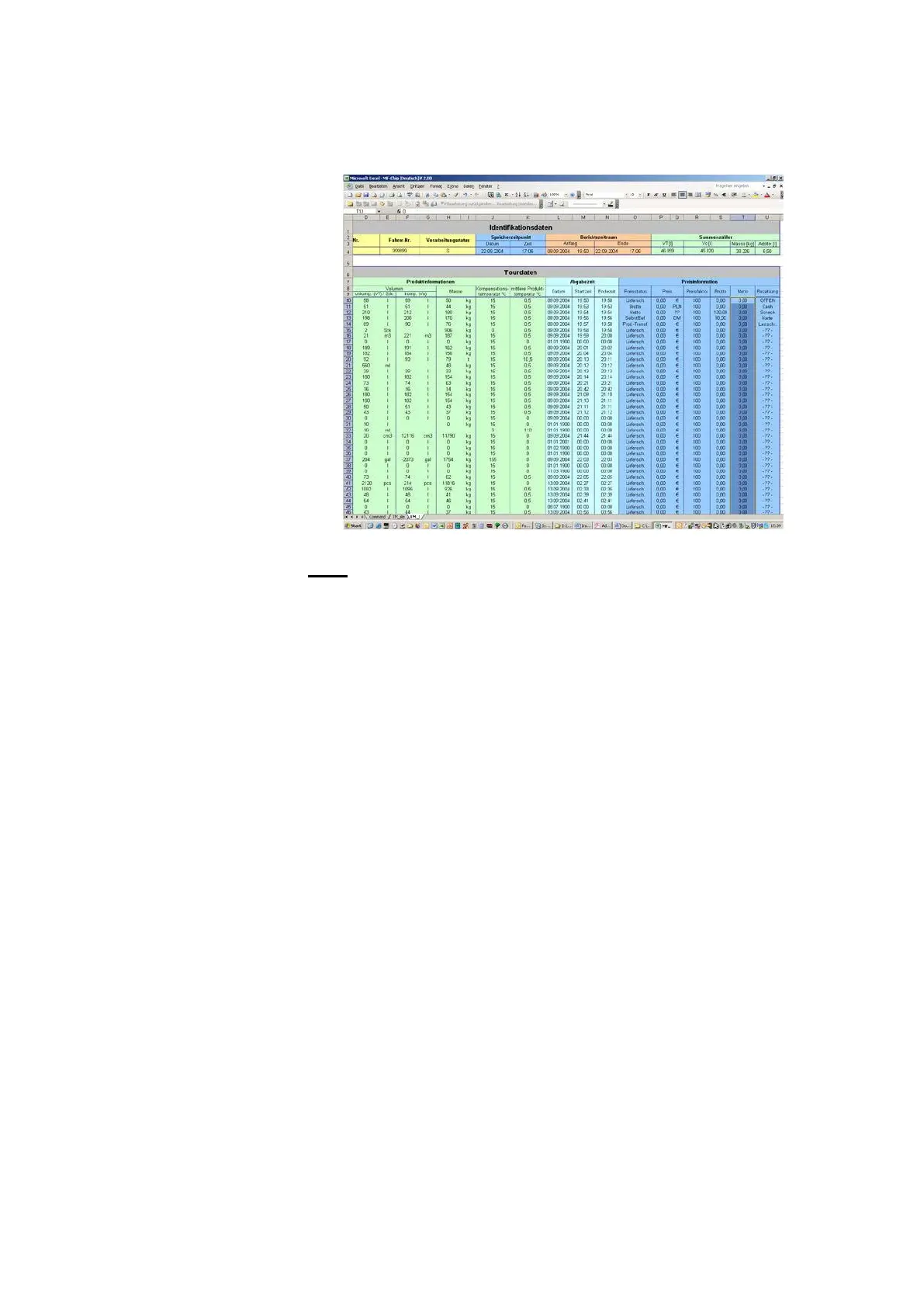
11.
The tour data is now available in Excel format for further processing.
Note:
•
The <Start Autoscan> button allows the inserted chip card to be read
automatically.
•
The application as a whole is based on various VBA macros.
Execution of these macros must therefore be enabled. This can be set
in the Extras Excel menu under macro/security by setting security
level Medium or Low. With the Medium setting, the activation of
macros must be re-authorized every time they are invoked.
5.7 Diagnosis
Although during the MultiFlow development consideration has been given
to ensure a low degree of effort in installation, faults may still occur during
initial operation.
When a fault occurs, the MultiFlow supports error analysis with diagnostic
functions and thus increases easy installation of the device.
The diagnostic functions mainly involve peripheral devices:
•
Temperature sensor, pulse sensor, inputs and outputs
•
Printer
•
CAN Bus
•
Remote control
•
Multi/IO
•
EPE2
•
IO-Interface
•
Sensor-Interface












 To Next Page