entered as the flow rate. Correspondingly, the meter factor found must be
entered under "Factor". All other flow rates must be set to zero.
After you have terminated the calibration by pressing the key <PRINT>,
the original settings (compensation) are activated again, and the new
correction table is saved in the product register. In addition, the MultiFlow
offers a printout of a calibration log consisting of an expanded delivery
note and an extract from the parameter list (i.e. the relevant product
register).
General Weights & Measures calibration information is also given in the
documentation DOK-389. Same is available on request.
8.2 Securing the settings on a chip card (MID
version only)
The following description is relevant only for program versions from 5.00
and higher (approval according to MID).
Before the electronic W & M seal is set, the parameters must be saved
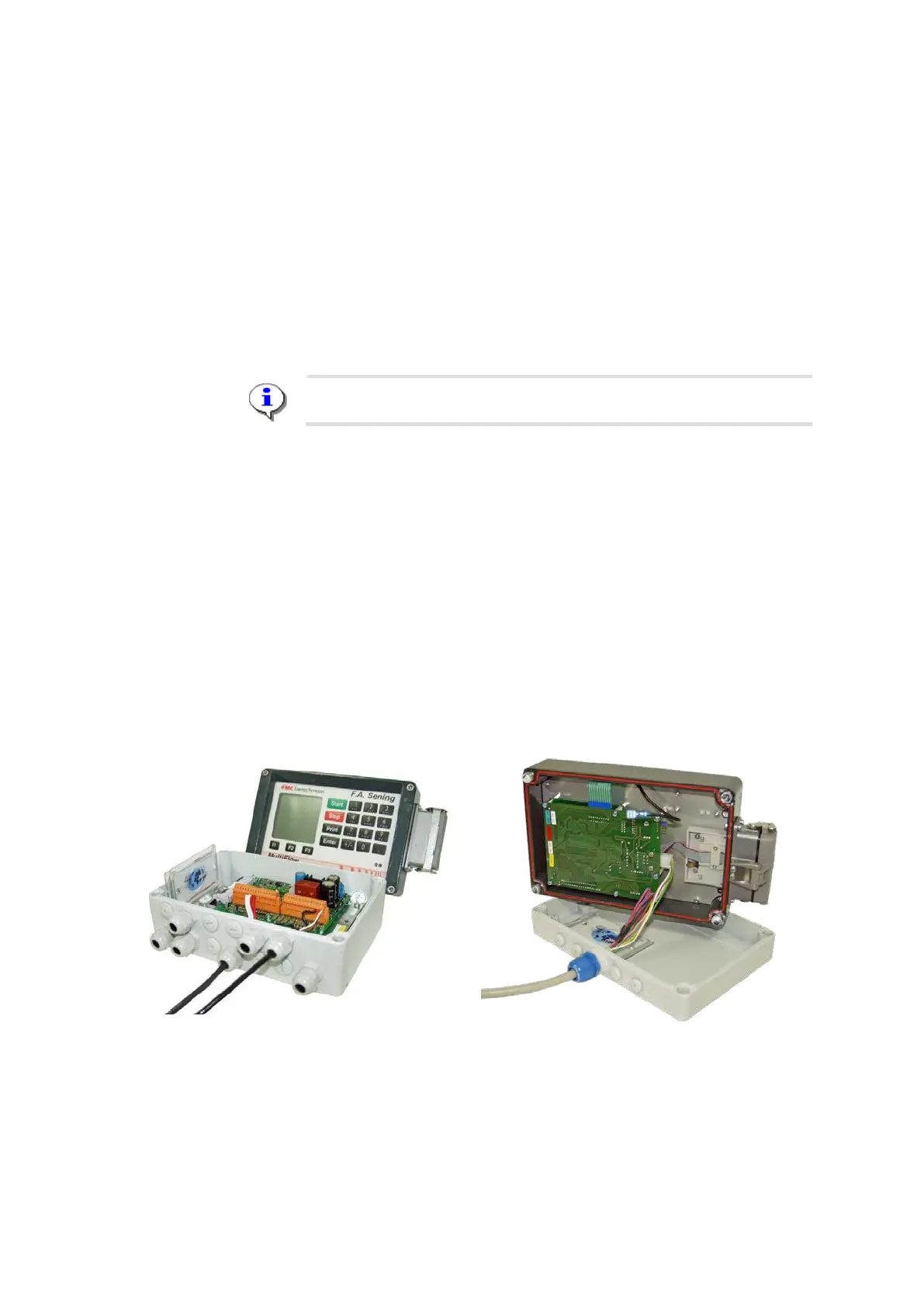
on a separate chip card. The chip card is then deposited in a special
holder inside the MultiFlow and secured against loss and manipulation by
the housing being subsequently lead-sealed. This ensures that the W&M
official is always able to restore the settings when applying the seal.
Undertake all the required settings at the MultiFlow.
Insert a chip card into the chip card reader.
Save the parameters in menu 4.5.2.












 To Next Page