6.8 Discharge in OBC operating modes
In its present version MultiFlow supports communication with on-board
computers (OBC) from third-party manufacturers. This provides many
advantages through the use of an electronic itinerary planner in the office.
This communication with an OBC results in changes to the delivery
process.
When an on-board computer is used the whole of the itinerary planning
takes place on the tanker operator’s office computing system. The
itinerary data is usually transferred in accordance with the TDL
2
specification. The driver selects a job on the on-board computer and
starts the discharge:
Introduce the discharge on the OBC. The configuration of this function
differs from one manufacturer to another. Please check the details in
the appropriate manual.
All positions of the selected order will be transmitted to the MultiFlow.
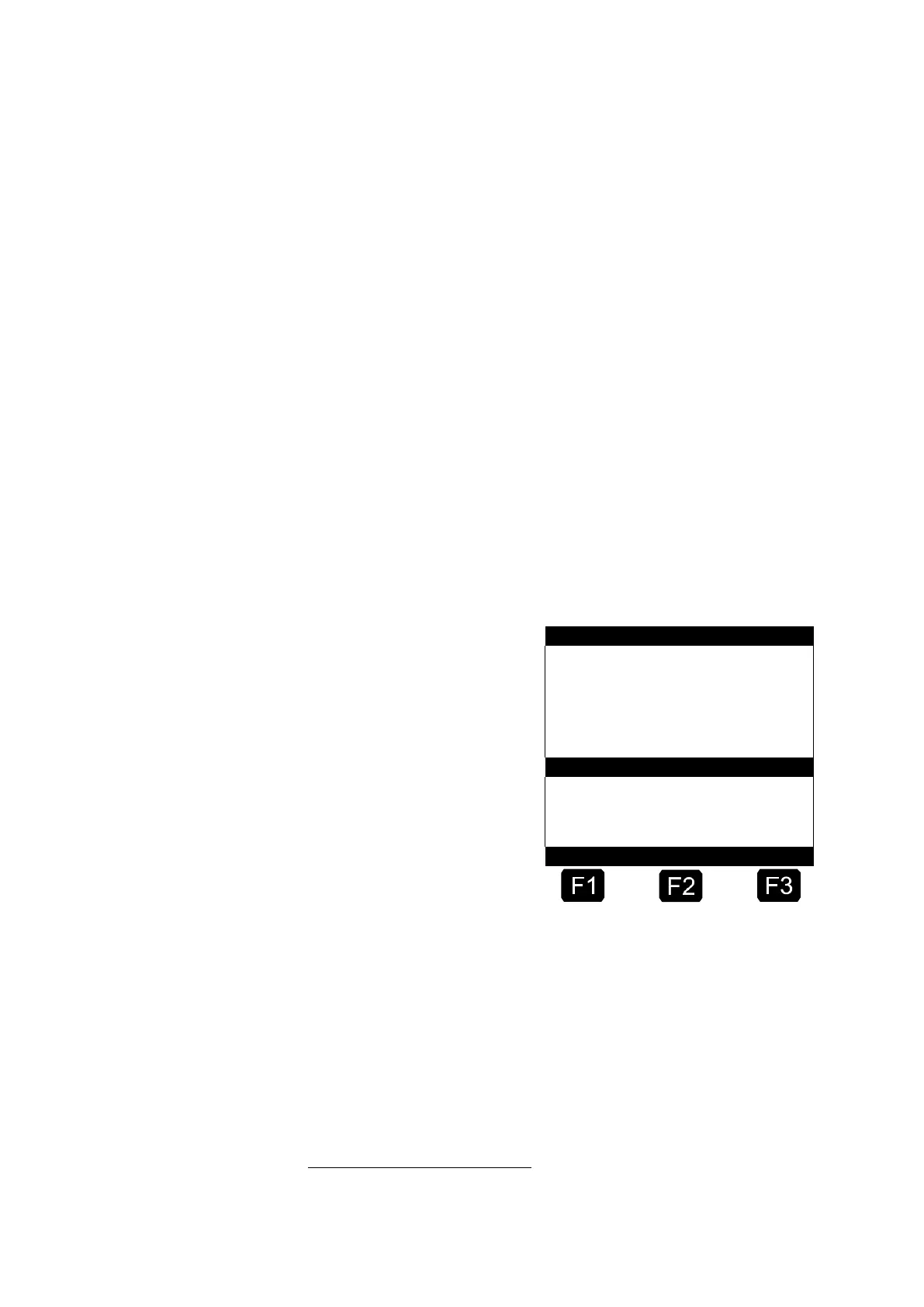
At the MultiFlow the list of the planned discharges (positions of the
order) will now be displayed:
Select the desired product
You select the product by
entering the number at the
beginning of the line (e.g.
‘3’ for “Unleaded fuel”) or
you position the selection
bar using <F1> or <F2>
and end by pressing the
<Enter> key.
If only a single position is
transferred, this is
automatically selected with
no operator action required.
After the desired product has been selected, the ordered quantity will
automatically be displayed as the pre-set value. The volume will be
displayed again in large figures below the status line. You can alter
these pre-set values by using the number input selector.
Further details, such as would be necessary in operation without an OBC,
are not required here.
2
TDL:Truck-Data-Link, specification available on request












 To Next Page