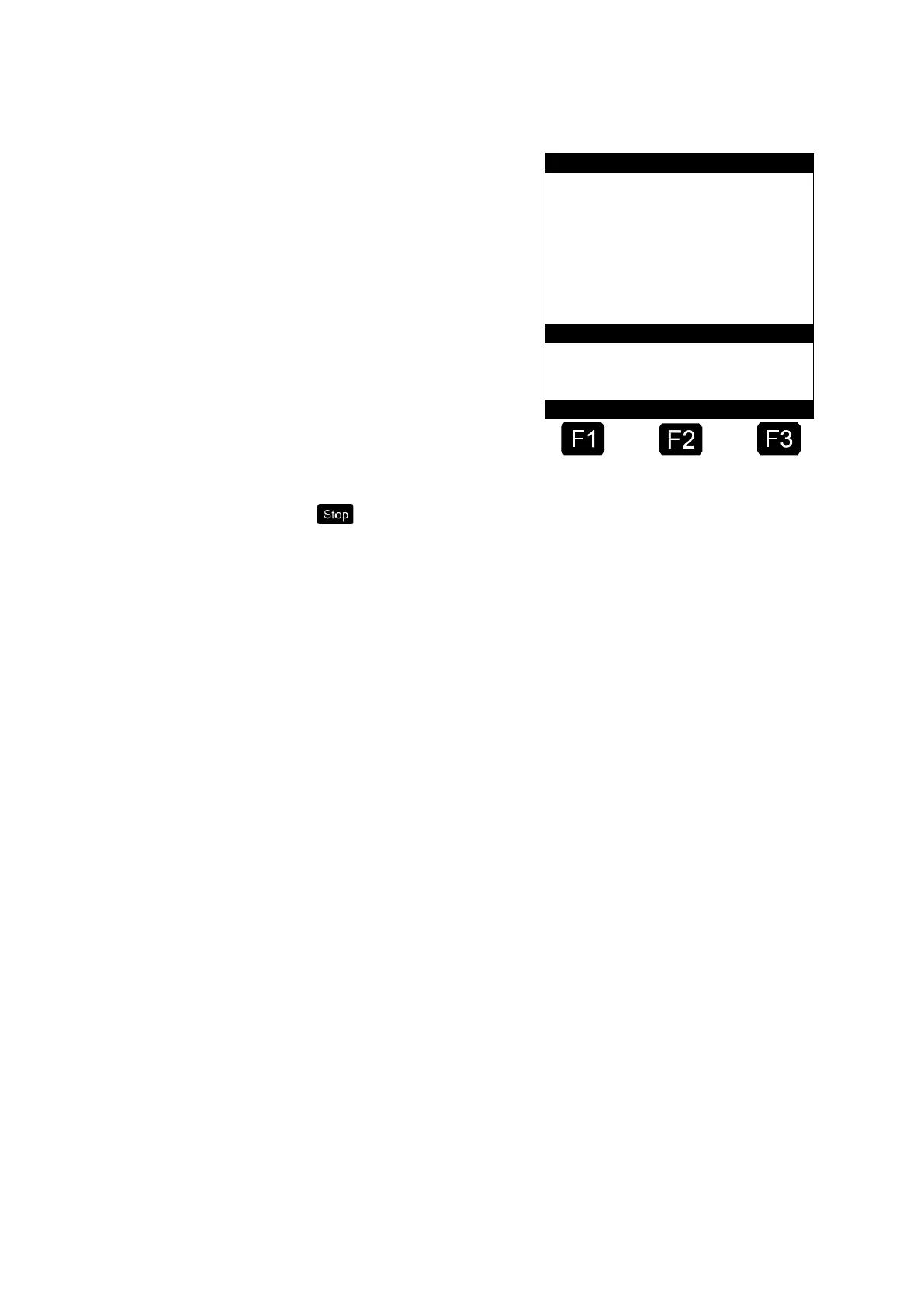
Operating state →
Product name →
Preset quantity →
Selected quantity →
in large font
If the volume pre-set is not working…
Use the <Stop> key to leave the selection list at any time
without starting a discharge.
☺ If the volume pre-selection is working…
Press the <Start> key again.
The discharge begins.
After completion of one discharge the remaining positions of the order
are displayed.
6.8.1 Office communication via EMIS
If the MultiFlow is operated together with an EMIS it is possible to
transmit delivery- and event data from the EMIS to the office interface
(e.g. FTP server). This takes place wirelessly in the case of the EMIS via
GSM/GPRS.
If the MultiFlow is programmed to start a delivery at a particular time but
the EMIS is not yet ready for operation, the MultiFlow displays a wait
screen before the delivery preset. MultiFlow and EMIS attempt to
synchronize during this display. When both devices are ready, the display
switches automatically to delivery preset. If synchronization is not
possible, the wait screen can be cancelled manually at the earliest after
90 seconds with the START, STOP or ENTER keys to enable a delivery
to be initiated (without office connection via EMIS).












 To Next Page