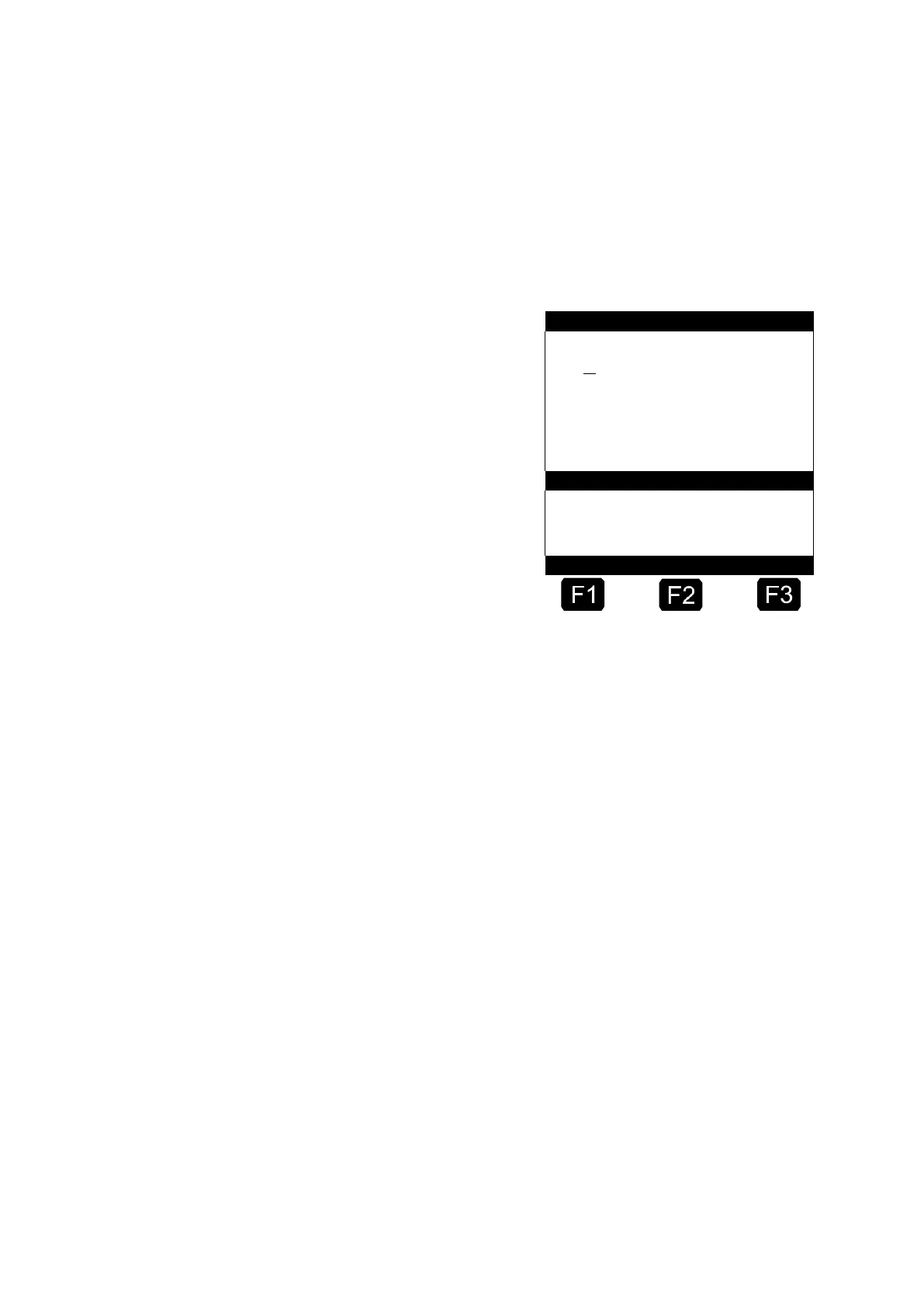
6.9 Monitoring the Load
The Load screen is intended for those users who only deliver one product
(e.g. heating oil) with their vehicle. The load management can be found in
the main menu under Item 6 (Menu 6) and contains the following
information:
Remaining volume in the chamber →
Remaining additive volume in →
the storage container
Trigger alarm on undercutting →
of the selected limit
Echo of entered value →
The entry field "Product Load" signifies the current remaining volume in
the vehicle compartments.
Set the initial value just once after loading.
☺ Then after each discharge the uncompensated discharge volume
is subtracted automatically.
You then obtain a quick overview of the current loading state,
enabling you to decide whether you can carry on with another
delivery or whether you must first load up again.
The remaining load of additive is displayed in the central section of the
display. The additive is intended for an additive pump controlled by the
MultiFlow.
The field "Warning at:" enables you to define a minimum load.
Here, you set the minimum value.
The additive load is compared with the minimum volume before each
discharge. If the level falls below the limit, a warning is displayed:
"WARNING Additive Load is almost completely used!"












 To Next Page