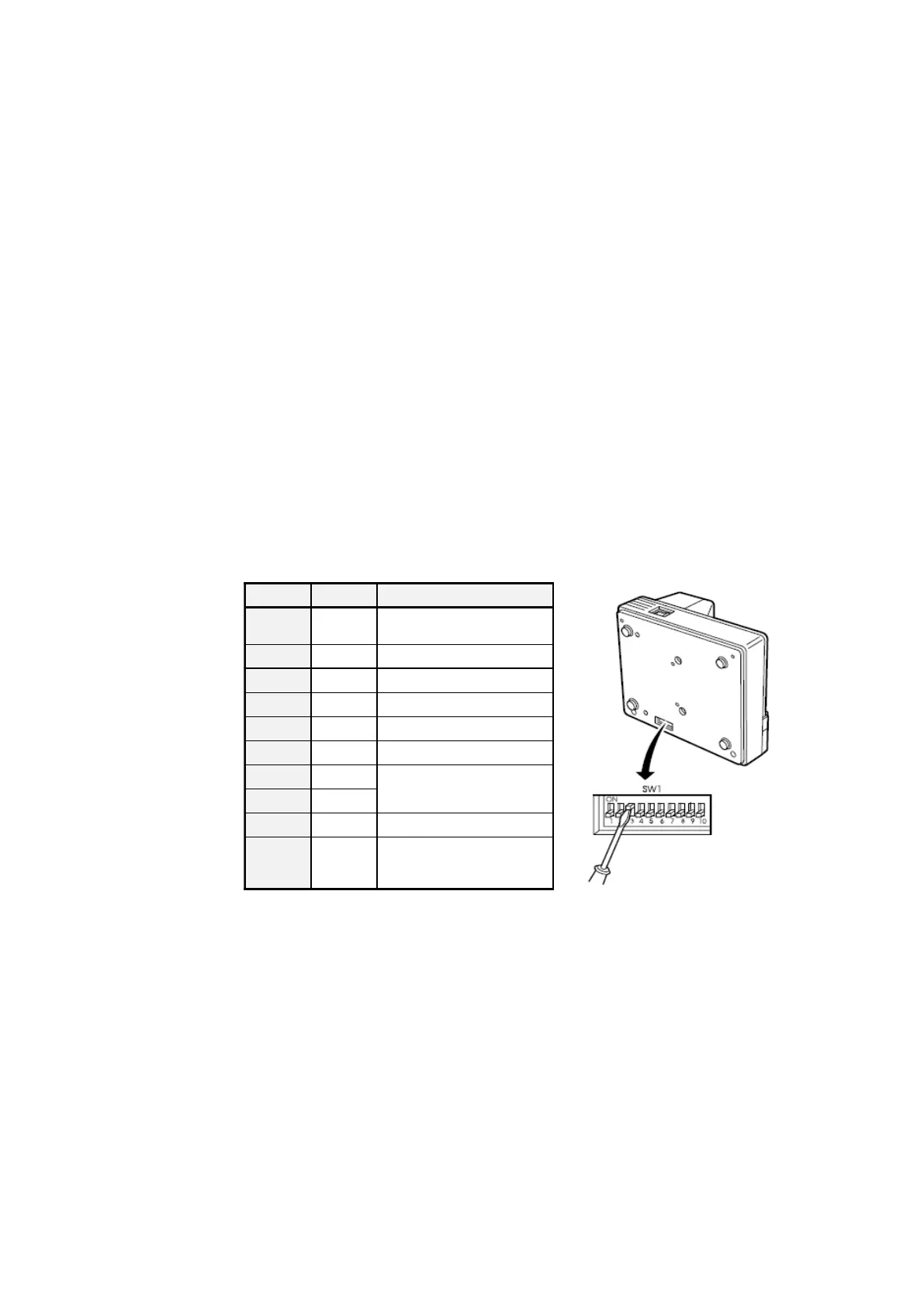
15.5 DIL switch settings TM-U295
From MultiFlow version 3.45[3.45]DE and higher you can connect the
TM-U295 to the MultiFlow.
The switches to set the operating mode of the TM-U295 are located on
the bottom of the unit (see manual).
A special protocol is used to control the TM-U295 and this is required to
monitor some basic functions of the printer. This is activated
automatically as soon as the TM-U295 printer is selected in menu item
3.2.1 of the MultiFlow. If the printer is operated without this protocol or
with a FDW converter, you must select the printer type "DR-295" instead
of "TM-U295"!
14.6.1
MultiFlow versions up to V3.48
For MultiFlow versions without a separate option to set the number of
data bits (up to version 3.48) set the data format to 7E1 as follows.
Make the following settings (up to version 3.48) to the MultiFlow before
setting the electronic seal in order to operate the TM-U295 correctly
(without FDW converter):












 To Next Page