7.1 Define a New Product
Press function key <F3> to call up the configuration menu.
To define a new product, select Product Page 3.5. Here you can define
10 products within each of the 3 product pages. The allocation of the
products is freely selectable. Packed products and liquid products or
even surcharges or services can be defined on the same product page.
Example A packed product with the name "Burny", container size 1l, is to be
defined with a price of £ 25.00 on Product Page 2.
Product Page 2 is selected with key <2>.
Select any product name which is not assigned and labeled "Disabled"
by pressing the corresponding key or by using the keys <F1> "Up" or
<F2> "Down".
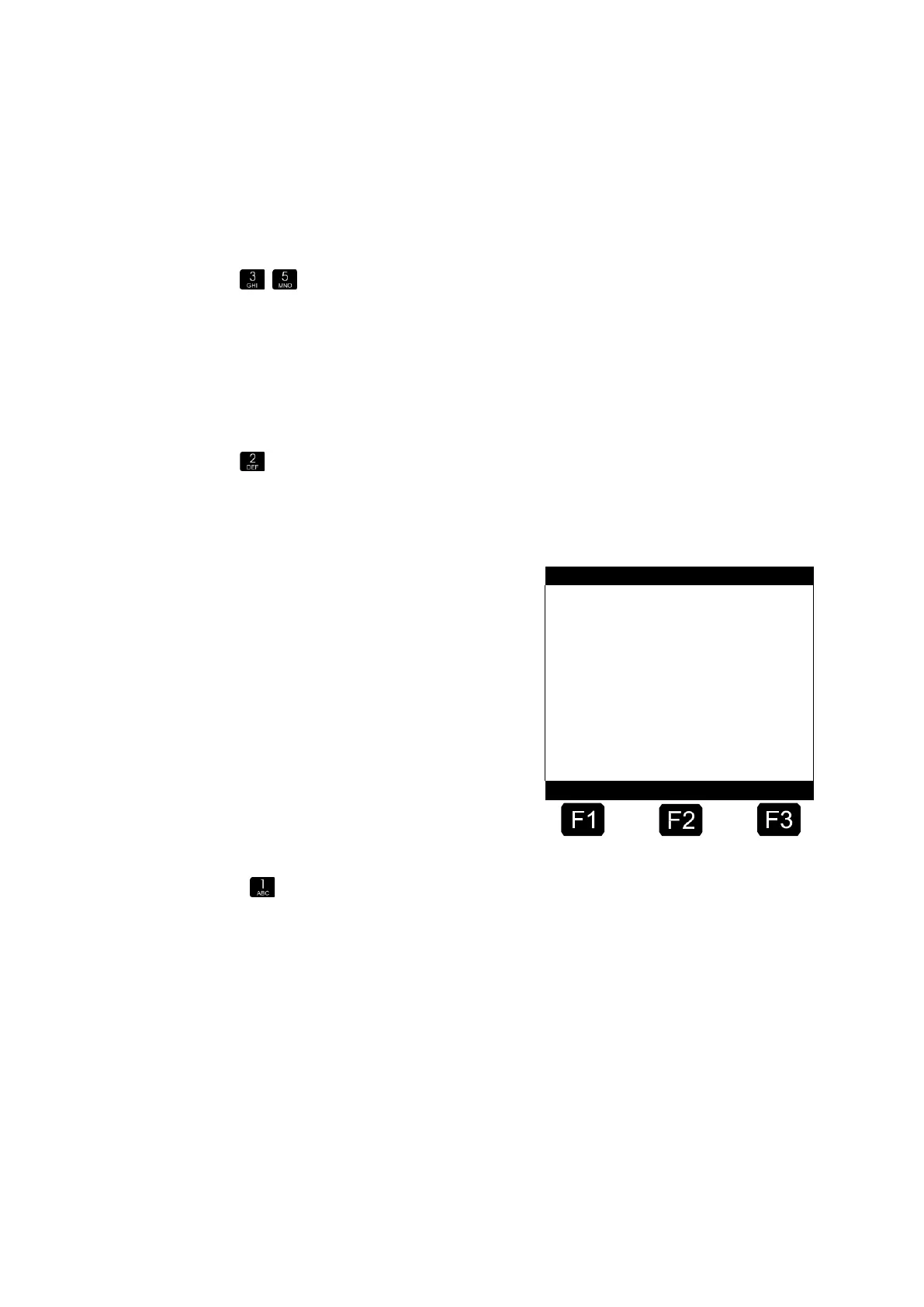
Number of Selection Window →
Product Name→
Function Key Assignment →
First, you define the product name by pressing key <1>.












 To Next Page