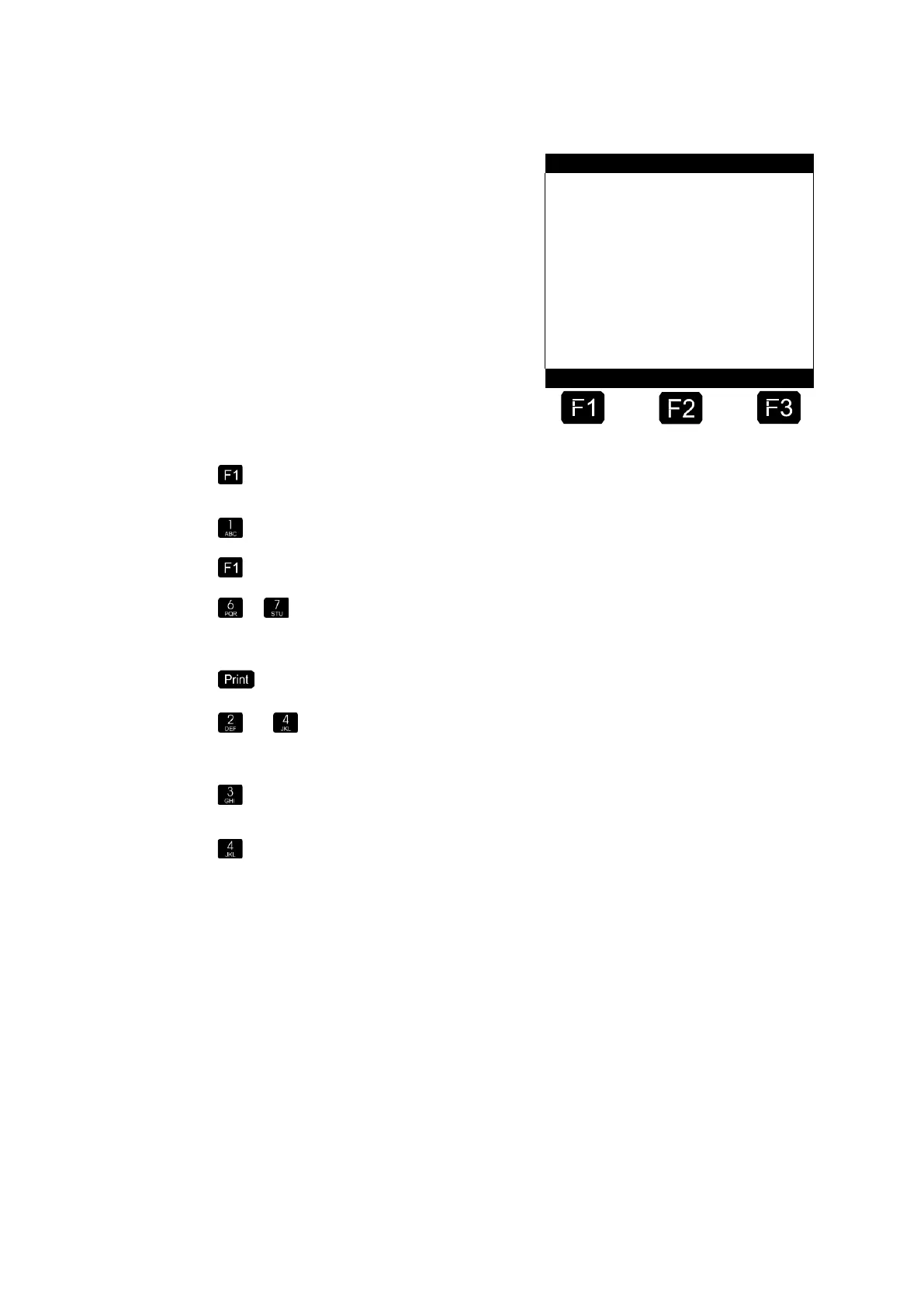
Number of Selection Window →
Product Description →
Function Key Assignment →
Press key <F1> "Change". Now you can enter the text, in this example
"Burny", using the keypad.
Press key <1> briefly twice. The letter "B" appears.
Press function key <F1> to set the entry of the letter to lowercase.
....
Press key <7> briefly 3 times. Then a lowercase "u" appears after the
letter B in the text window. Continue the procedure until the complete
product name has been entered.
Confirm the entered name by pressing <PRINT>.
+
Next you define the product type, in this example a packed product.
With key <4> you select "Packed Product", after which operation
automatically returns to the start menu.
With key <3> you select the W&M code. Since a container is involved
here, "0" (zero) must be entered.
With key <4> you define the unit. A container is treated like a packed
product, i.e. the "3" is selected for piece (pcs.). The selected unit is
accepted with <Enter>. Alternatively, liters (L) can also be entered.












 To Next Page