•
All data contained in the detailed report (chapter 9.12 "Saving
Parameters on the Chip Card" / page 172) is written to a chip card.
Do not use the parameter chip card for the trip report because then all
parameter data on the chip will be deleted.
The trip data contained on the chip card can be processed by a number
of commercially available data processing systems. We would be
pleased to send you appropriate information material on request.
11.1.1.1
Saving the Trip Report
As with all other reports, the saving of the trip report is offered in the
report menu.
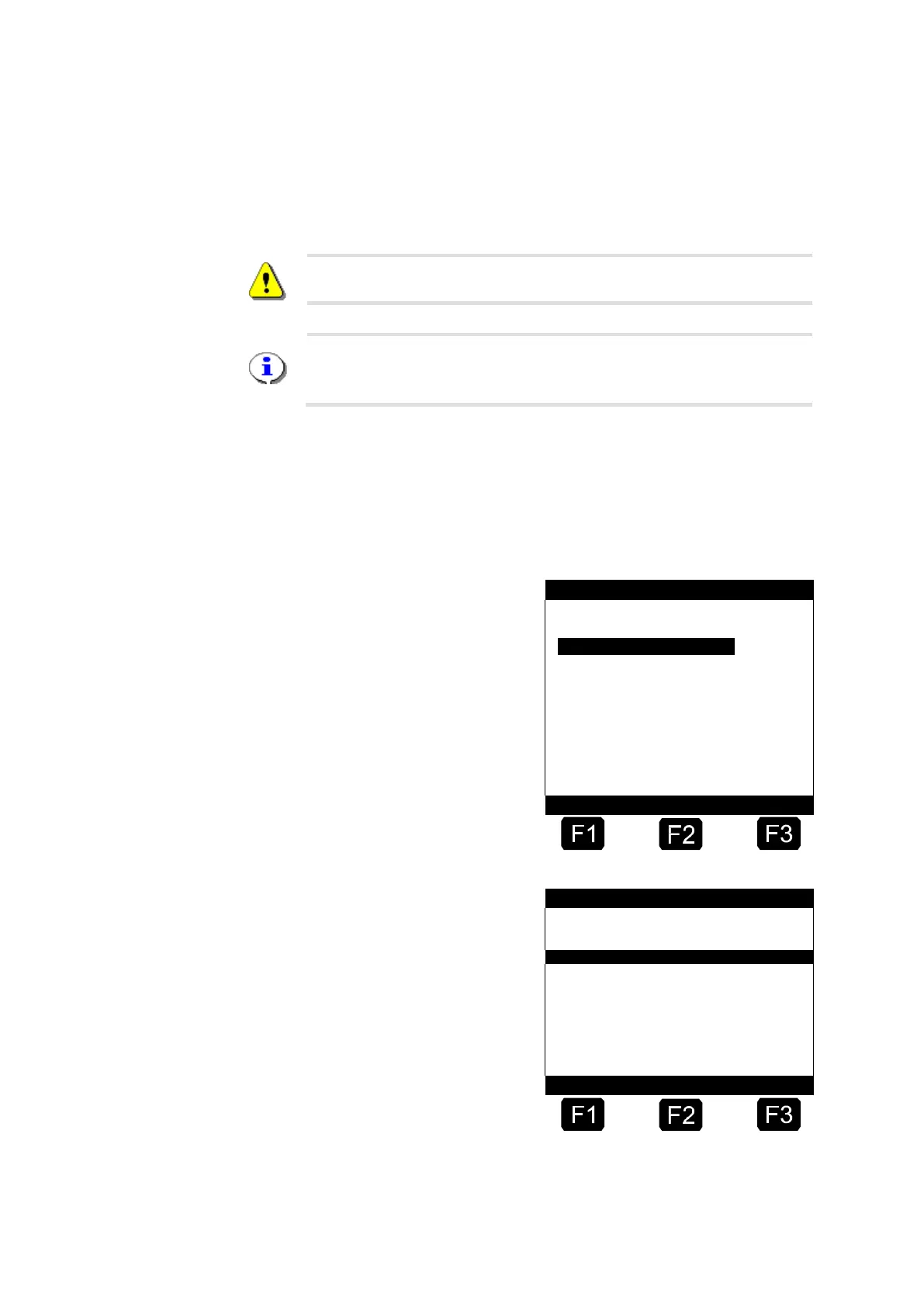
Activate the report menu with the <Print> key.
Now the report menu is
displayed.
Select menu point 7
“Office link”.
Select item 1 "Chip card".
Now you have the choice of
restricting the extent of the
report by stating the receipt
number range or the time
period.
See also chapter 11.1 "Trip
Report " / page 218 und
chapter 11.3 "Detailed
Report" / page 221.
☺ Once the data has been












 To Next Page