numerical codes are found in column A, the numerical codes are
displayed.
8.
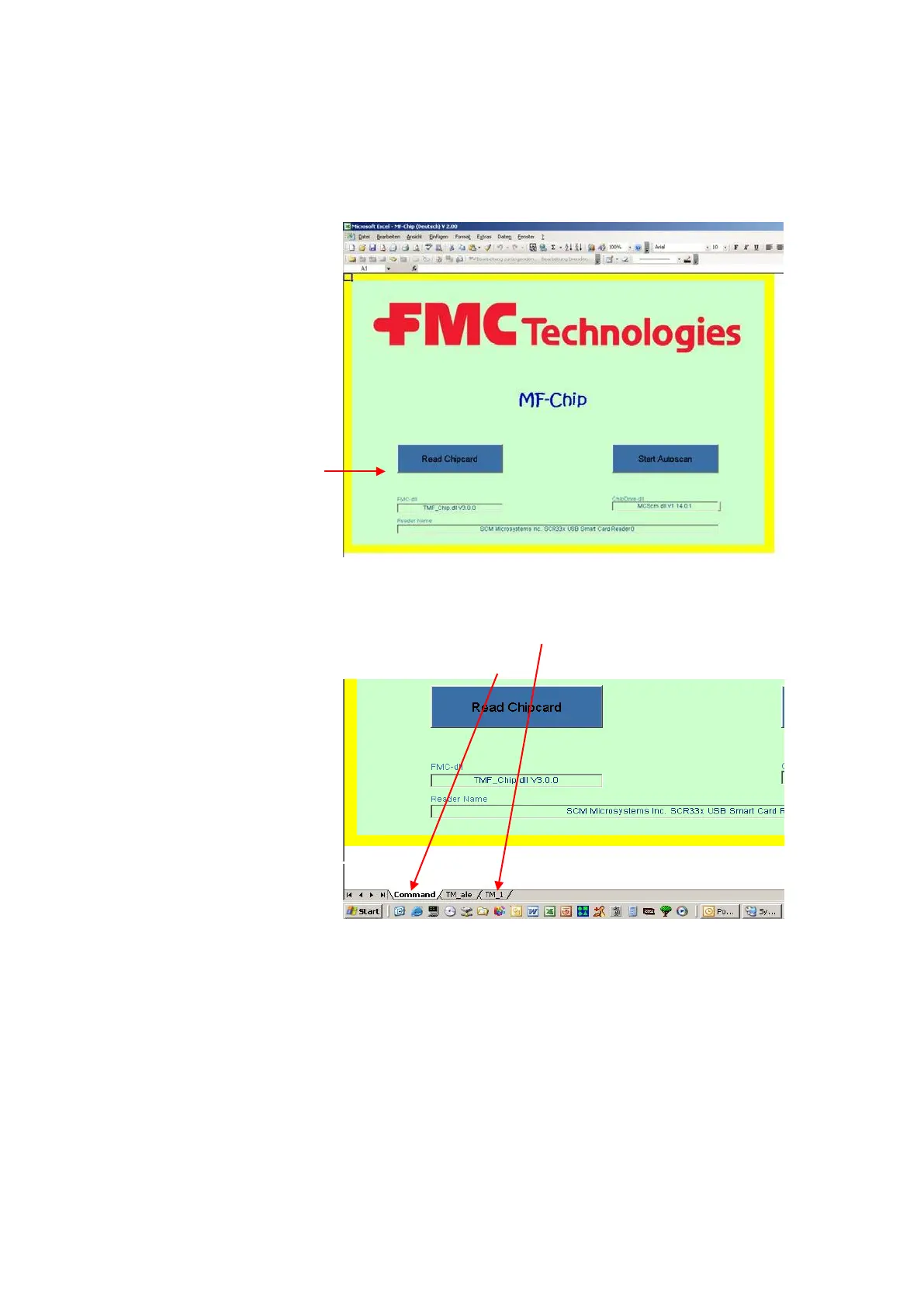
Execution of the program takes place by invoking MF-Chip.xls.
9.
Now insert the chip card with the tour data in the card reader and
click on „Read Chipcard“ at the lower left.
10.
Now please select tab TM_1.
Do not delete the „Command“ tab.












 To Next Page