2.
The CHIP-card hardware and software (drivers) must be installed
according to the manufacturer's instructions. Using the diagnostic
program in the Windows system manager, access to the chip card
must be accomplished without error messages.
3.
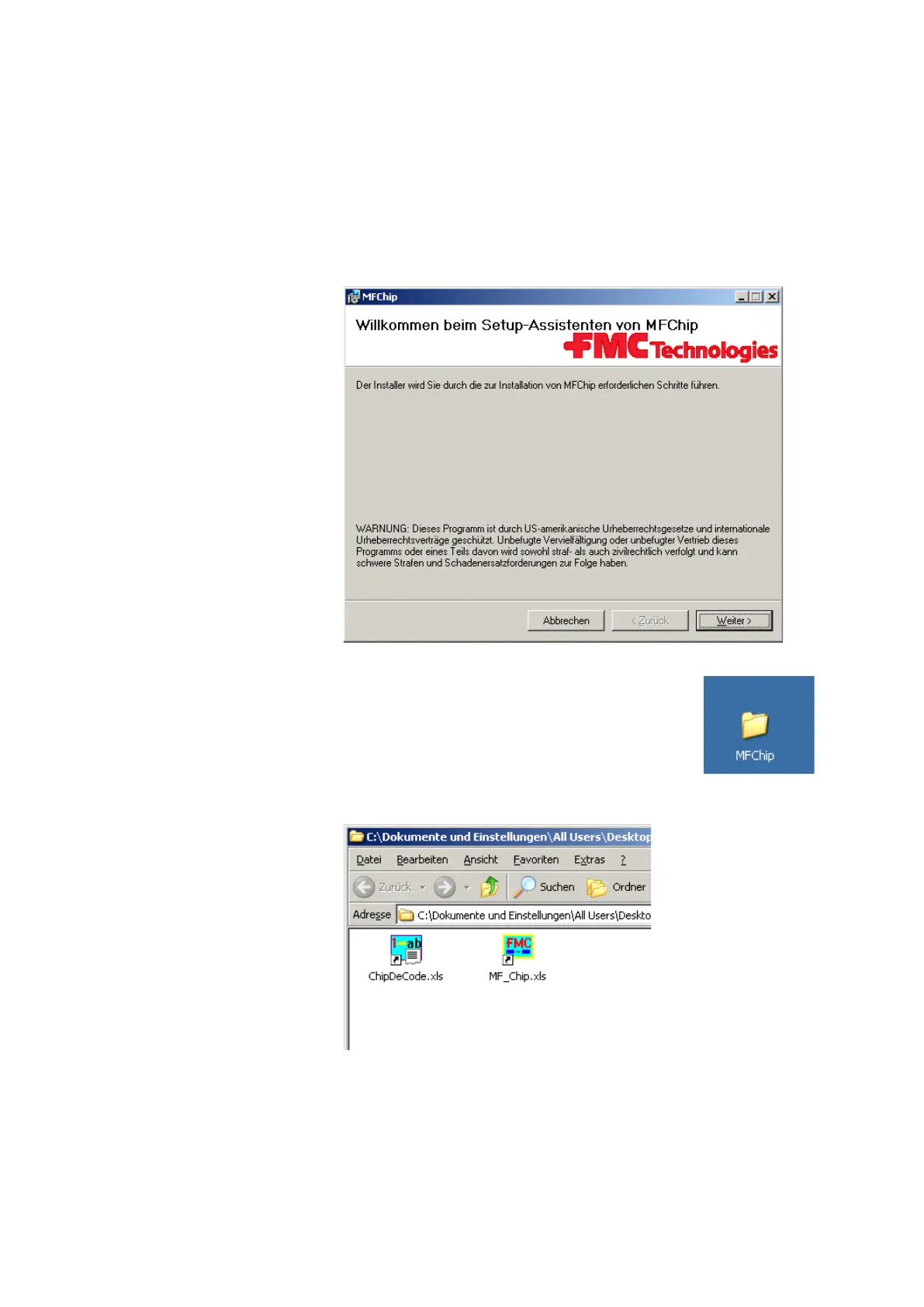
Now place the MF-Chip installation CD in the drive.
The program will start automatically.
4.
Please follow the installation instructions.
5.
After a successful installation, the following folder
will appear on your desktop.
6.
This folder contains 2 Excel files.
7.
In the file <ChipDeCode.xls>, the numerical codes for Device No.,
Operator No., Match Code and Product Code pre-inserted by the
Multiflow on the chip card may be replaced by character strings in
the correspondingly-named tab. The user must once adjust these in
accordance with the individual indications in column B,
corresponding to the numerical codes in column A. If no matching












 To Next Page