9.13.1.2
Online mode
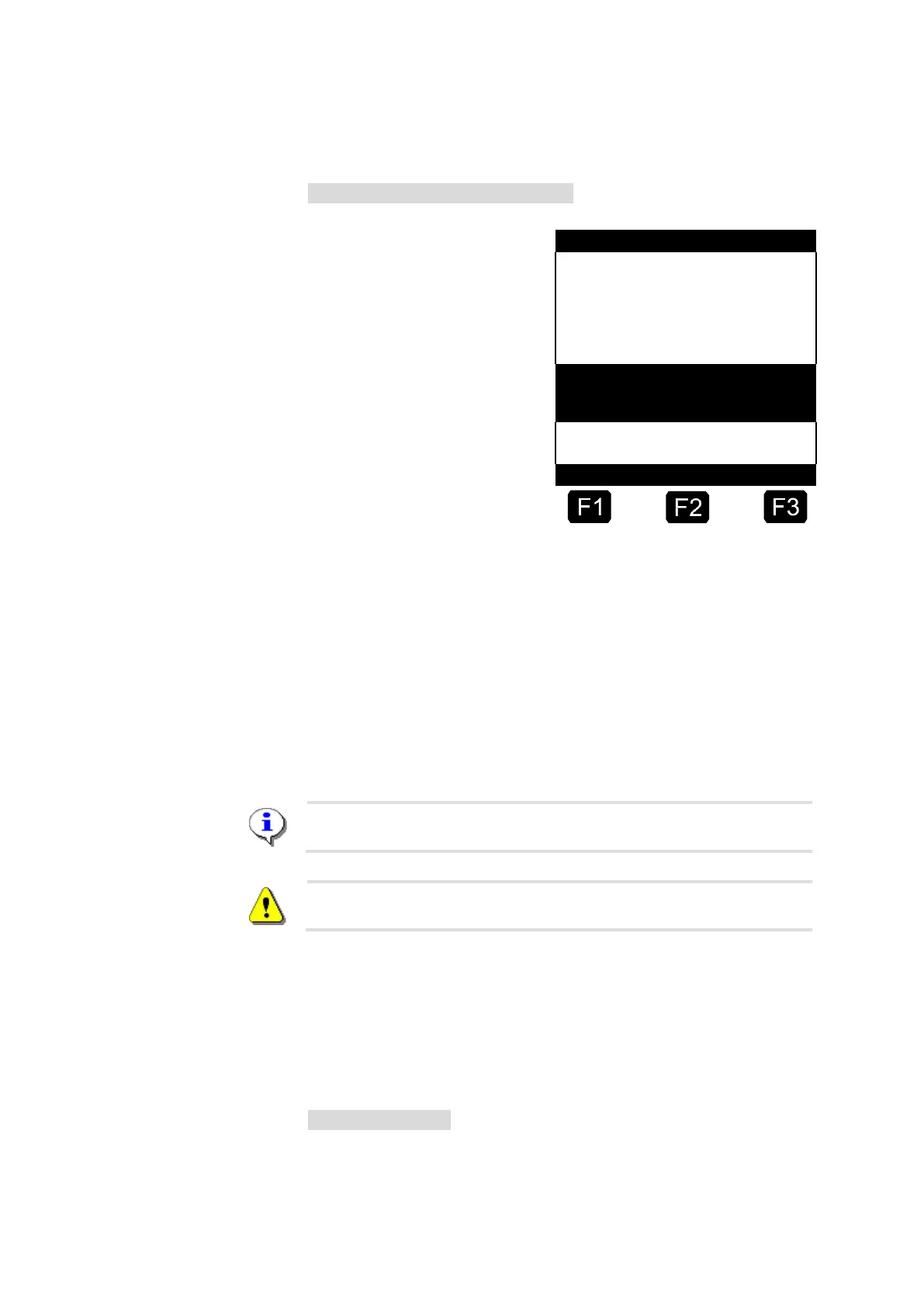
Start screen with alarm message
In the online mode the SI
interface notifies the MultiFlow
immediately of every change
detected at the used sensor
inputs. If the MultiFlow is
notified of such an event, it is
saved in the logbook together
with the corresponding GPS
data (where available) after
verification. In addition to the
logbook, detected events are
shown in the event section of
the start screen and signaled
through an alarm message
depending on the configuration.
The sensor interface has an inactivity monitor. For this purpose, special
TMC telegrams must be sent at regular intervals from the MultiFlow via
the CAN bus to the sensor interface. If this does not happen, for instance
due to a break in the connection, the sensor interface switches
automatically to offline mode. Sensor events are not transmitted directly
to the MultiFlow in this case but are recorded in the internal logbook. The
MultiFlow automatically reads these once the connection has been
restored.
Alarm messages must be acknowledged by the user.
In the case of multiple measuring systems only the master MultiFlow
with the node number 1 has access to the sensor interface.
9.13.1.3
Logbook data
The sensor events reported by the sensor interface are saved in the
MultiFlow logbook. There are three types of entries generated in
connection with the sensor interface:
Offline event data
After switching on the system, before requesting the current input
statuses, the sensor events which occurred during the offline phase are












 To Next Page