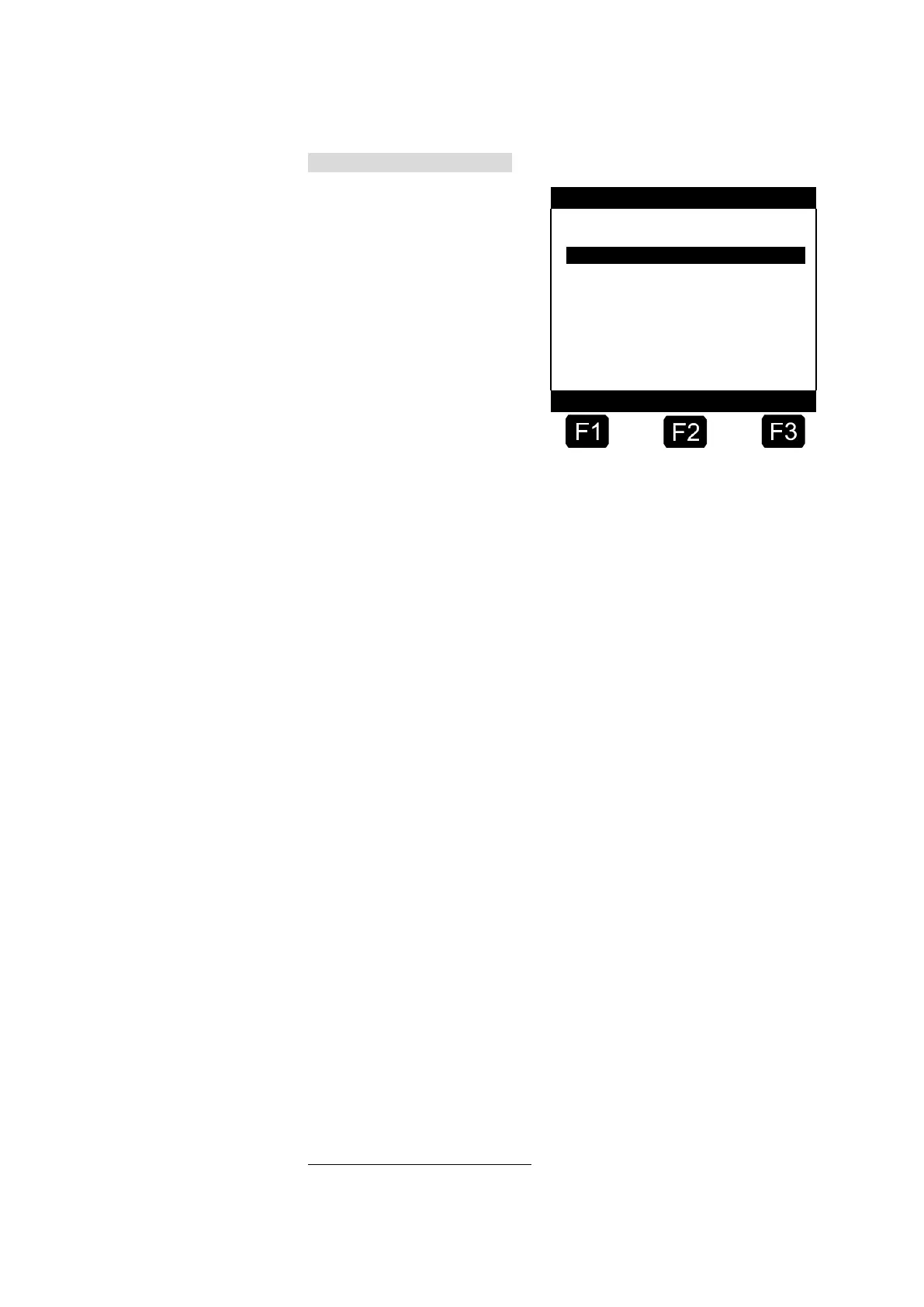
Menu for Printer Settings
After selecting the menu
point, you can select the
desired printer.
To select the physical
interface, in the menu point
3.2.2 "Type of interface"
you can define a connection
type RS232 with '0' and a
connection type RS485 with
'1'.
The connector assignment
for the types of interface
differs and the printer interface must be wired according to the
enclosed wiring diagram.
You can select one of the data rates 9500 baud or 19200 baud. The DR-
295 printer is normally operated with 9600 baud and the tally printer with
19200 baud.
With the setting for the parity check you define whether no check
(‘0’), or even (‘1’) or odd parity (‘2’) is to be checked.
The figure for lines per page defines after how many lines a new
page is to begin. With a DIN A4 sheet of paper up to 66 lines can be
printed. This figure is however restricted by the various paper
transport mechanisms. With a number of 57 lines usually no writing
over the edge of the page occurs.
For a secure data transfer, you can switch the FDW
5
-Protocol on (1)
or off (0) under selection point 6. This parameter is only available if the
seal is broken.
If the FDW-Protocol is switched off and printing is required, the display
will show:
“Is Printer prepared?”
Answering with “Yes” <F1> will start the printing.
Answering with “No” <F2> will display the message: “Please copy ...”
Furthermore, you can define an FDW timeout. If the printer does not
respond after this timeout has expired, then a Resend is started. With the
entry under this parameter you define how often attempts should be
made to output data to the printer.
The number of data bits to be used can be set to 7 or 8 bits.
Changes to settings for parity and number of data bits must be replicated
for the printer respectively in use.
5
TDL:Truck-Data-Link, specification available on request












 To Next Page