Appendix B ’SNMP Management’ — Getting the Current Status of an Element
236 Amethyst III DTV Smart Switch
User Manual
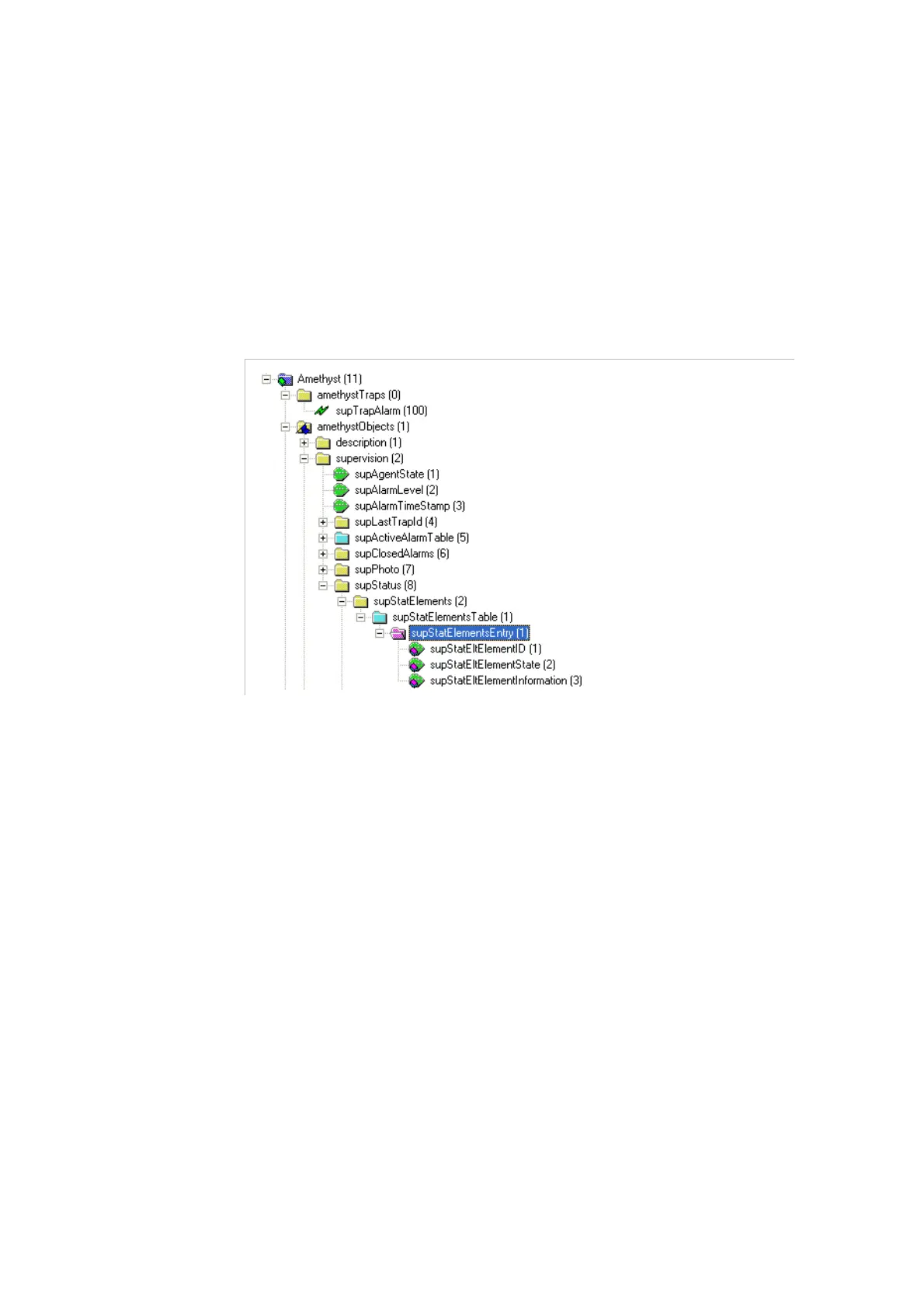
Getting the Current Status of an Element
The status of each element of the configuration is available individually
in the MIB, and is updated in real time.
To get the status of an element, proceed as follows:
1.
Open the
supStatElementEntry
table.
Figure B-8. Viewing the status of elements



 To Next Page