Chapter 3 ’Web Browser Interface’ — Basic Settings
74 Amethyst III DTV Smart Switch
User Manual
2.
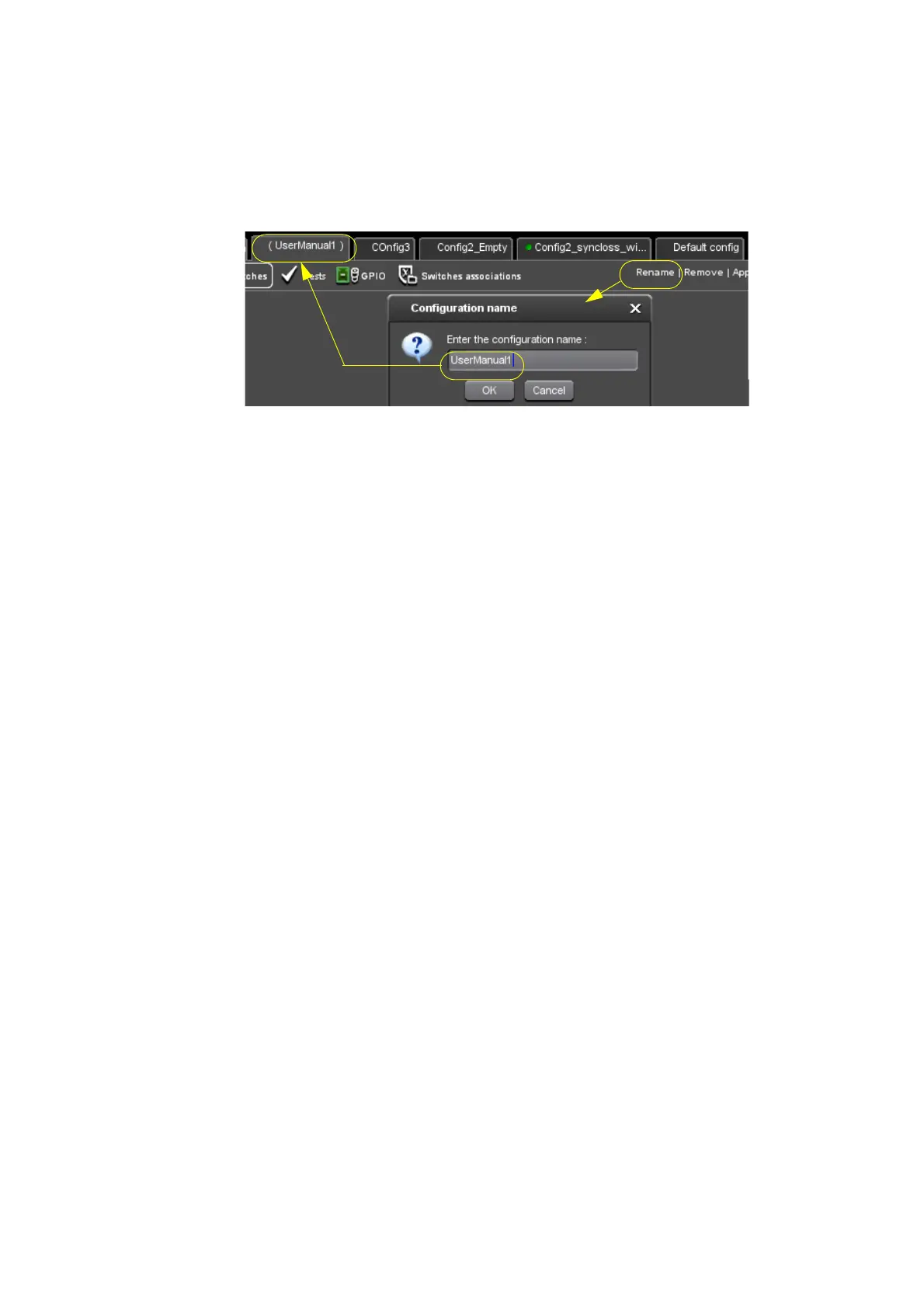
Rename the configuration by clicking the Rename button in the
toolbar.
Figure 3-12. Renaming the configuration
3.
In the Switches view, adapt your configuration. In this example you
will successively:
Set the input parameters.
Set the switch parameters.
Set the output parameters.



 To Next Page