111
OPUS Projektor Manual
User Interface
·
If no match was found only the Project-Node is visible.
·
If no opened project exists the following message is shown: No current search!
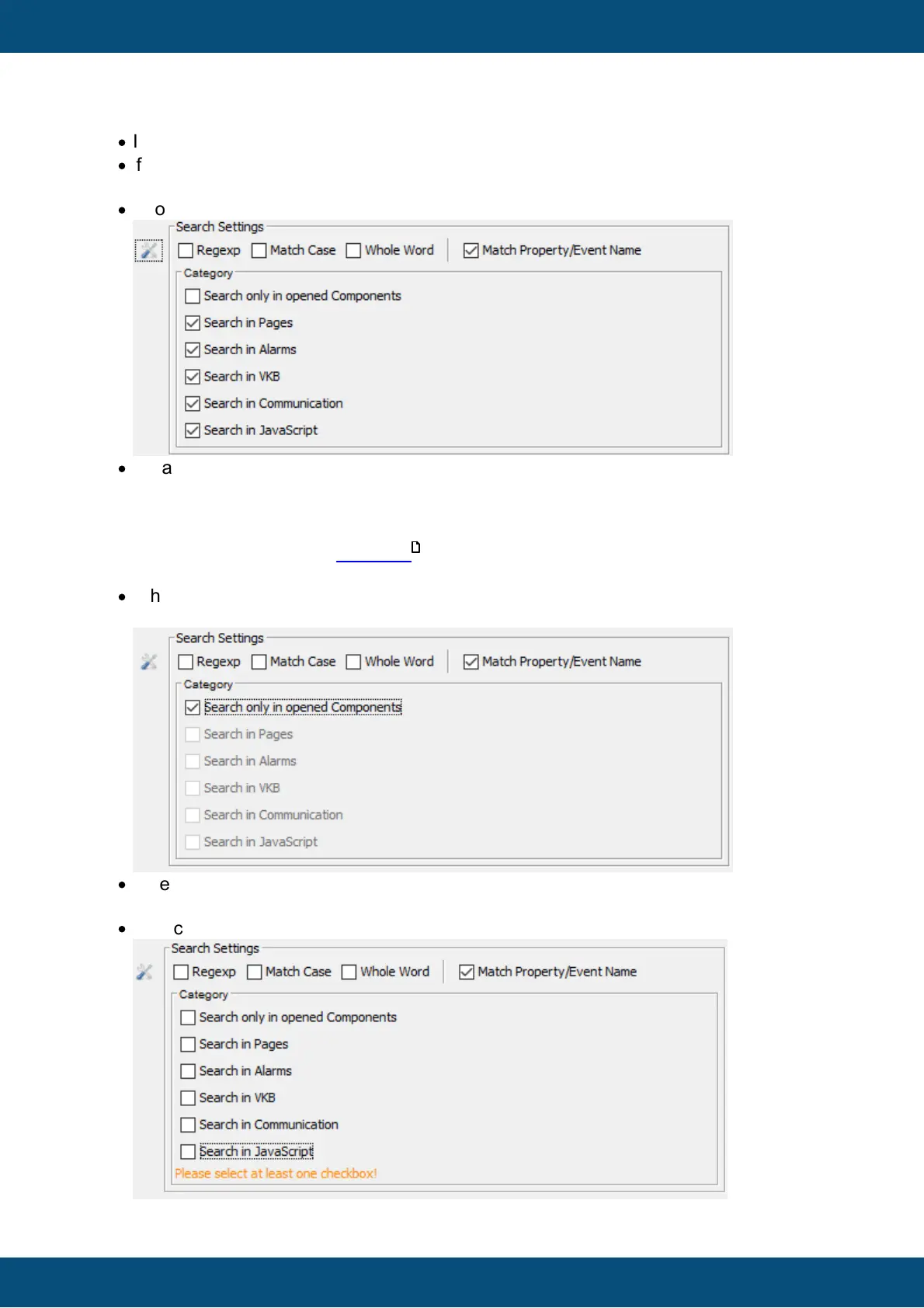
7. Latching button: show all search settings
·
Shows/hides the detailed search settings panel
·
Default states:
All check boxes are selected except of the first
If a check box will be deselected, the according project part won't be considered for the
search.
Pages does also include MiniView -Pages.
The Project itself with its properties/events will be always considered for the search.
·
If the first check box is selected (Search only in opened components) the other check
boxes will be deselected and disabled
·
If the first check box is deselected the other check boxes will be selected and enabled
again.
·
If no check-box is selected a warning is shown
576



 To Next Page