110
OPUS Projektor Manual
User Interface
1. Combo-Box: list of all opened projects
·
List is empty if no project is available
·
List is always enabled
·
The selected project is used for the search
2. Text box/Combo box: search command
·
Combo-Box is always enabled
·
Combo-Box contains the last 10 search commands
·
The last 10 search commands will be saved and restored after start of Projektor.
·
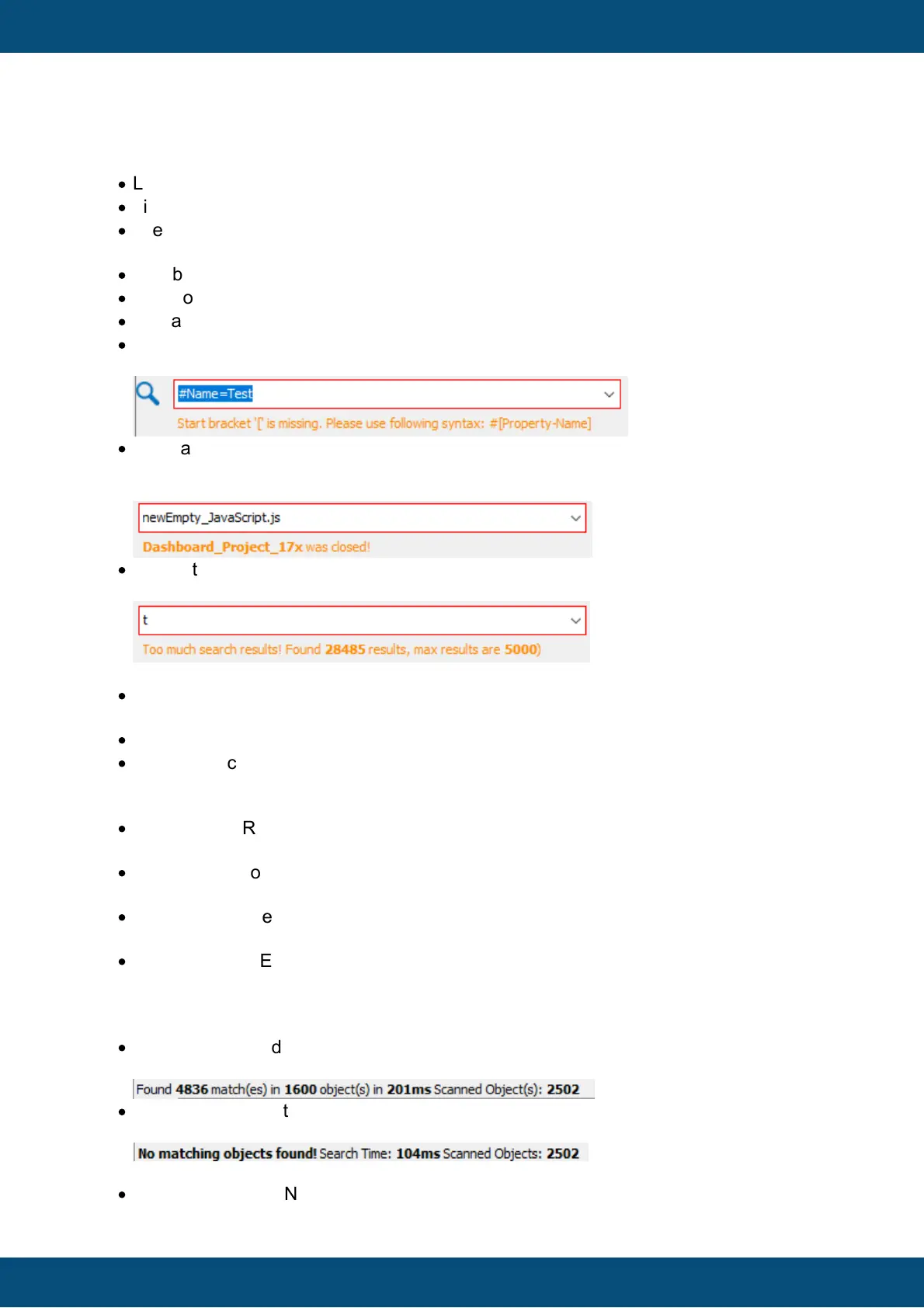
If the search command is invalid the border will be painted in red and an info message
will be shown below the combo-box with detailed information.
·
If a searched was performed and the appropriate project is closed and no other opened
project exists, a message will be shown that the project was closed and the search-
tree(6) will be cleared.
·
If more than 5000 search hits are found the an error is shown. This is currently
necessary because otherwise expanding the tree takes too much time.
3. Button: search
·
Button is only enabled if at least one opened project exists and the search command is
not empty
·
The Button starts the search and the results are shown in the search tree(6)
·
The search can also be started if the Enter key is pressed while the search command
text field has focus.
4. Check boxes: search settings
·
Regexp: Use Regular-Expressions for search command
Default-State=Deselected
·
Match Case: Lower/Upper case must match
Default-State=Deselected
·
Whole Word: The search expression must be a separated word.
Default-State=Deselected
·
Match Property/Event Name: The named Property/Event must match exactly =>
example is shown later
Default-State=Selected
5. Label: search details
·
Found objects and found matches, search time and count of all searched objects =>
Only if at least one match was found
·
No Matching objects found! search time and count of all search objects => if no match
was found
6. Tree: search results
·
Shows the Project-Node of the current selected project and the search results



 To Next Page