115
OPUS Projektor Manual
User Interface
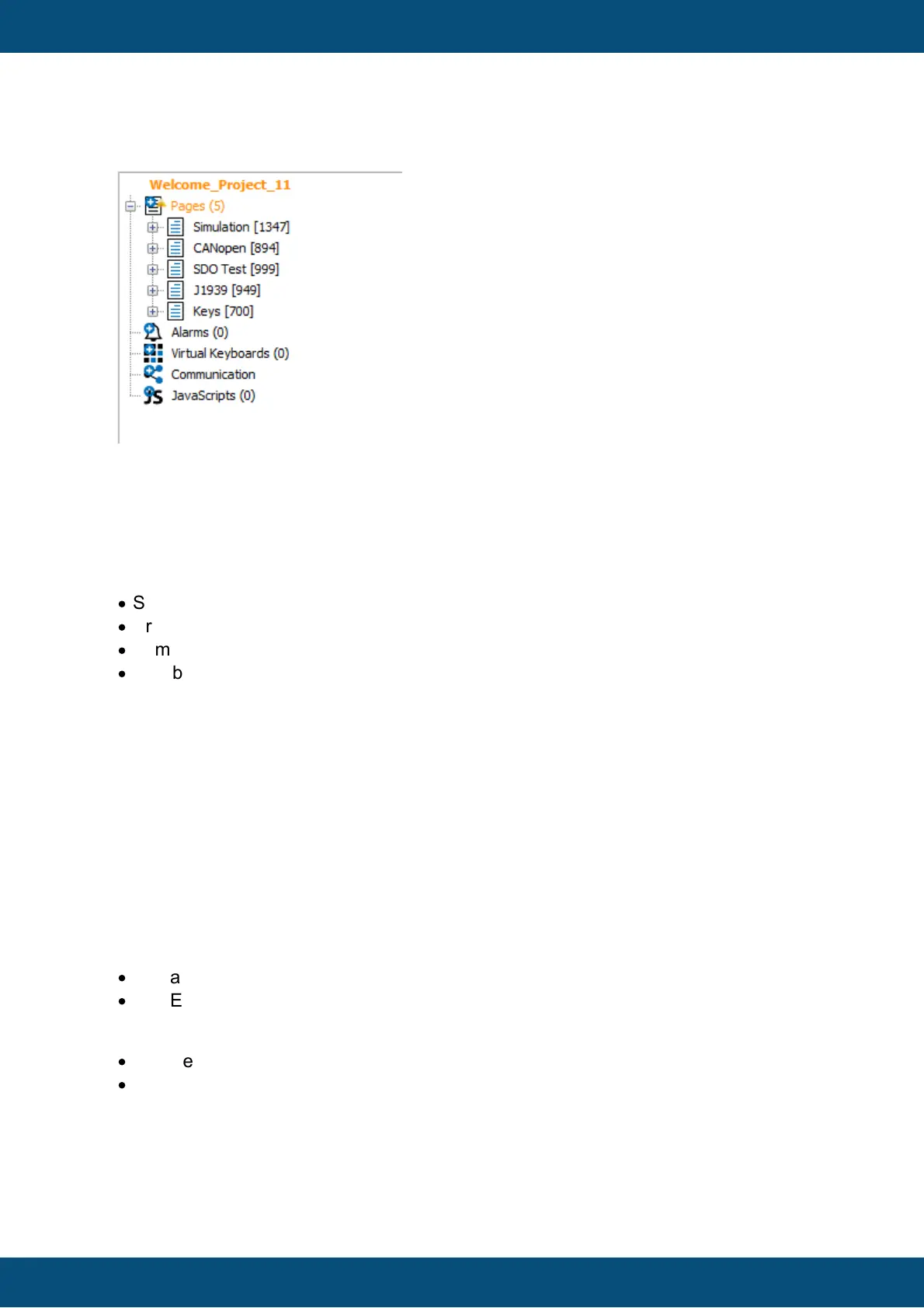
Should only be used if Tree-View is enabled (makes no sense otherwise)
The tree will be collapsed, till the Pages
The search command
The Search-Command-Text-Box can be used in many different ways.
For the current examples the Welcome-Project with default search settings are used.
Possible syntaxes:
·
Simple String (see Example 1)
·
Property Search (see Example 2)
·
Number (see Example 3)
·
Combination of String and Property (see Example 4)
General syntax rules:
Property - Operator - Value
#[Property-Name]=Value
Additionally several search expressions can be connected with && or ||
#[Property-Name]=Value && #[Property-Name]<=Value
Additionally brackets () can be used:
(#[Property-Name]=Value && #[Property-Name]!=Value) || #[Property-Name]>Value
For property searches the following operators are available:
For Strings and Numbers:
·
[Equal/Contain] = or ==
·
[Not Equal] != or <>
Only for Numbers:
·
[Greater] > or >=
·
[Lower] < or <=
Example 1 => Simple String:
Search Command:
test



 To Next Page