116
OPUS Projektor Manual
User Interface
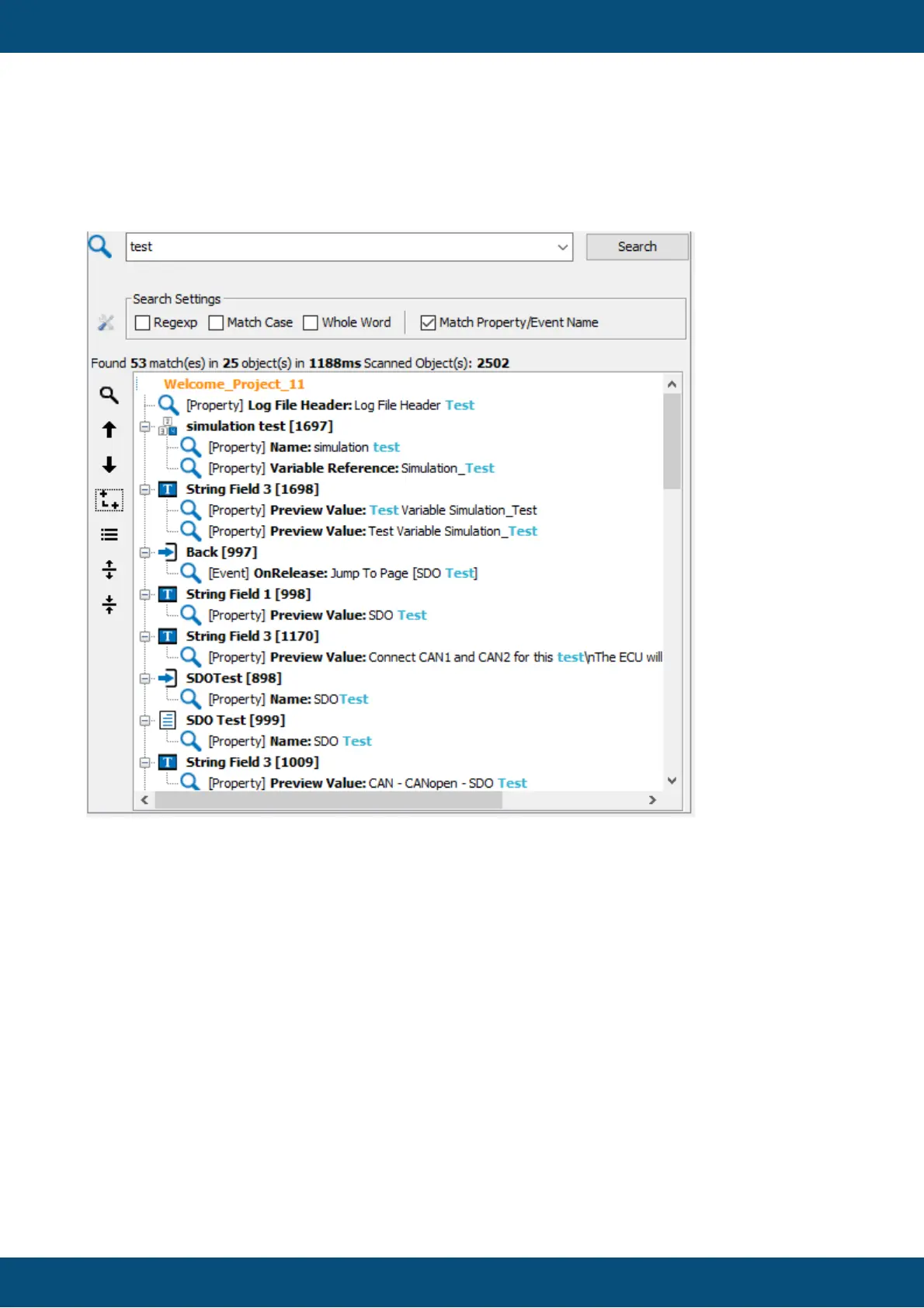
For the 1st example the simple word test is typed into the search command box.
The String test is now search in every property/event of all Objects of all Pages/Alarms and
VKBs in the Welcome-Project. Beside it will be searched in all Communication Objects
(Variables, CAN-Messages and Owners) and in all JS-Files.
Example 2 => Property Search:
Search Command:
#[Name]=test
The 2nd example shows a search where the simple word test is searched only in Name
properties. All other properties will be ignored.
The String test is now searched in every Name property of all Objects in all Pages/Alarms
and VKBs in the Welcome-Project. It will also be searched in all Name properties of the
Communication Objects (Variables, CAN-Messages and Owners) and in all JS file names.



 To Next Page