139
OPUS Projektor Manual
User Interface
and you can see the loading progress in the lower right corner of the program.
Once the previews are loaded, they are instantly available as long as the program stays open.
Changing the zoom level requires a reloading of the preview symbols.
UI elements
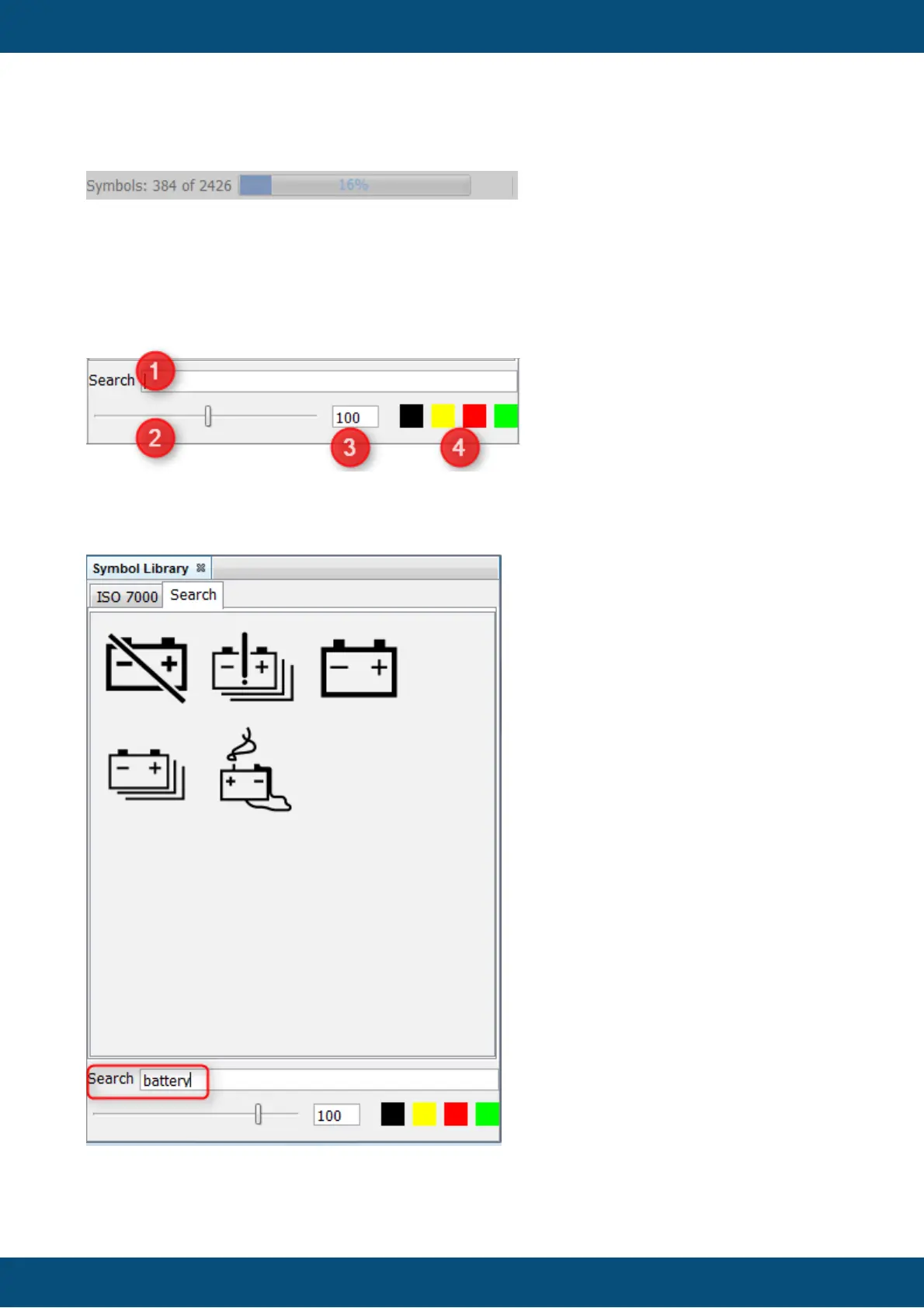
In the bottom of the symbol library window there are some UI elements
1 - Search bar. Here you can enter search words to filter the symbols. The symbols will be
filtered live and all images containing the words will be shown in a new tab called Search. The
search will go through all available symbol sets.



 To Next Page