141
OPUS Projektor Manual
User Interface
Border Image - This will use the image as the border image of the object that it was dropped
on
Video Image - This will use the image as the placeholder image for a video frame
Needle Image - This will use the image as the needle image of the object that it was dropped
on
Pressed Image - This will use the image as the pressed state image of the button that it was
dropped on
Released Image - This will use the image as the released state image of the button that it was
dropped on
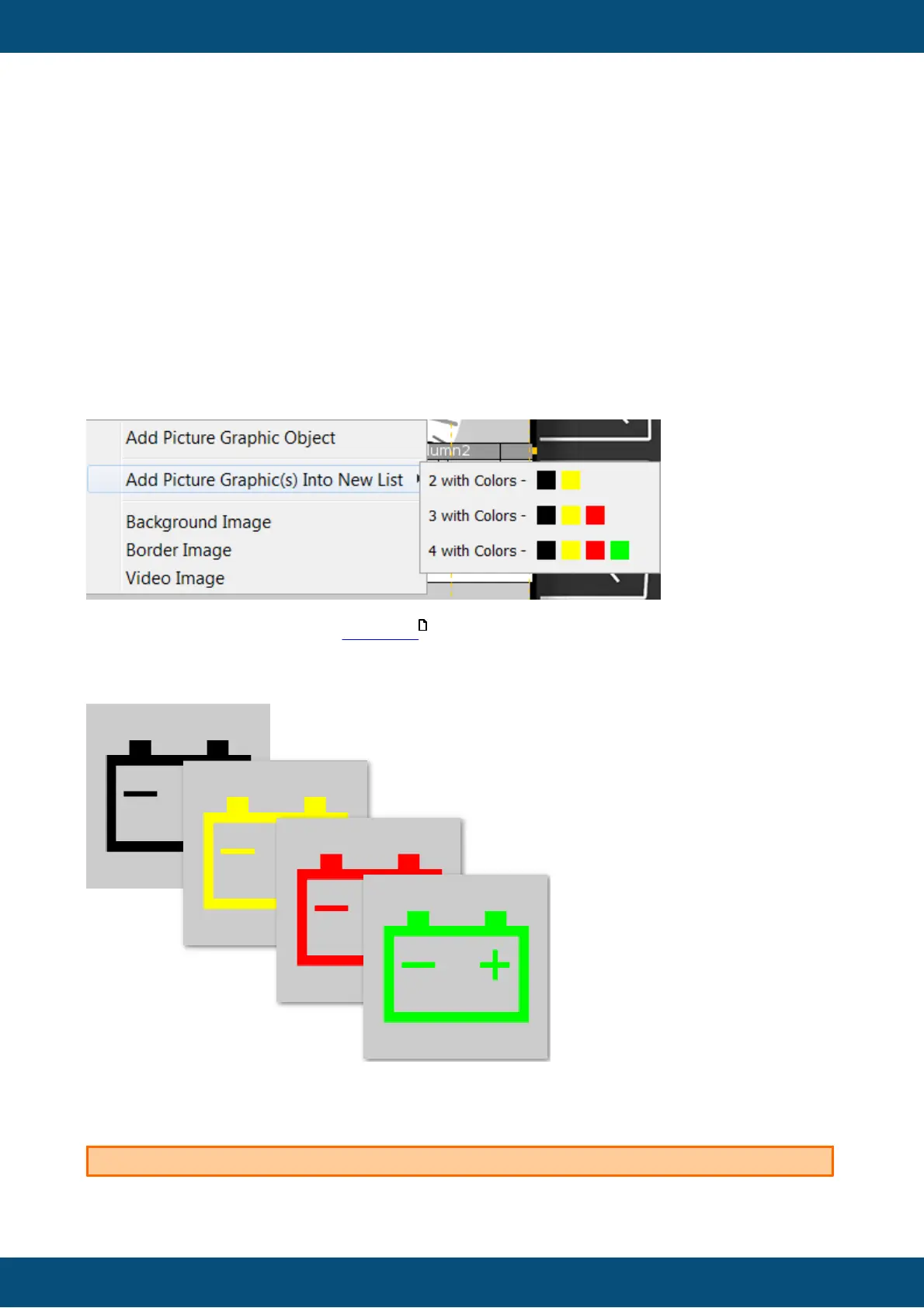
Add Picture Graphic(s) Into New List
When dropping a symbol image on a frame or container, the option Add Picture Graphic(s)
Into New List is offered.
Opening the sub context menu shows 3 different options:
These options will create a new list object with 2 to 4 instances of the symbol with up to 4
different colors. The colors can be set in the UI interface of the symbol library window by
clicking on one of the 4 color fields and choosing a color.
Please note that the blend colors are project-independent and will be saved and kept even
after the program was closed.
You can NOT change the color(s) of symbol images at runtime!
477



 To Next Page