143
OPUS Projektor Manual
User Interface
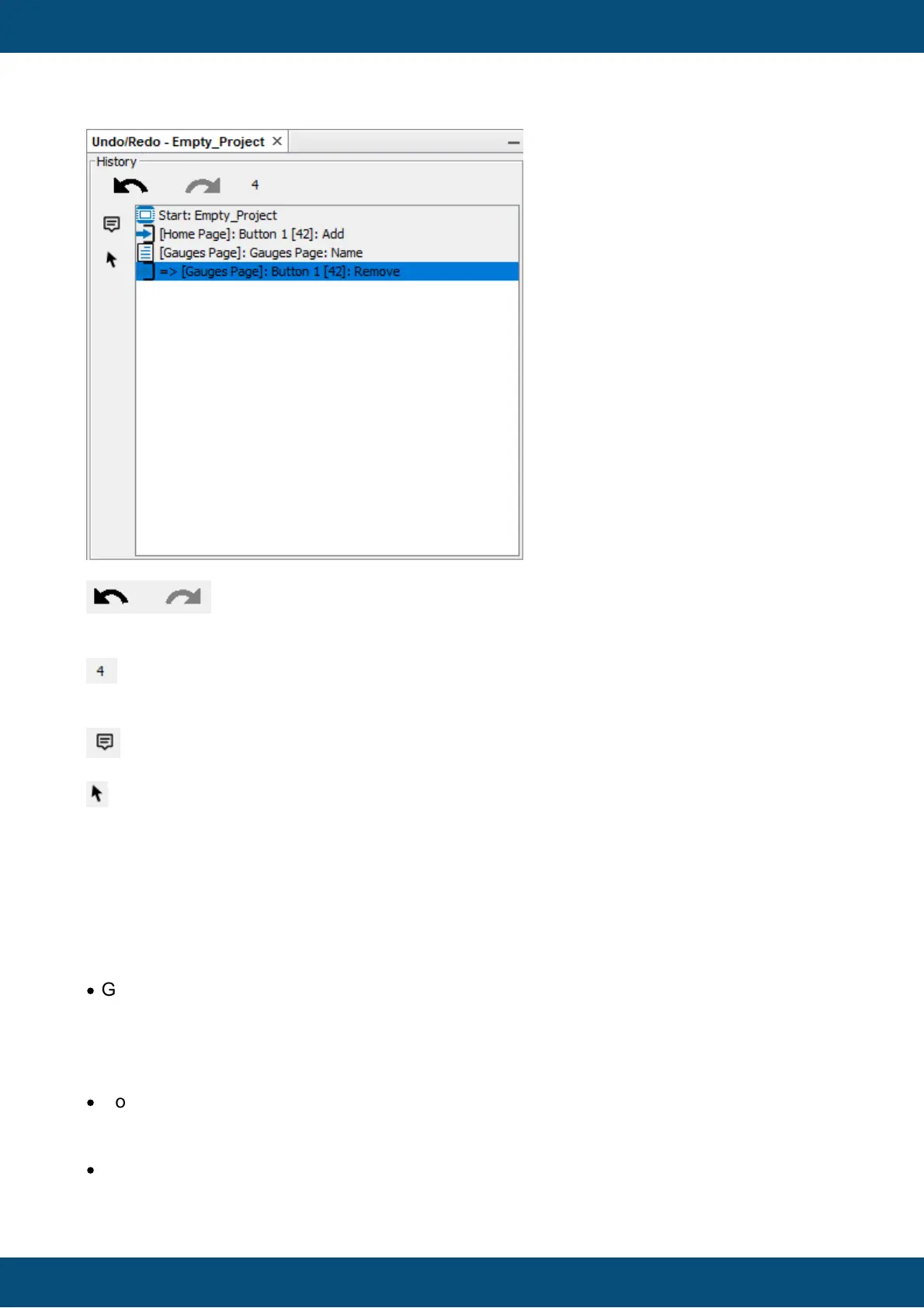
The undo/redo buttons are only enabled if actions were done (undo) and undo
steps were selected (redo).
The number next to the undo/redo buttons show how many steps were recorded since
starting the program / opening the project.
This toggle button enables/disables tooltips of undo entries in the undo history list
This toggle button enables/disables mouse navigation in the undo history list
The undo history list always starts with "Start: <project name>".
All modifications in the project create an entry in this list. If you happen to find an action that
does NOT create an entry even though it should, let us know.
The list is currently limited to 1000 entries. If the 1001st action is made, the first entry in the list
will be deleted and so on.
The following actions create an entry in the undo history:
·
Graphical Object changes (all objects in the project tree) in the category:
oPages (MiniView-Pages)
oAlarms
oVKBs
oAll Property/Event and Move/Resize changes
·
Communication Object changes (all objects in the project tree) in the category
oCommunication (Add/Remove/Update Communication objects)
oAll Property/Event changes
·
JS changes (all JS files in the project tree) in the category
oJavaScripts (Add/Remove/Rename/Update JS files)



 To Next Page