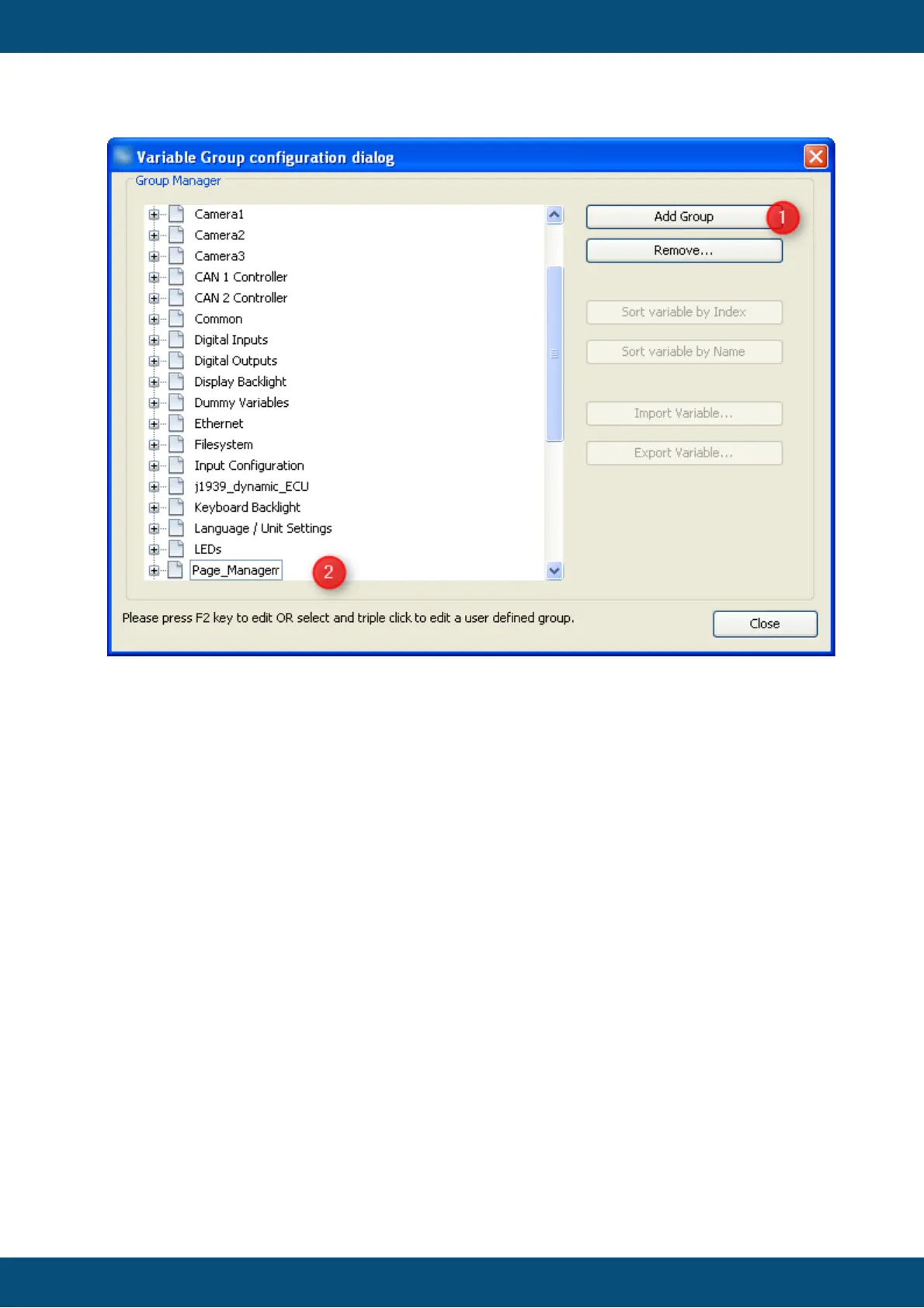
Initially the dialog only shows the predefined variable groups which can not be modified or
deleted.
In order to add your group(s)
1. Press "Add Group" button
2. Type the name of your group in the box that appears and press "Enter".
The new group will be moved where it belongs alphabetically in the list of variable groups.
Like that it could move out of the visible part of the list.
You can create more groups by repeating the steps above.
In order to modify the name of one of your groups, follow the instruction on the bottom of the
dialog.
Press the "Remove..." button in order to delete one of your groups. If it should already
contain variables they will be moved to "Common" group.
The variable manager dialog is the main place to create and maintain variables.
Open Variable Manager Dialog



 To Next Page