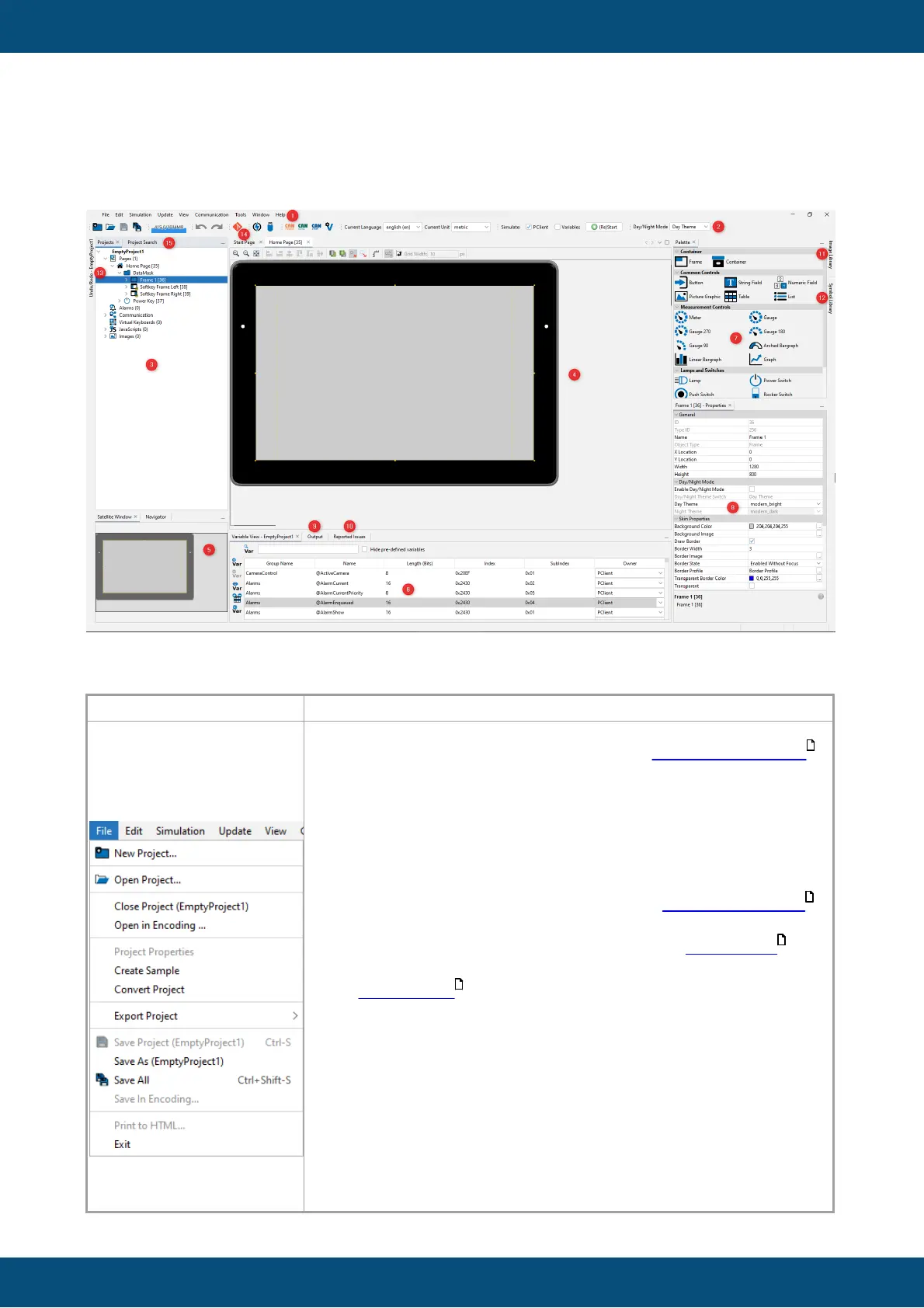
New Project...: Create a new project. See Quick Start Tutorial
to see how to create a new project
Open Project...: Open an existing project.
Close Project (project name): Close the currently selected
project.
Open in Encoding...: Opens a file in the JavaScript editor with
the chosen encoding
Project Properties (project name): Edit the project properties
of the currently selected project
Create Sample: Create a new sample project. Read more .
Convert Project: Convert the current project to other display
types. Read more.
Export Project: Export the project to a ZIP file to send it to
someone.
Save Project (project name): Save the current project. Note that
the entry is disabled if no changes were made to the project.
Save As (project name): Save the current project under a
different name.
Save All: Save all currently open projects.
Save in Encoding...: Saves the file in the JavaScript editor with
the chosen encoding



 To Next Page