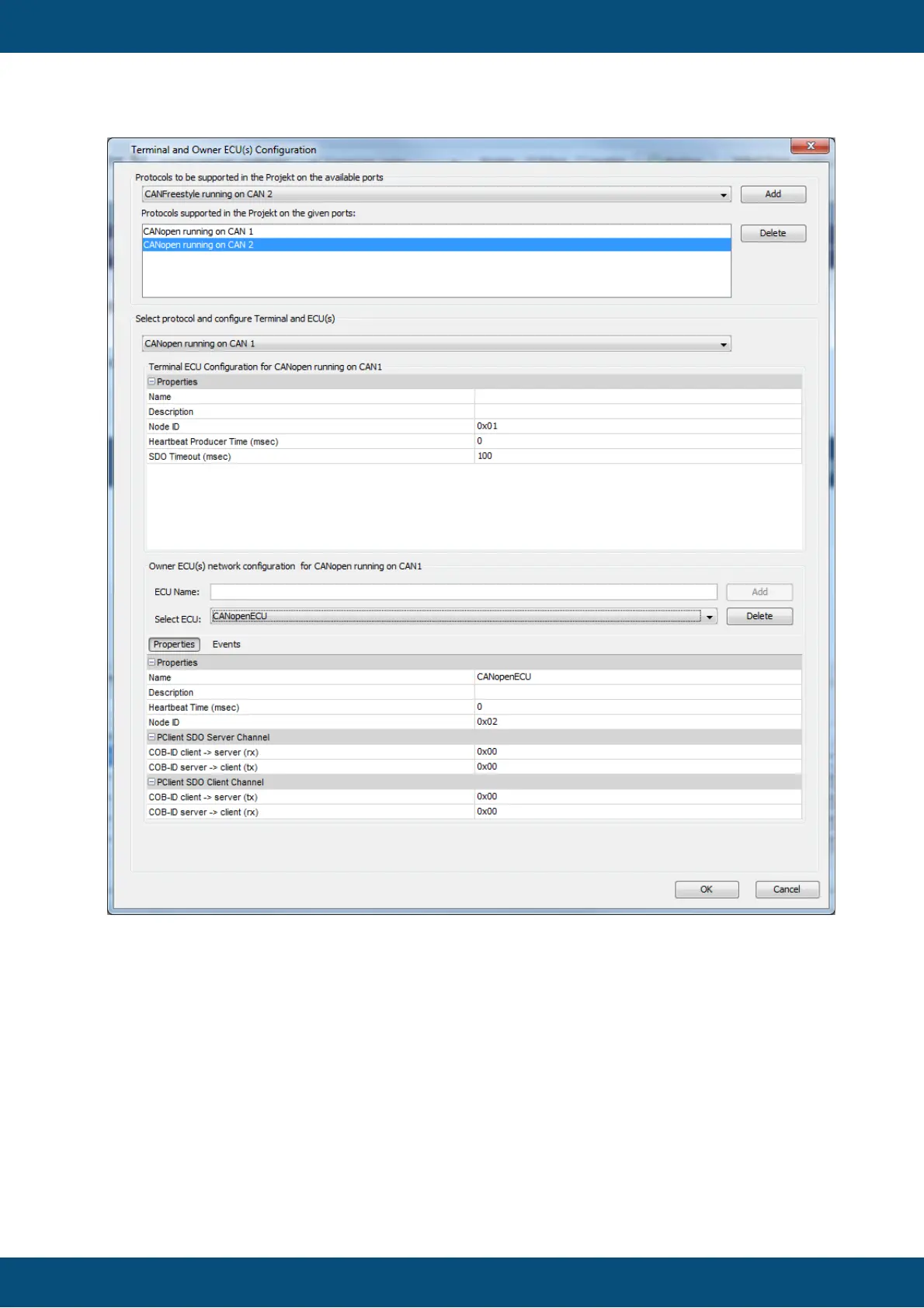
Step 1 : Selecting a port protocol instance
To add a CANopen protocol instance, select the protocol to be supported on the
desired port and press Add
The added protocol instance is now selected in the view Select Protocol and
configure Terminal and ECU(s)
Step 2: Selection and configuration of device node
After adding or selecting a CANopen protocol instance on a CAN port, the user
can update following properties



 To Next Page