·
"Set Value" to assign a constant value to a variable, e.g. to reset a counter, raise an
alarm or trigger something attached to a variable where "Force Writing" is true.
·
"Execute Script" allows to execute a script and provides additional parameter
"Execute on every Xth Event" so that it is possible to execute the script only for e.g.
every third timeout.
Step 4: Add a Variable to the Variable mapping
In the Configure Mapping tab, by pressing on Add, a new variable can be configured into
the variable mapping. Alternatively, the Visual CAN Mapping (5) can be used.
Once created, a PDO can be deleted by pressing the Delete button.
The user selects the group and then a variable. The PDO has a maximum length of 8 Bytes.
For Saving the PDO, user click on OK. By pressing on Cancel, all changes will be
cancelled.
The assignment of Variable into a PDO is depending on the access type of the variables
and the owner of the Variable
For variables which belongs to same owner as PDO or PClient, the following rules are
implemented:
·
WO, RW can be added into Receive PDOs.
·
RO, RW can be added into Transmit PDOs.
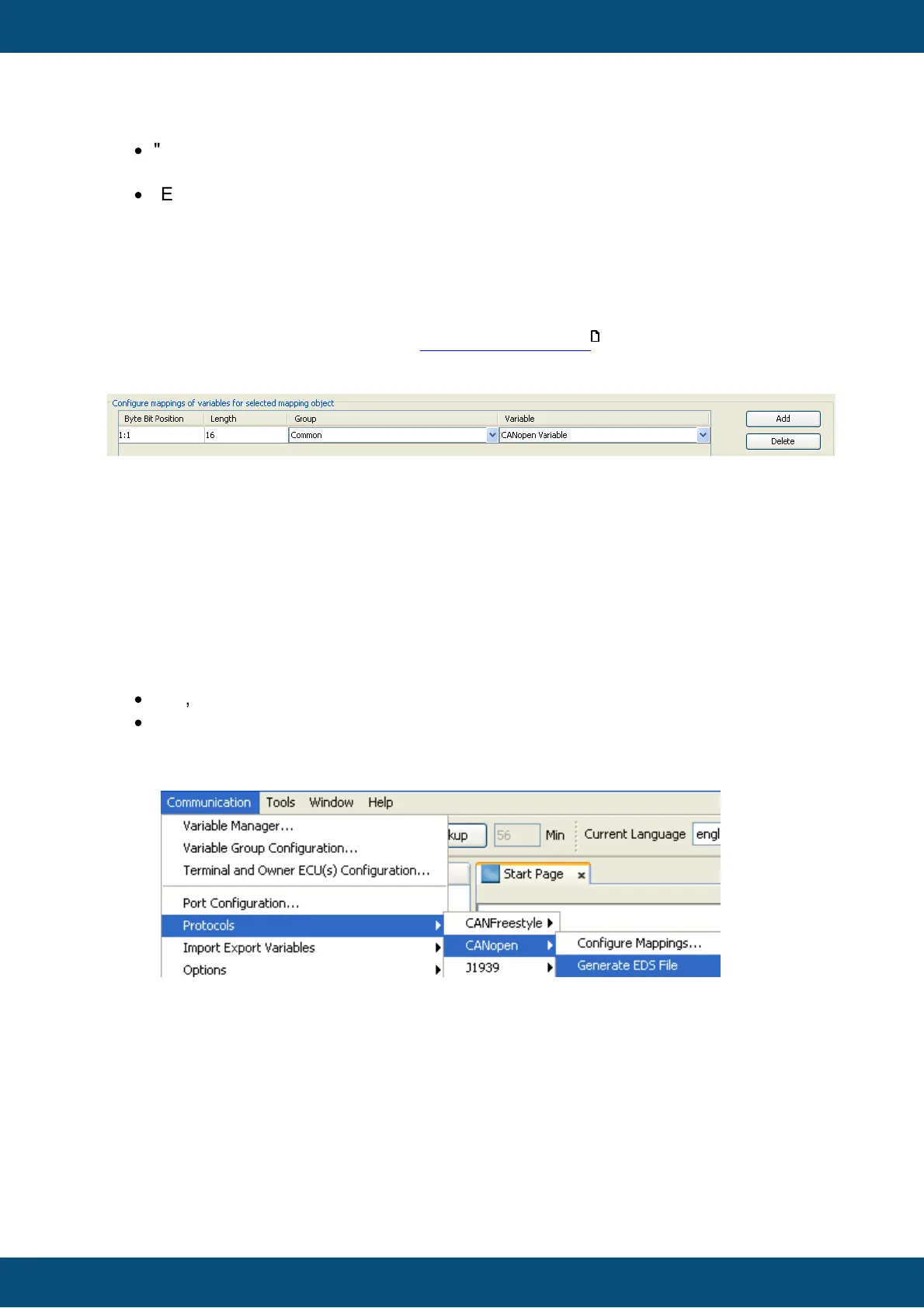
Under
After few seconds depending on the number of PDO and variables, one or several EDS
Files (one per CAN instance) will be generated under the directory of the project.
J1939 is a CAN protocol defined by SAE (Society of Automotive Engineers) and is the
basis for some other standards such as NMEA2000 for GPS data on CAN and ISO 11783
in agricultural machinery. It is also widely used in "off-the-shelf" Diesel engines.



 To Next Page