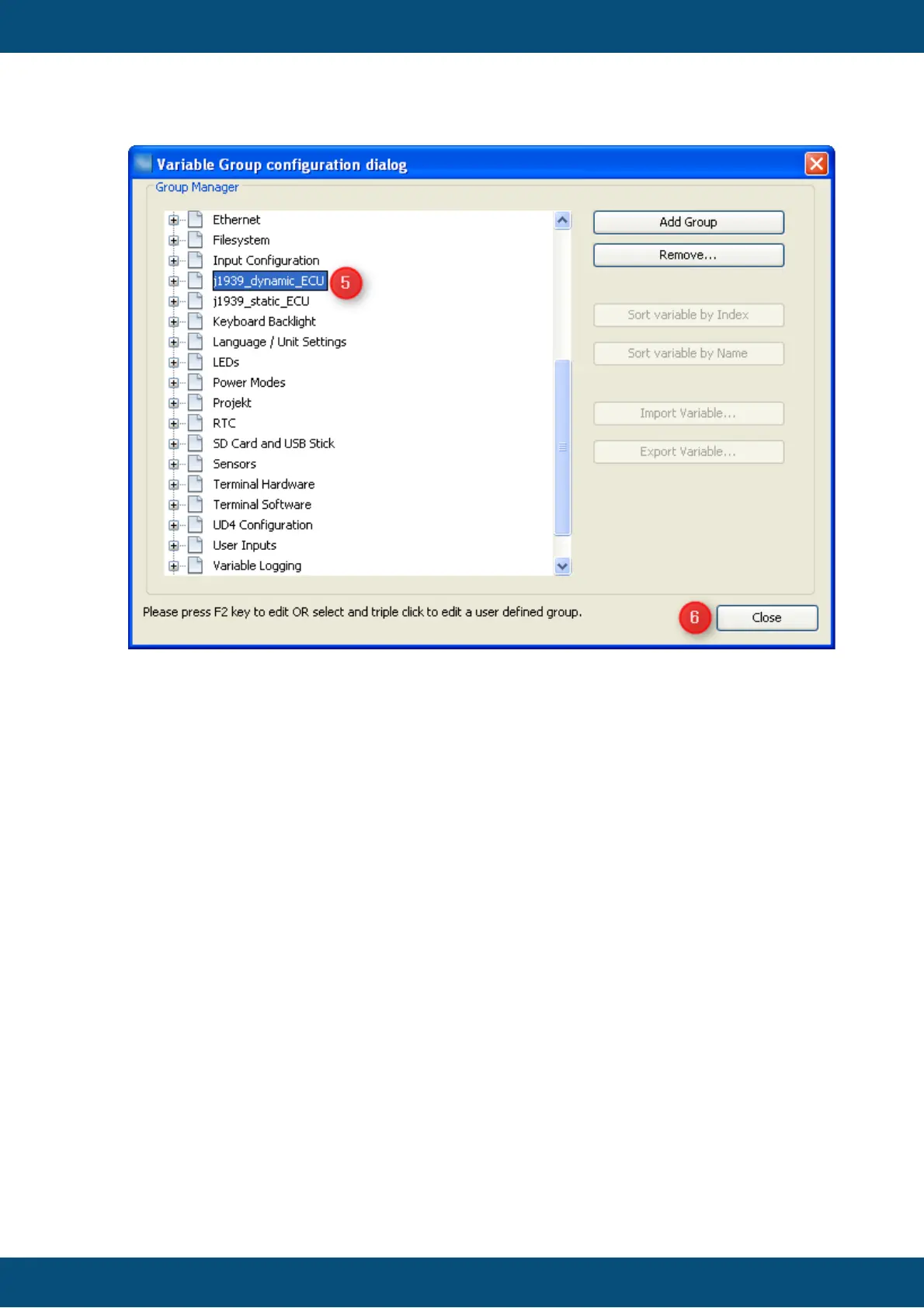
5. Once you pressed "Enter" to confirm the new group name it will move according to
alphabetical order of all groups.
6. Press "close" once you're finished creating or deleting variable groups.
If you delete a variable group that is not empty, all the remaining variables of the deleted
group will be moved to group "Common" which is the default for all user defined
variables.



 To Next Page