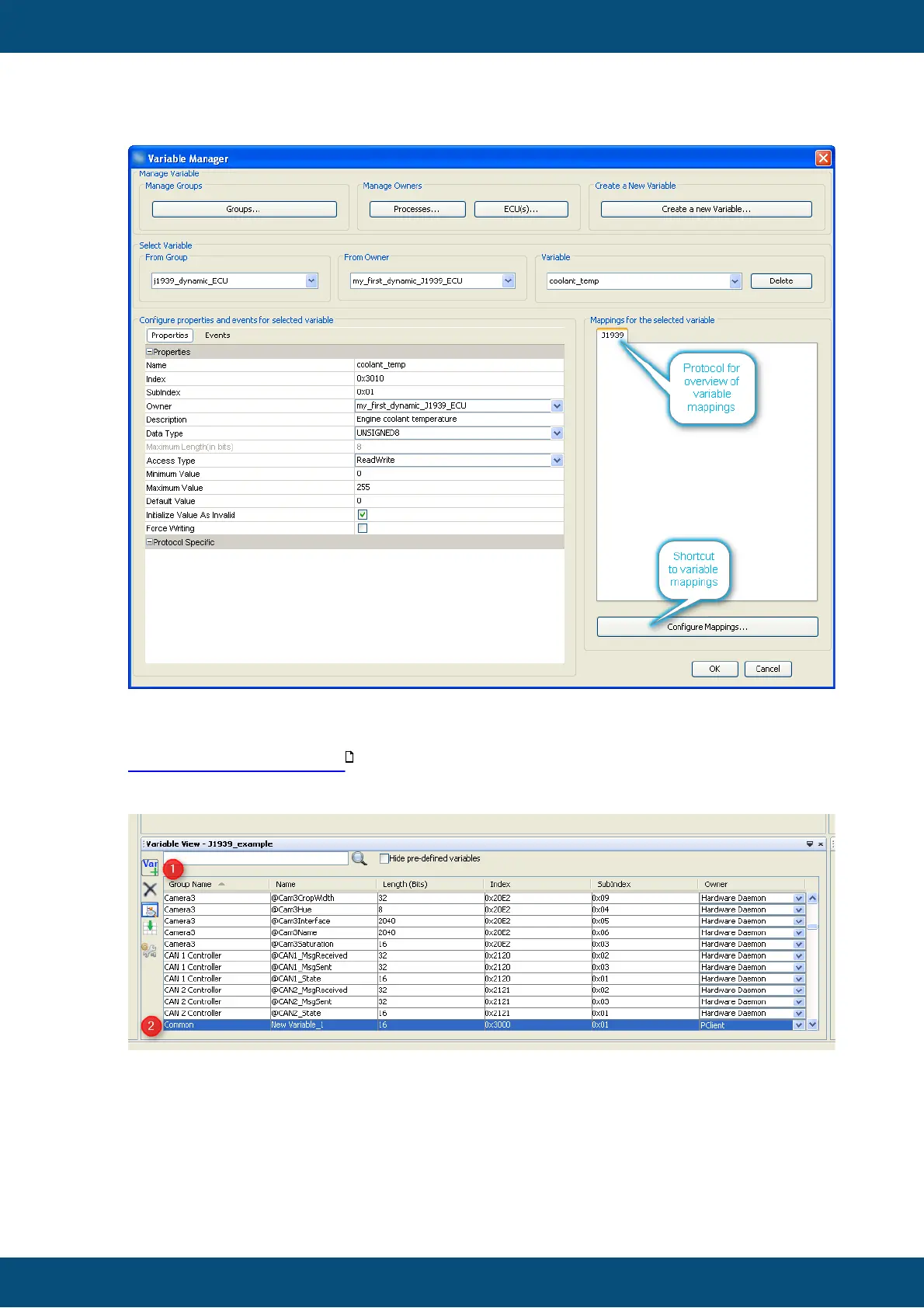
As you may have noticed the "Description" was added and the variable type was
modified from "INTEGER8" to "UNSIGNED8".
For a detailed description of all the variable properties and events please refer to
variables menu description .
There is a second option to create variables:
1. In variable view press the "Var +" button
2. A new variable with default settings appears
3. You can double click each property and edit it.
Warning: If you type a group name not defined yet, a new variable group will be created.



 To Next Page