371
OPUS Projektor Manual
CAN
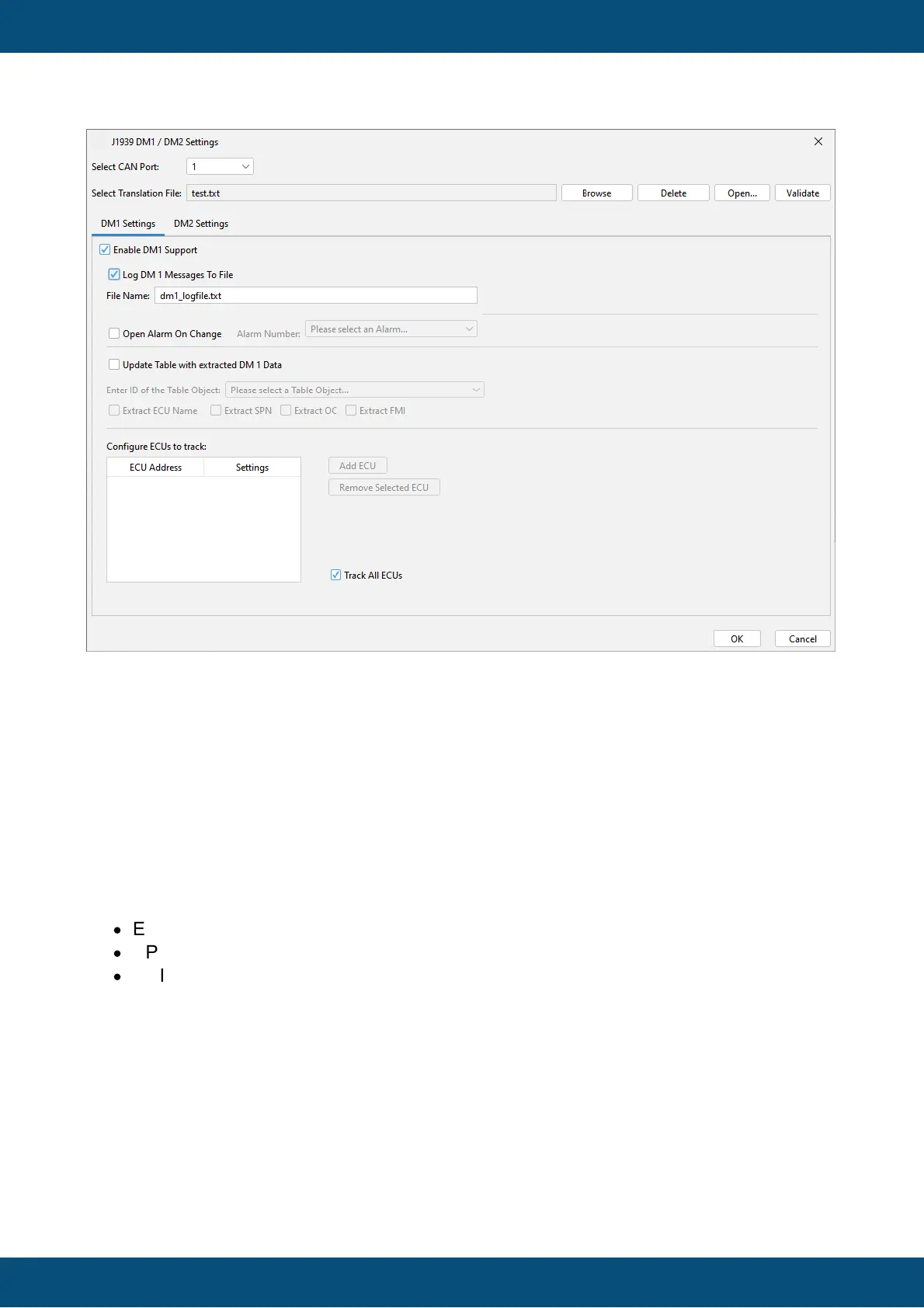
A description of all available settings follows here:
Common Settings for DM1 and DM2
Select CAN Port
Select the CAN port for which you want to configure the DM settings. Only CAN ports that
have a J1939 protocol attached are available. When changing the CAN port you can choose
to apply the settings you have made for the current CAN port.
Select Translation File
Using a translation file can make the viewing of the trouble codes easier. In the translation file
the following translations can be made:
·
ECU Address to ECU Name
·
SPN to SPN Description
·
FMI to FMI Description (general or SPN specific)
Example content of a translation file (for one language):
#ECU address to ECU Name translation
# syntax: ECU;ECUAddress;Translation
ECU;0x00;EMS
ECU;0x03;TECU
ECU;0x0b;EBS
ECU;0x33;TPMS



 To Next Page