382
OPUS Projektor Manual
CAN
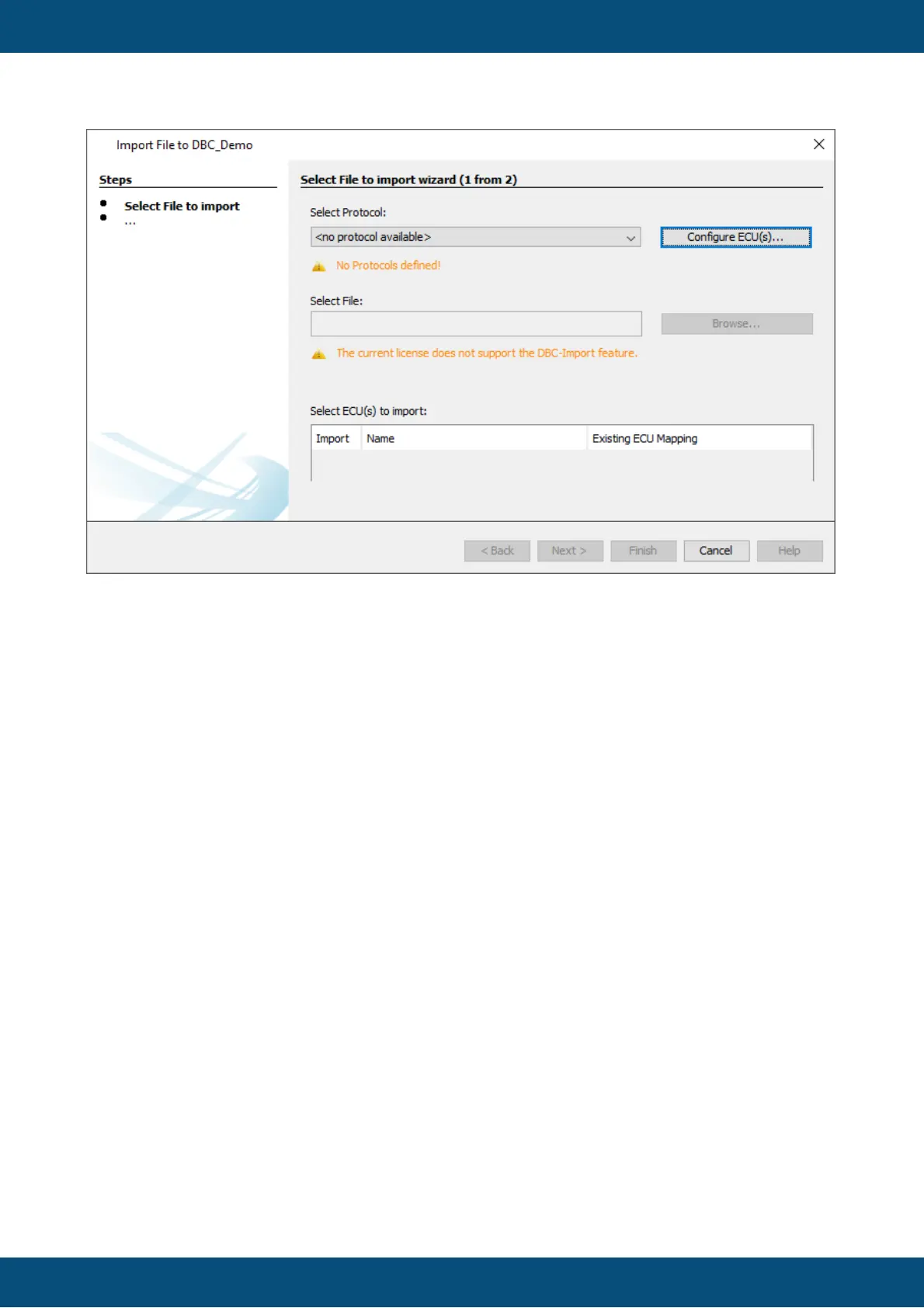
To start the import, open the dialog under the menu Communication -> Import-Export -> Import
DBC File.
Note that the dialog can only be opened with an opened project.
The import process is done in two steps.
In the first step, a CAN protocol needs to be chosen and a DBC file is selected.
In the second step, the CAN messages and variables to be imported are selected.
1. Select File for Import



 To Next Page