385
OPUS Projektor Manual
CAN
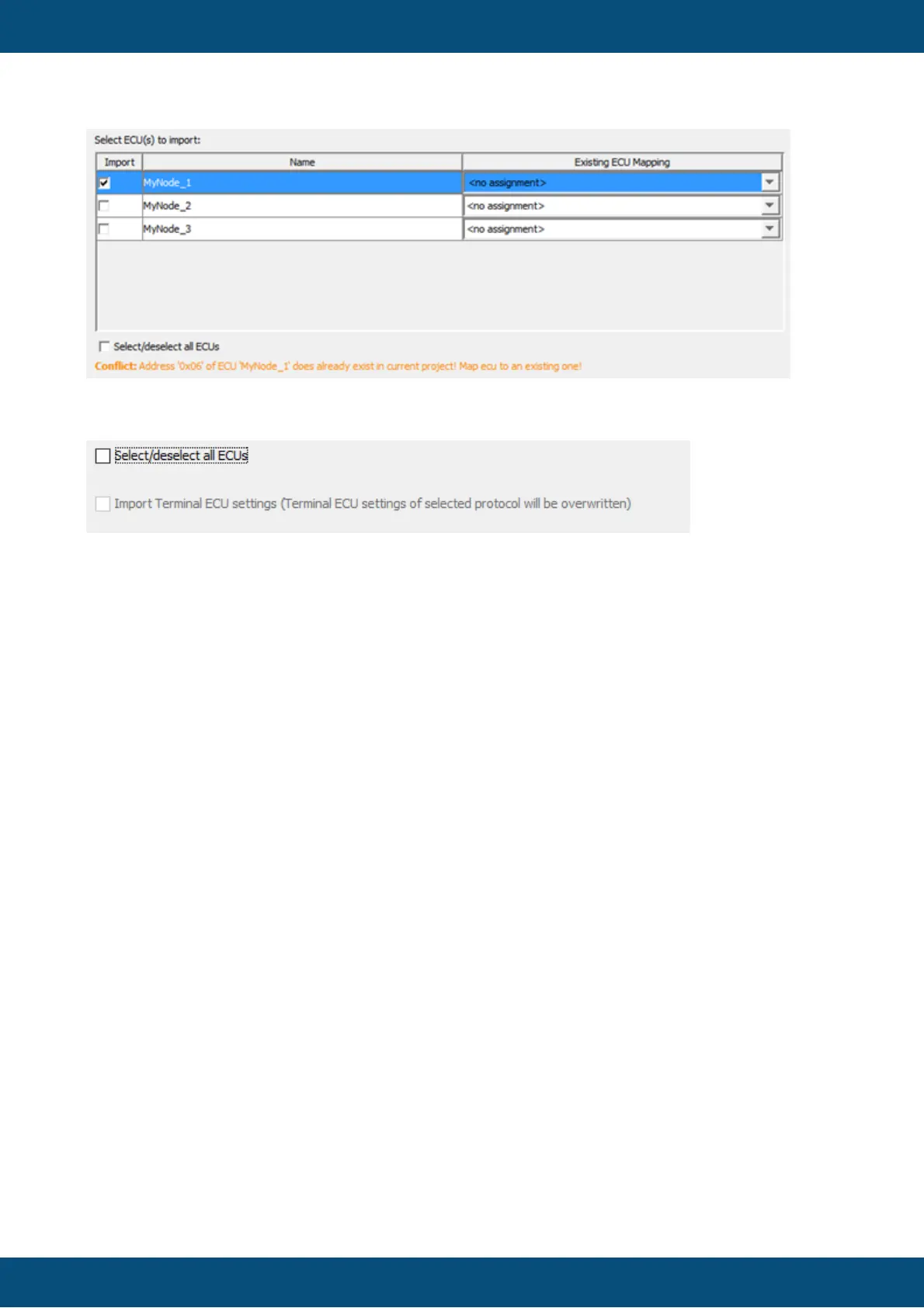
Below the ECU selection box there are two check boxes.
With the fist check box, all ECUs can be selected / deselected for import.
With the second check box, the terminal ECU settings (the CAN protocol settings for the
OPUS device) can be imported from a DBC file.
Note: The check box is only available if such settings have been exported into the DBC file.
Only DBC files from version 2020.4 onwards can have these settings included.
Note: The check box is only available for J1939 and CANopen imports, as CANFreestyle
doesn't have any necessary Terminal ECU settings.
Note: The check box is only available if the selected protocol and the Terminal ECU settings
in the DBC files are from the same protocol.
If no ECU is specified in the DBC file, no further settings can be made
Once all settings have been made, click Next to continue.
The import process can be canceled at any time by clicking Cancel.
2. Select CAN Messages and Variables



 To Next Page