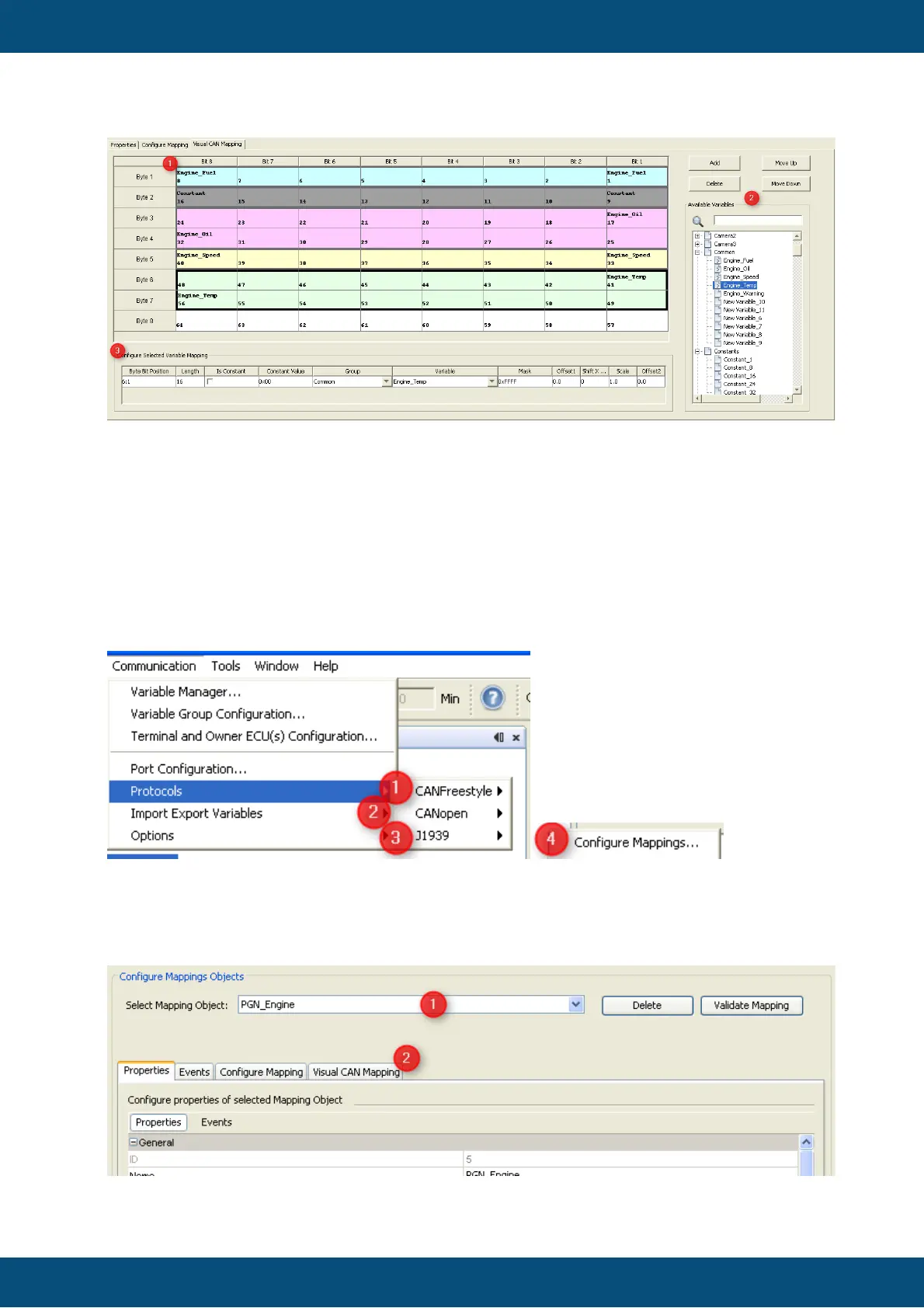
Visual CAN Mapping is available for all protocols (CANopen, J1939 and CANFreestyle)
It can be opened at the dialog "Configure Mappings...".
To open Visual CAN Mapping please navigate to:
Communication - Protocols -
(1) CANFreestyle or
(2) CANopen or
(3) J1939
- (4) Configure Mappings...
A new dialog "Configure Mappings Dialog" will be opened.
Afterwards you can open the VCM by selecting a (1) "Mapping Object" and clicking on
(2)"Visual CAN Mapping" on the tab.



 To Next Page