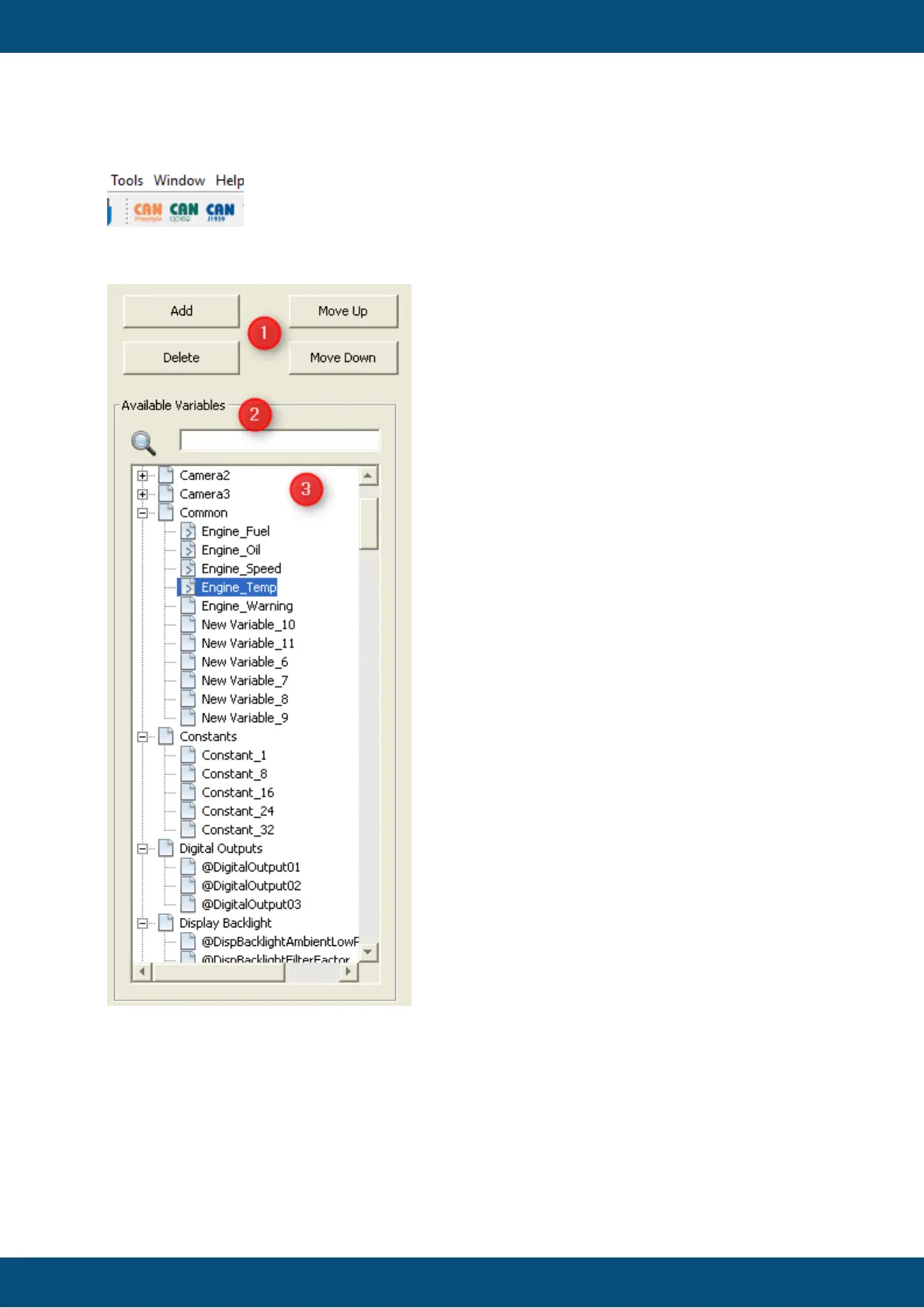
(1) Button panel for add, delete, move variable mappings. The buttons will be
disabled/enabled depending on the state of the VCM table.
(2) Search field to search after variables
(3) Variables tree with all variables which can be mapped to current mapping object. The
variable tree will be update automatically when the search field changes.
Adding Variables



 To Next Page