Note 2:
Constants are not available for CANopen mappings and J1939 delimiter mappings.
The length of the constant can be changed by clicking on the constant at the VCM table.
Afterwards you can update the length at the VCM Configure Mapping table.
For more information about the VCM Configure Mapping table look here .
Like with adding a variable there are also several ways to delete a variable:
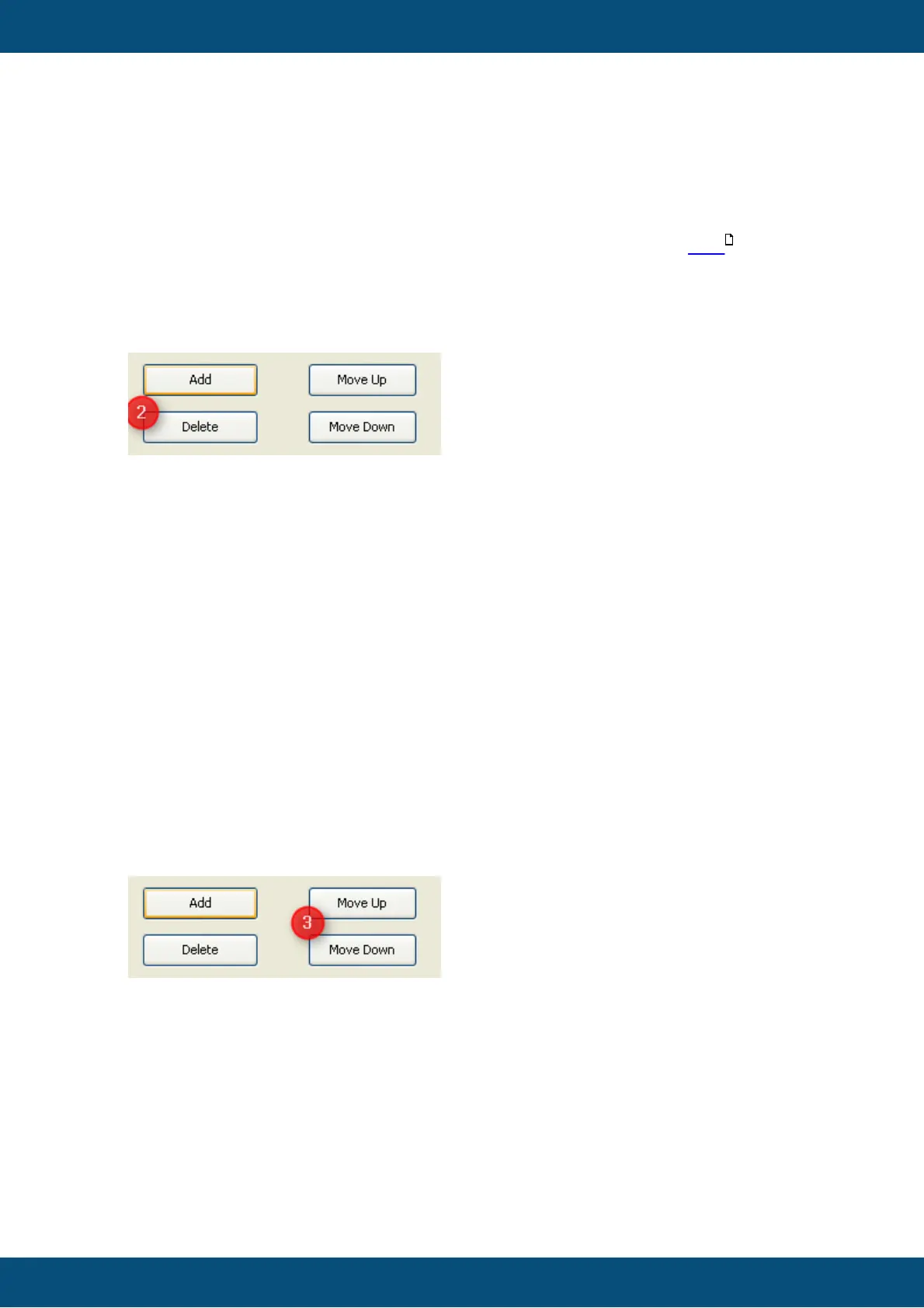
1a. Clicking "Delete" button
The delete button is only enabled if at least one variable is selected at the VCM table.
All selected variables will be deleted when "Delete" is pressed. The position of other
mapped variables will not change (except for CANopen).
1b. Delete variables via drag and drop
A second way to delete variables is to drag variables and drop them outside of the table.
1c. Delete variables with press of "Del" key
Another way to delete variables is to press the "Del" key of the keyboard. Only the
selected variables will be removed
1d. Delete variables via context menu
A variable can be removed by clicking with right mouse button on the variable and then
choosing "Delete".
1. Move variable up/down with buttons
Selected variables can be moved in the VCM table via the buttons "Move Up" or
"Move Down".
If a variable is moved down and behind the current variable is another variable, the
variables switch there positions.
If there is no other variable behind the current selected on the variables moved by 1 bit.
For moving up it works the same way.



 To Next Page