At the searchfield (1) you can search after variables by their
- names
- groups
- owners
- index
- subindex
The variable tree (2) will be updated in real time after the first input at the search field.
Only variables which hit the search text will be shown.
To add a variable to the VCM table drag a varaible (3) and move it to the VCM table.
After dropping the variable, it will be visible at the table.
2. Variable icons
With the help of the variable icons it can be seen if the variable is already mapped in one
of the mappings of the current protocol.
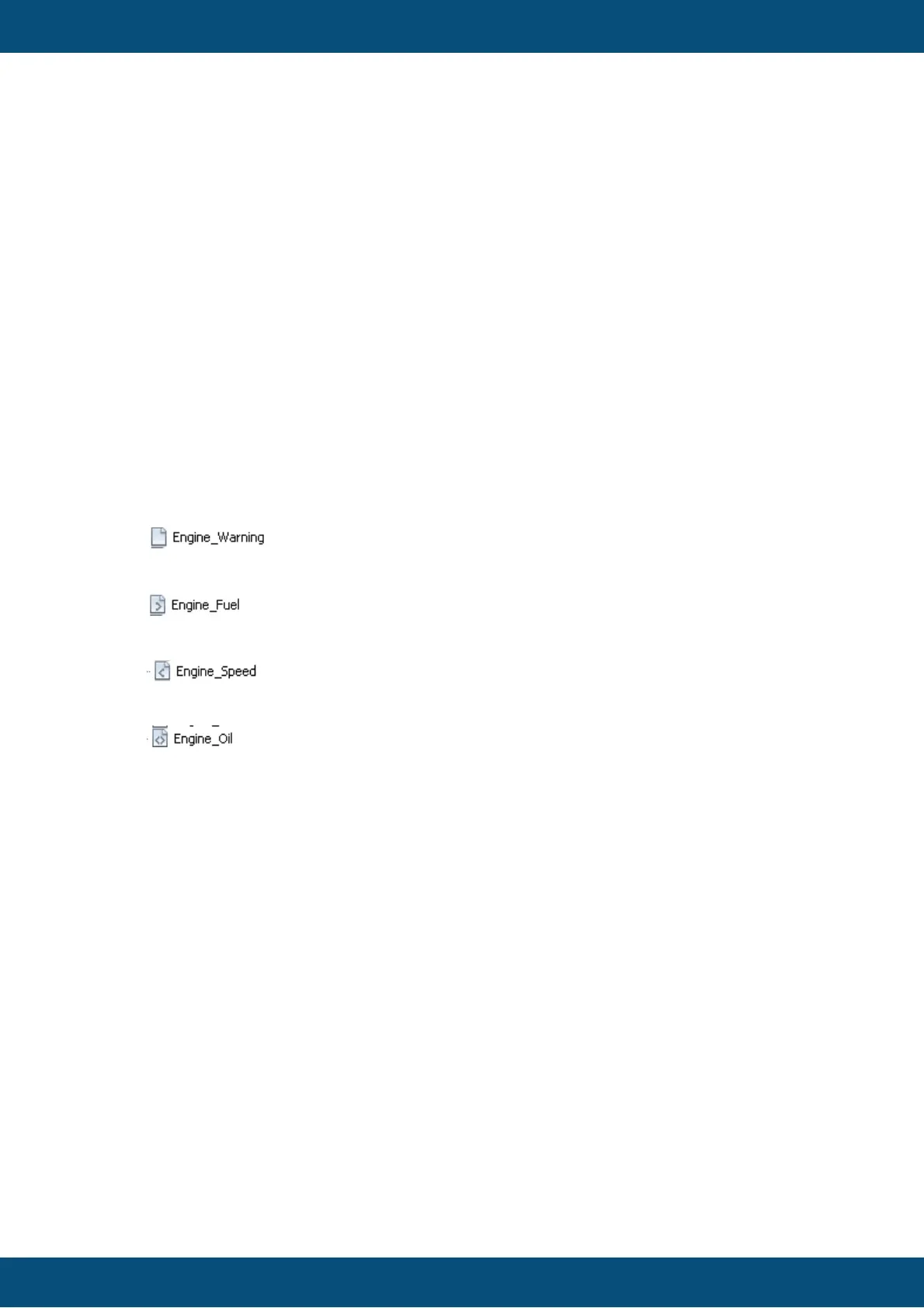
There are 4 icons:
1.Variable is not mapped in any mapping
2. Variables is mapped in at least one "receive" mapping
2. Variables is mapped in at least one "transmit" mapping
2. Variables is mapped in at least one "receive" and one "transmit" mapping
3. Variable tool tip
If the mouse is moved to a variable at the variable tree a tool tip will be shown with the
useful information
3a. Information for all variables
- Variable Name
- Group
- Index
- SubIndex
- Access Type
- Data Type
- Length
- Owner
3b. Information for mapped variables
If a variable is mapped, the mapping objects will be shown also at the tooltip.
In this example it is displayed that the variable "Engine OiI" is mapped at one
- Receive Mapping => "Rx: Engine_Rx"
and it is mapped at one



 To Next Page