- Transmit Mapping => "Tx: Engine_Tx"
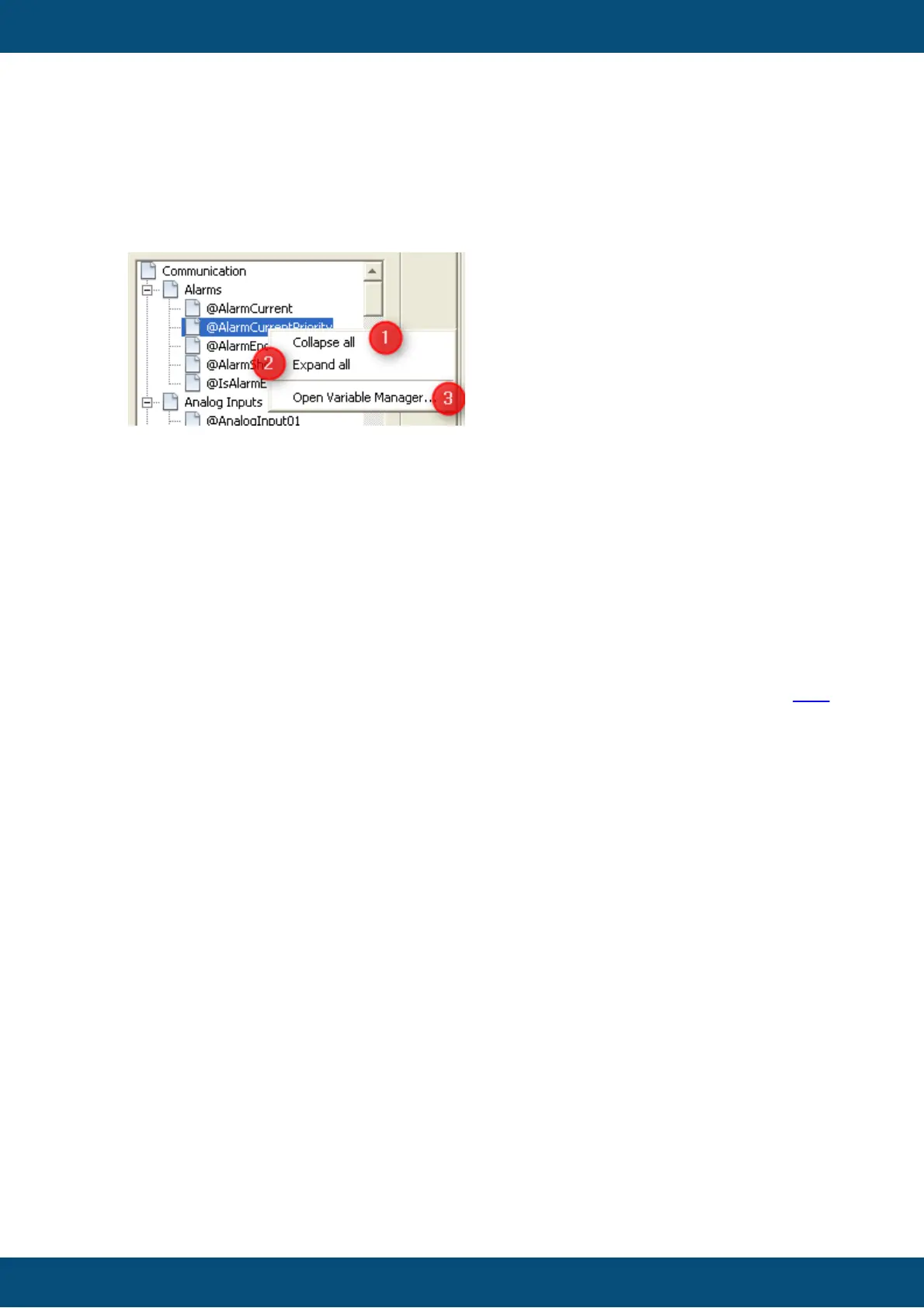
4 Variable tree context menu
There are 3 options at the context menu of the variable tree
(1) Collapse all
Only the groups of the variable will be shown
(2) Expand all
All groups with all variables will be shown
(3) Open Variable Manager...
The variable manager will be opened and the selected variable of the variable tree will
be shown. At this dialog you can edit the variable.
If you want to learn more about the "Variable Manager" dialog please have a look here.
Note:
If a variable is opened at the variable manager which is already mapped, the variable is
not complete editable. Properties like "Name", "Index", "SubIndex", "Data Type" and
"Length" are not editable.
Once the variable is not mapped anymore, the variable will complete editable again.



 To Next Page