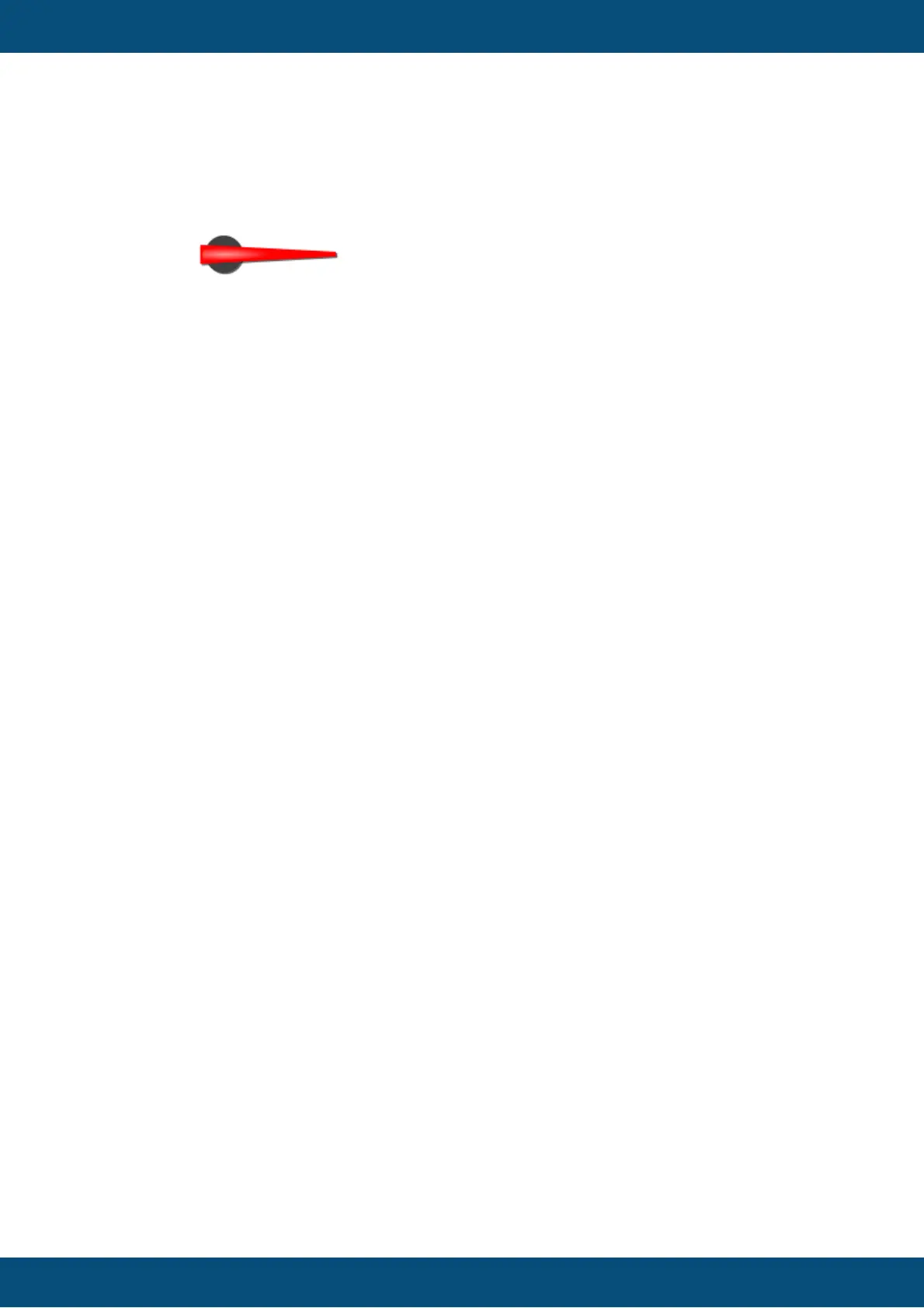
Default value: No image
Possible values: Any image with supported format (bmp, jpeg, png, svg)
Note: To make the needle image look good when rotated, it is recommended to use
scalable vector images (SVG). This prevents steps or anti aliasing artifacts.
Needle Thickness Factor
With this property the thickness of the needle can be modified. The reference value (which
equals a factor of 1) is the radius of the gauge object.
Default value: 0.04
Possible values: 0.0 ... 1.0
Draw Arc (Theme dependent)
The arc is a small colored line around the gauge (see Arc Color below).
With this property the drawing of the arc can be enabled or disabled.
Default value: Disabled
Possible values: Enabled or disabled
Arc Color (Theme dependent)
The color of the arc of the gauge (see above).
Default value: Cyan (RGB 255,0, 255, 255)
Possible values: Any 24Bit ARGB color
Arc Width Factor (Theme dependent)
The width of the arc can be modified. The reference value (which equals a factor of 1) is the
radius of the gauge object.
Default value: 0.03
Possible values: 0.0 ... 1.0
Draw Ticks (Theme dependent)
Ticks (small lines as value indicators) can be drawn around the gauge. With this property
the drawing of the ticks can be enabled or disabled.
Default value: Enabled
Possible values: Enabled or disabled
Draw Minor Ticks (Theme dependent)
Ticks (small lines as value indicators) can be drawn between the "major" ticks around the
gauge. With this property the drawing of the minor ticks can be enabled or disabled.
Default value: Enabled



 To Next Page