48
OPUS Projektor Manual
User Interface
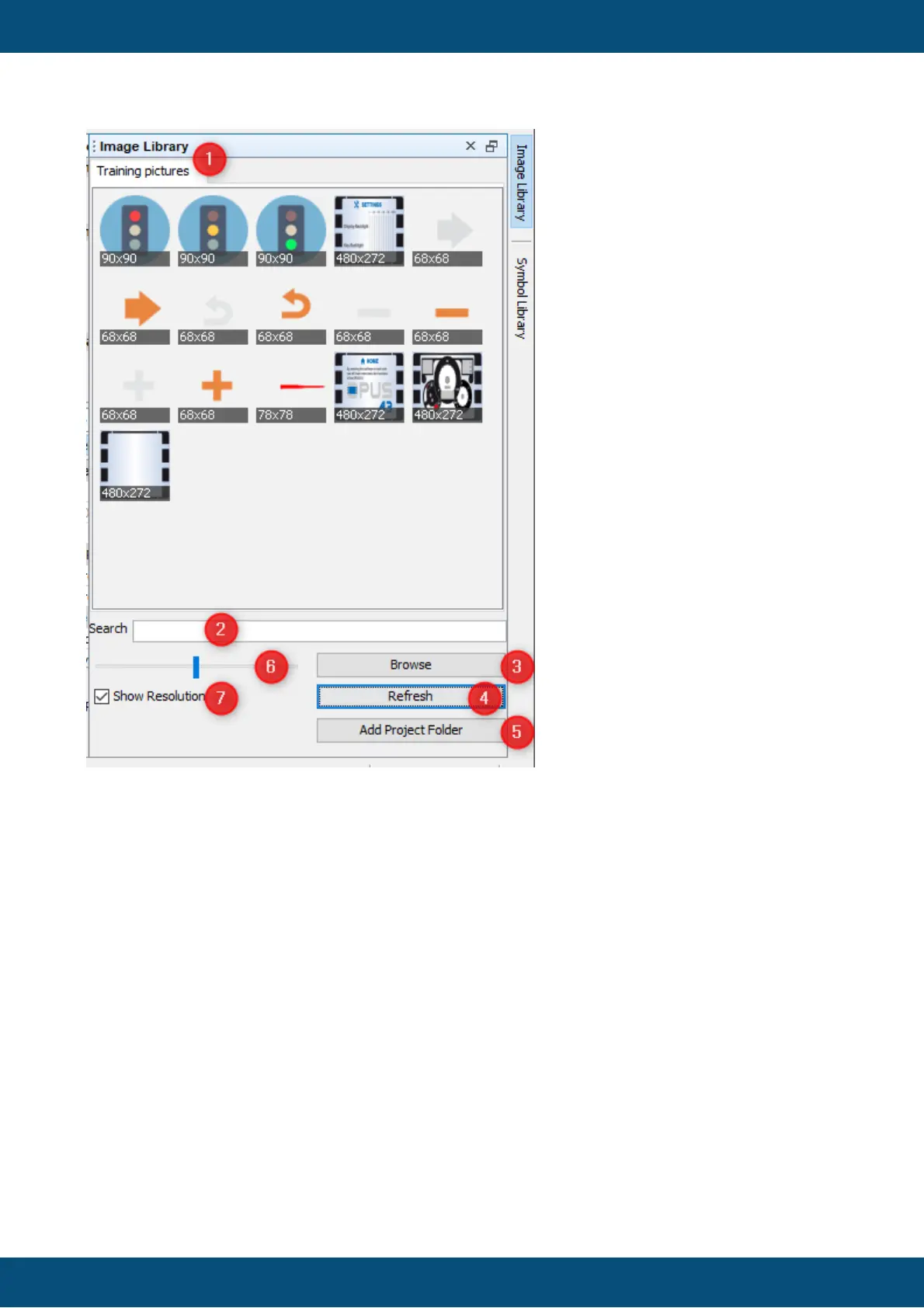
In the image above a folder named Training pictures was loaded. Several image folders can
be loaded, they will be shown in tabs (1). Please note that when adding many ordners with
many images (especially high-res), showing the image library for the first time will take a while
to cache the preview images.
Each image will be shown in a small squared symbol.
The opened image folders can be searched (2). The search will filter live, searching for the
entered term in the file name of all images in all opened image folder tabs.
Found images will be shown in an automatically created Search tab.



 To Next Page