49
OPUS Projektor Manual
User Interface
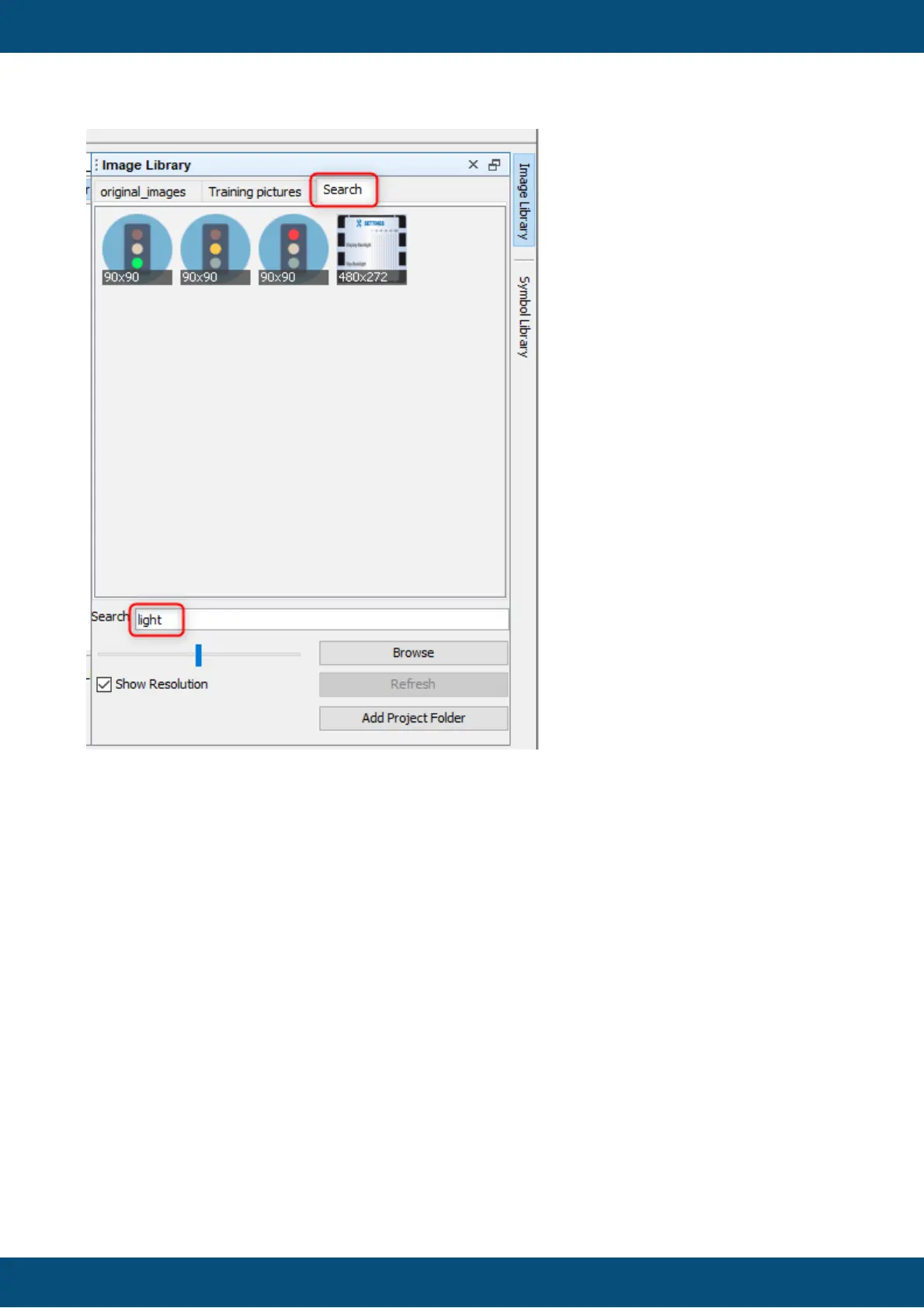
Note that the Search tab can't be closed directly. To close the Search tab, remove the search
word from the Search field
A new folder can be added with the Browse button (3). Browse to a folder that contains
images and confirm by clicking Open.
Note that folders aren't added recursively, i.e. only images directly in the selected folder will
be added.
If the images in the currently selected folders have changed or new ones have been added,
press the Refresh button (4) to refresh the preview.
To quickly add the original images folder of the currently selected project, click the Add
Project Folder button (5).
Note that all opened folders will be visible no matter which project is selected in the program.
With the zoom slider (6) the size of the preview images can be modified. Dragging it to the left
means more, but smaller preview images, dragging it to the right means fewer, but larger
preview images.



 To Next Page