Needle Image (Theme dependent)
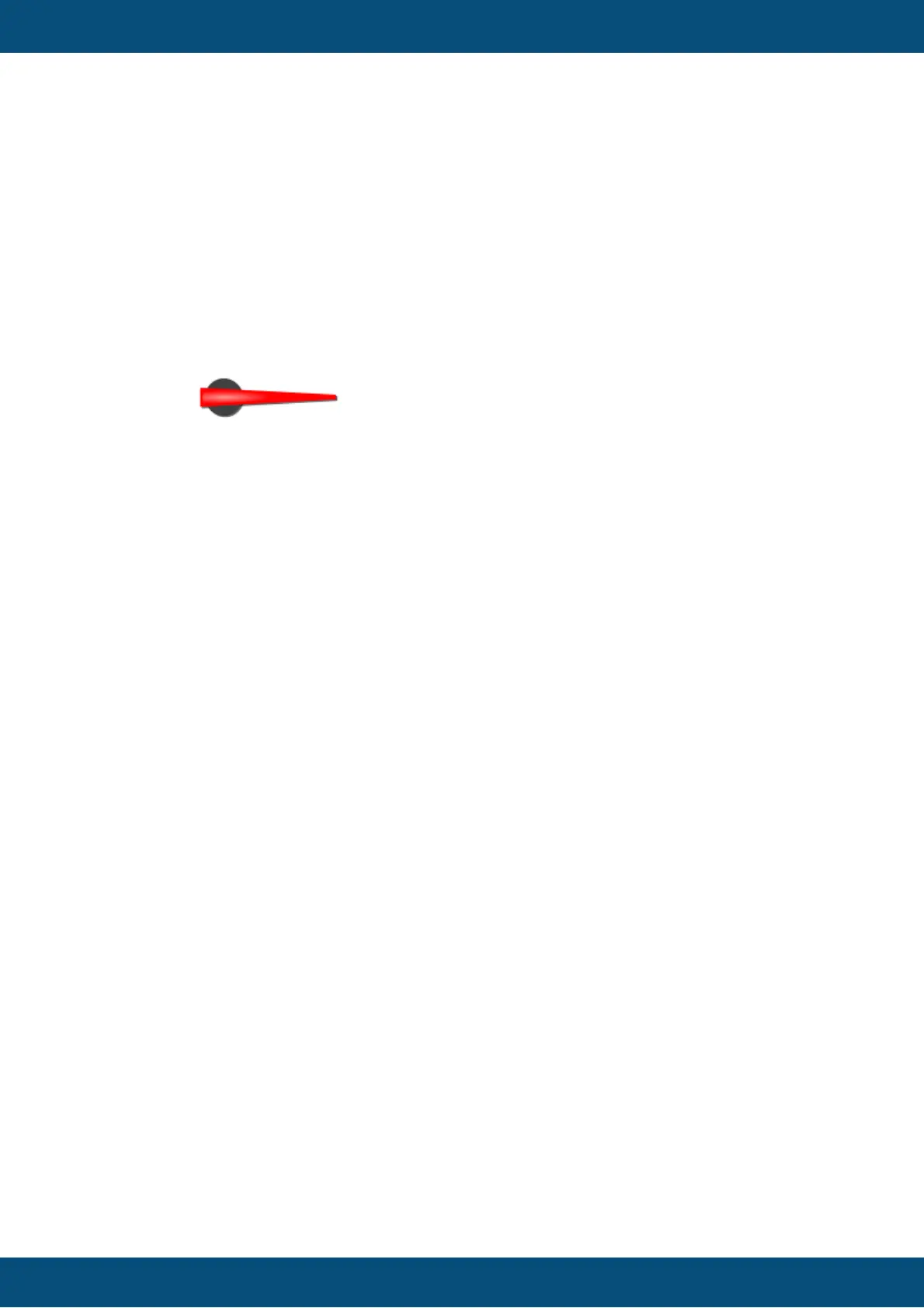
Instead of the automatically drawn needle, a needle image can be assigned to the meter to
show a more beautiful indicator.
The needle image should have the same size as the meter and the needle in the image
should always point to 3 o'clock position.
Example needle image:
Default value: No image
Possible values: Any image with supported format (bmp, jpeg, png, svg)
Note: To make the needle image look good when rotated, it is recommended to use
scalable vector images (SVG). This prevents steps or anti aliasing artifacts.
Draw Arc (Theme dependent)
The arc is a small colored line around the meter (see Arc Color below).
With this property the drawing of the arc can be enabled or disabled.
Default value: Enabled
Possible values: Enabled or disabled
Arc Color (Theme dependent)
The color of the arc of the meter (see above).
Default value: Cyan (RGB 0, 255, 255)
Possible values: Any 24Bit RGB color
Draw Ticks (Theme dependent)
Ticks (small lines as value indicators) can be drawn around the meter. With this property
the drawing of the ticks can be enabled or disabled.
Default value: Enabled
Possible values: Enabled or disabled
Tick Color (Theme dependent)
The color in which the meter's ticks are drawn.
Default value: Signal blue (0, 51, 255)
Possible icons: Any 24Bit RGB color
Number Of Ticks (Theme dependent)
The ticks around the meter are evenly spread. The number of ticks can be defined with this
property.
Default value: 12
Possible value: 0 ... 360



 To Next Page