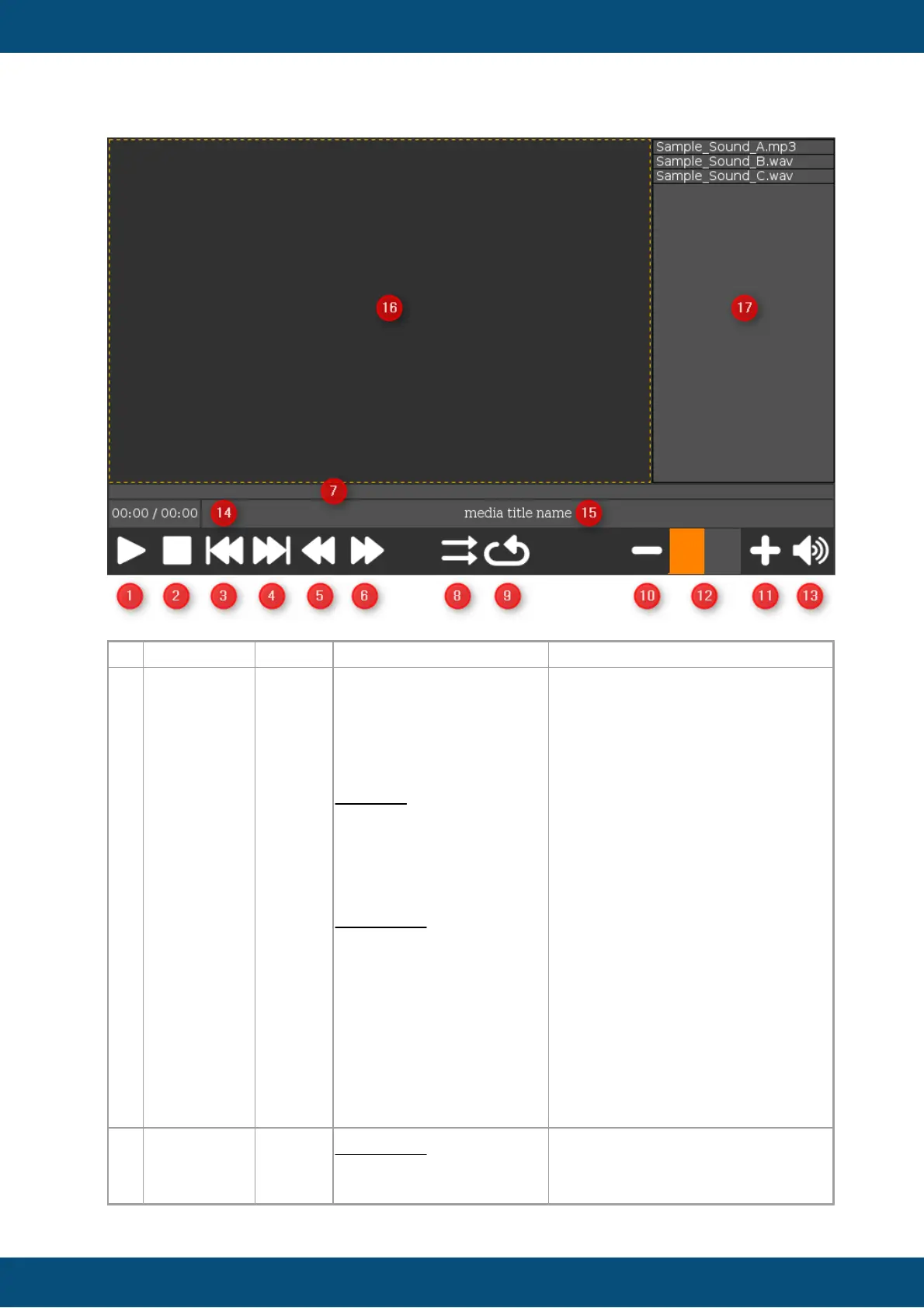
If the "play" command is executed,
the current media file will be
played. The media time string field
(14) and position bargraph (7) will
be updated with the current
playback time. If no media is set or
if there is a playback error, the play
button will automatically set to the
released state again.
If the "pause" command is
executed while playback is in
progress, the playback will be
paused. Executing the pause
command while the playback is
paused or stopped will have no
effect.
The button includes two picture
graphics for showing play or pause
graphics depending on the
pressed state.
Executing the "stop" command
while playback is in progress will
stop the playback. The value of the



 To Next Page